Creating Pathology Report
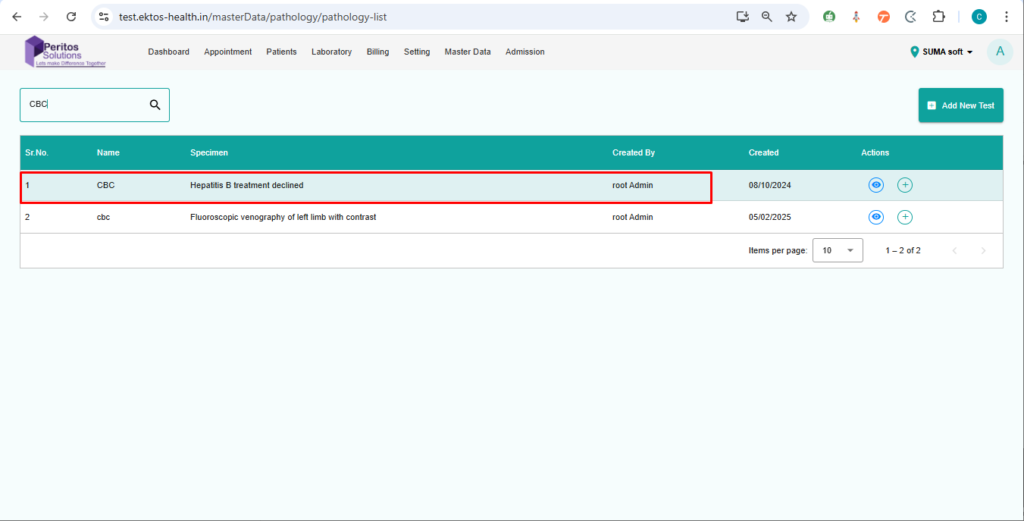
Verify that user can create a pathology report from the master data screen, and the report will be saved and appear while assigning a test to the patient
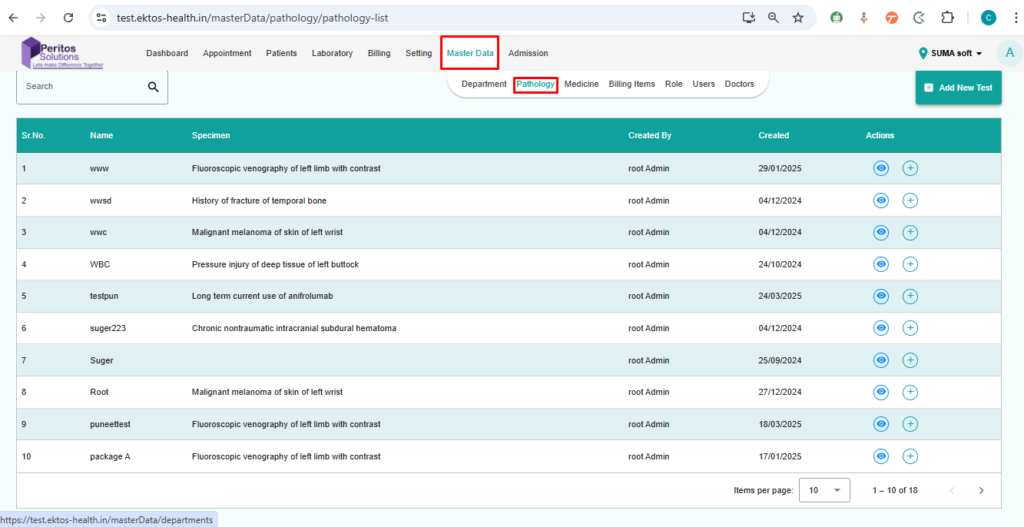
1. Navigate to the Pathology tab from the master data screen
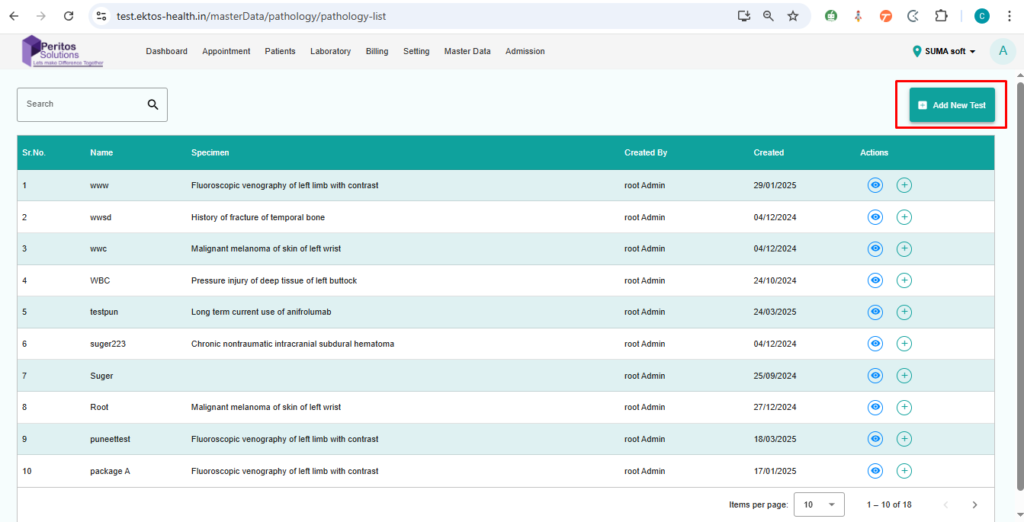
2. click on add new test
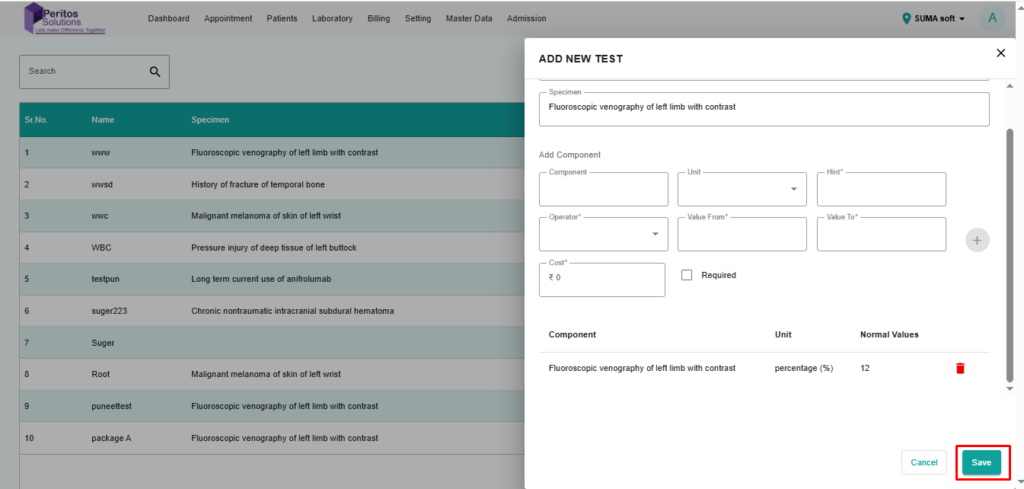
3. Fill the Required detail in form
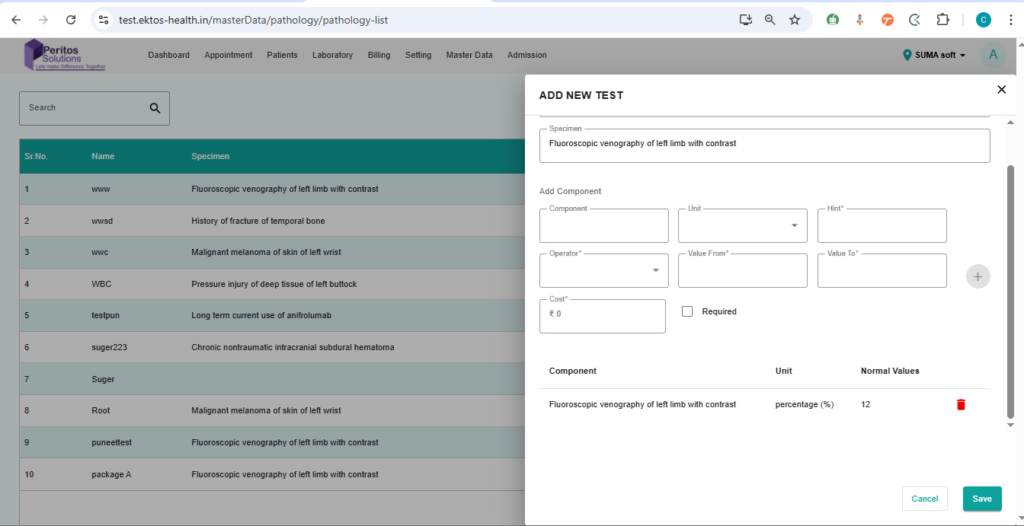
4. click on save