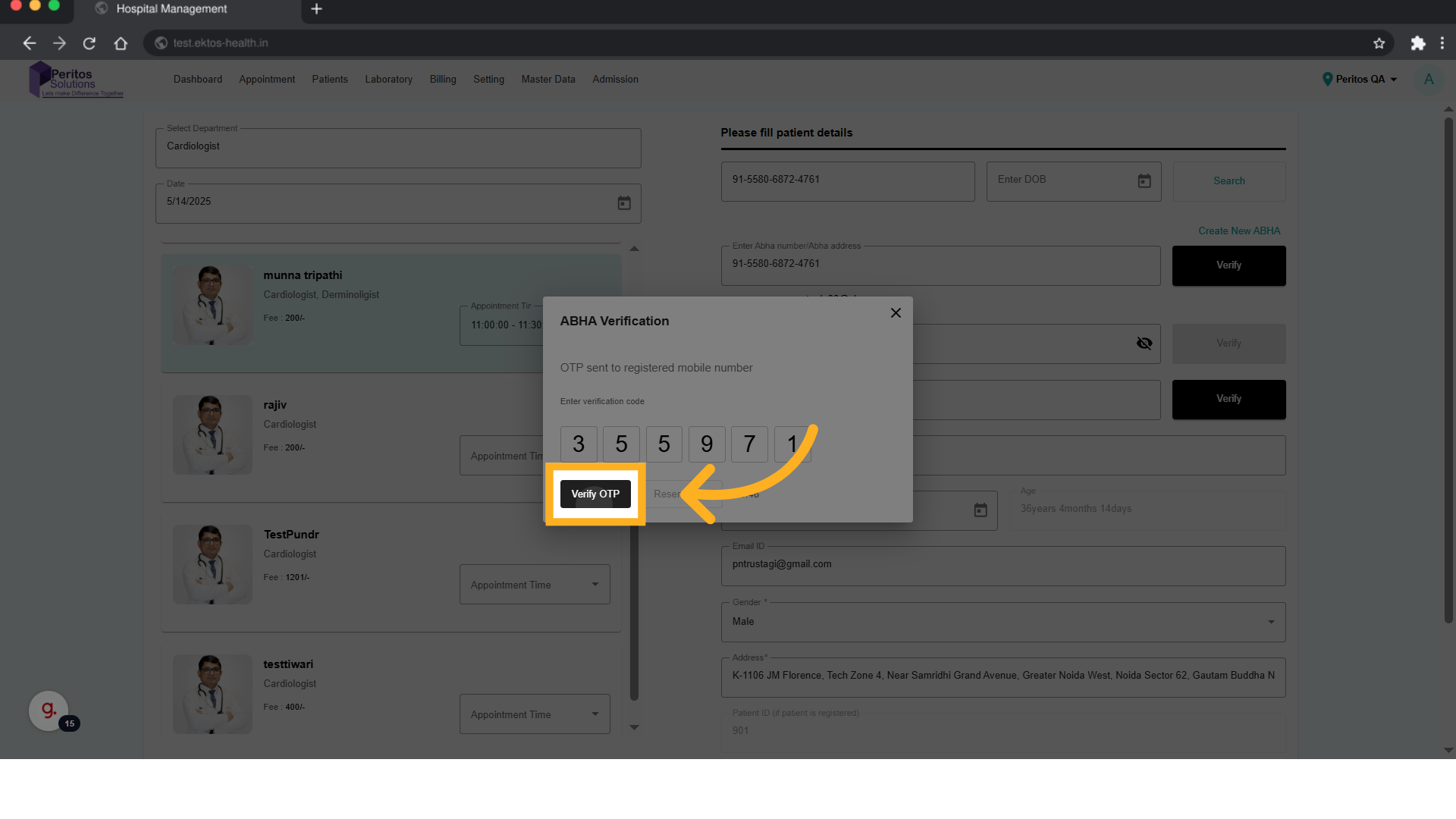
View ABHA Id
Go to test.ektos-health.in
1. Introduction
Designed for patients seeking timely appointments, this feature simplifies the process of scheduling visits with specialists, ensuring you receive the care you need without the hassle.
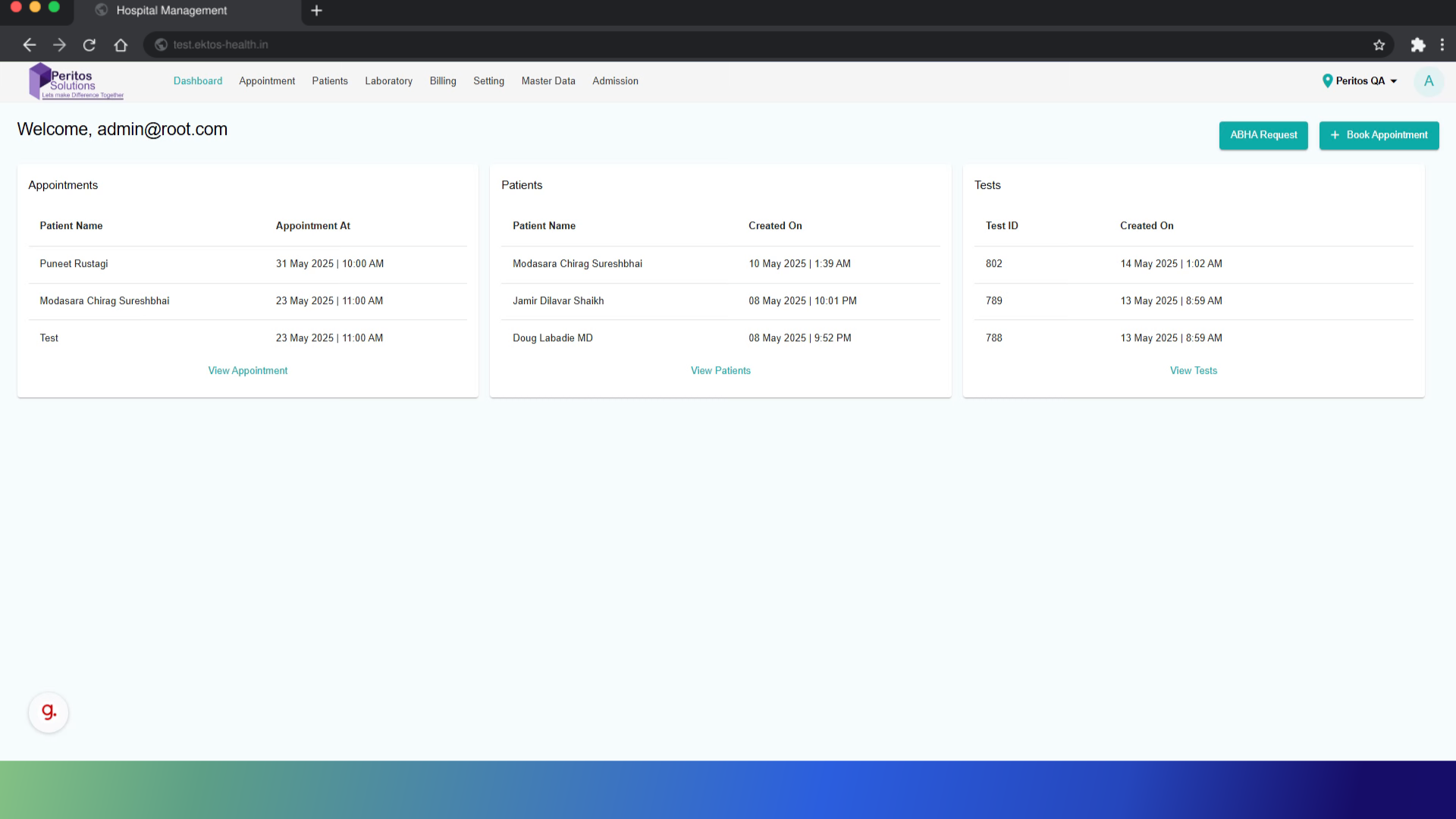
2. Click “New Appointments”
Begin by navigating to the “New Appointments” section to initiate the process of scheduling an appointment, making it easier to connect with healthcare providers.
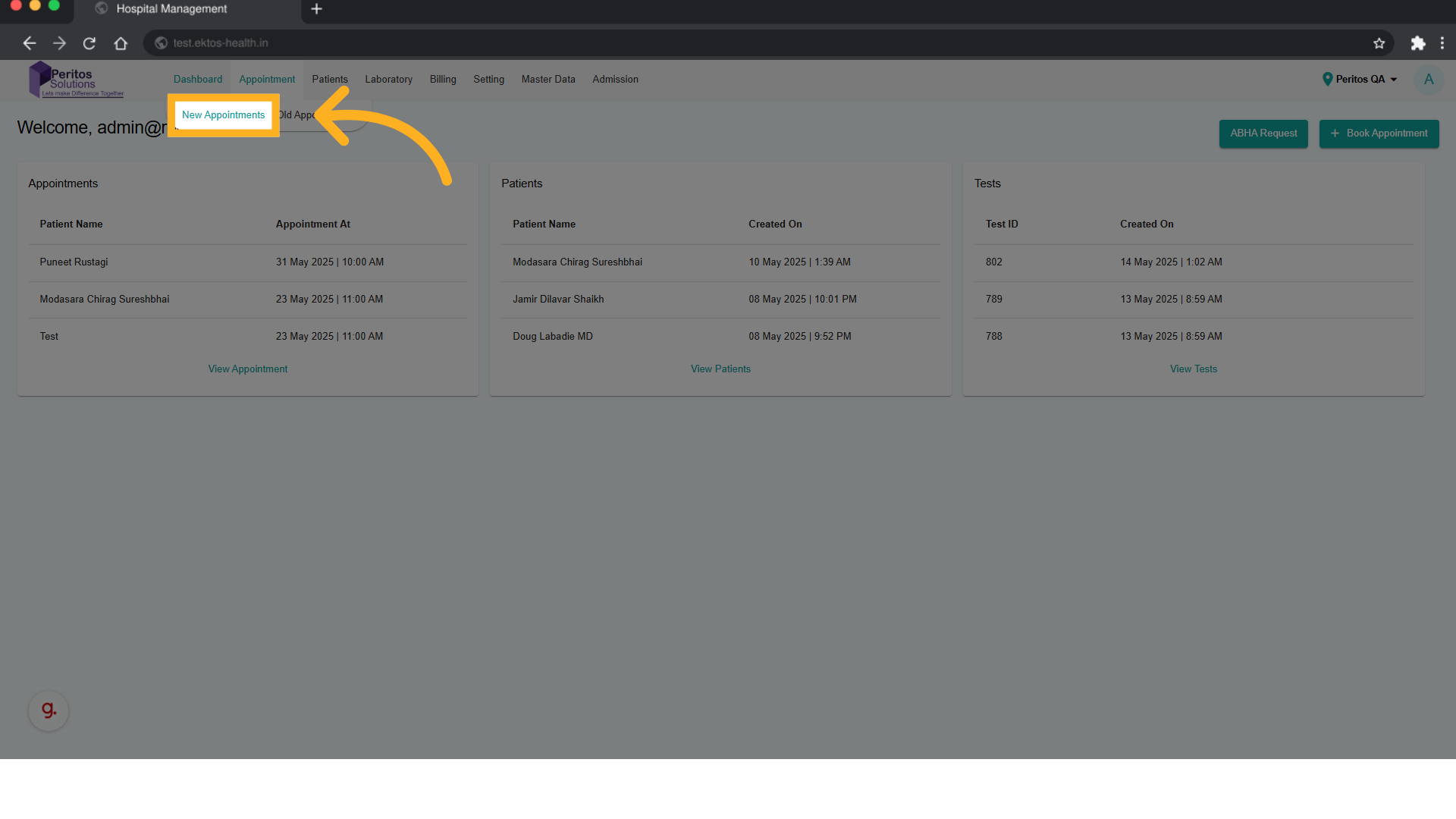
3. Click here
Select the highlighted option to access the list of available departments, streamlining your search for the right medical service.
4. Click “Select Department”
Choose the “Select Department” option to filter your choices, ensuring you quickly find the specialty you need.
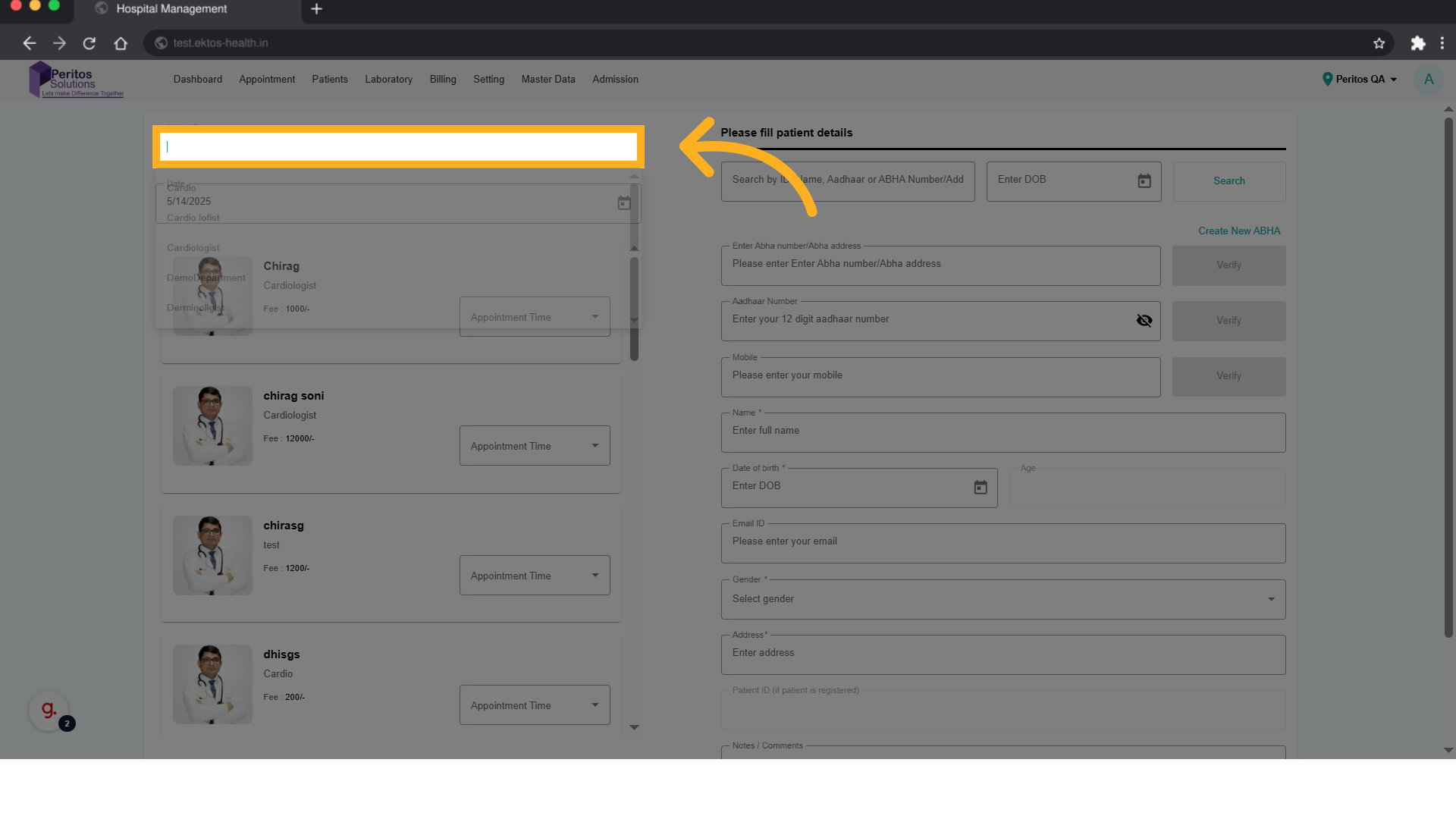
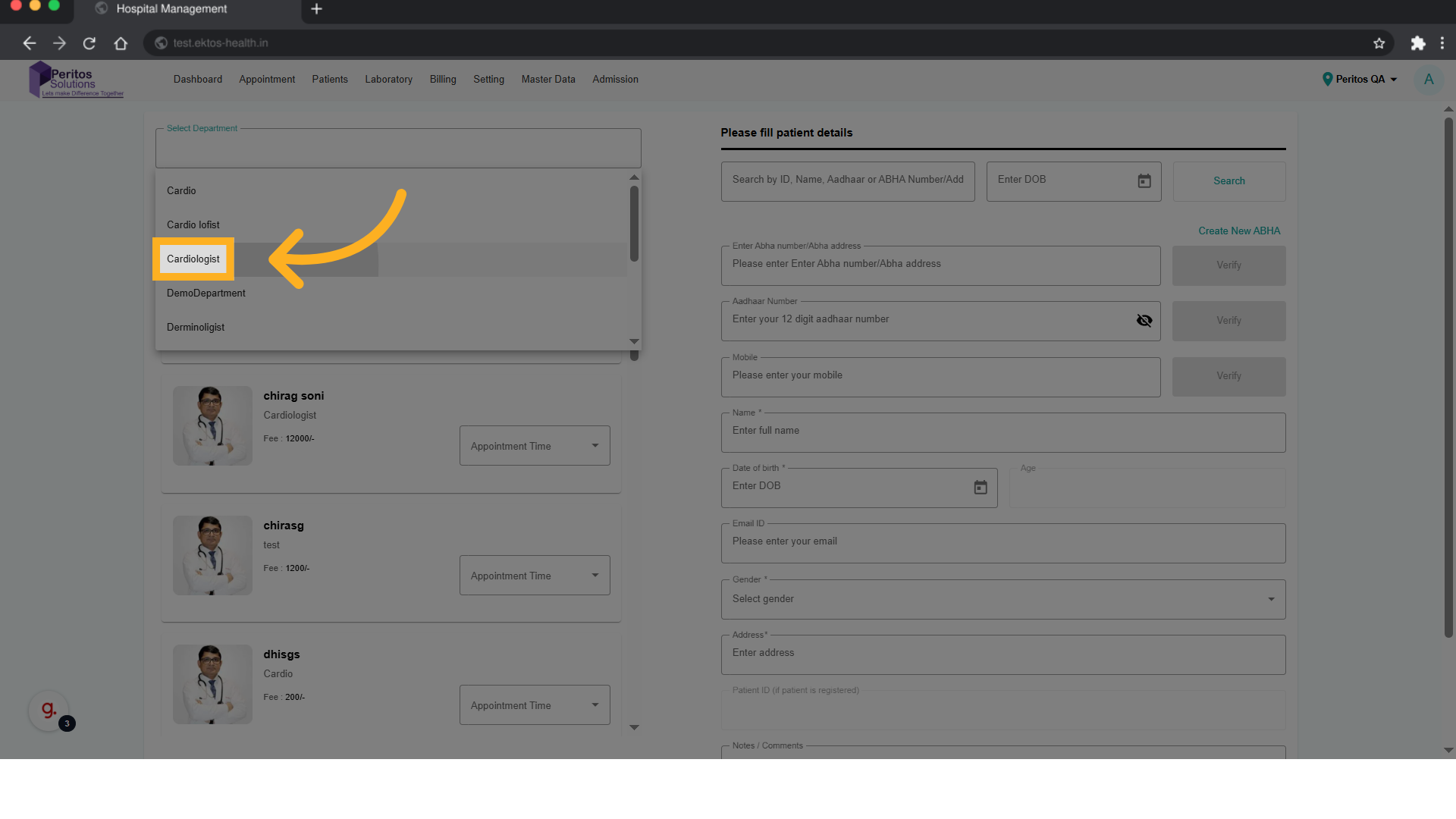
5. Select department from Dropdown
Opt for the “Cardiologist” department to focus your search on heart-related healthcare, enhancing your appointment relevance.
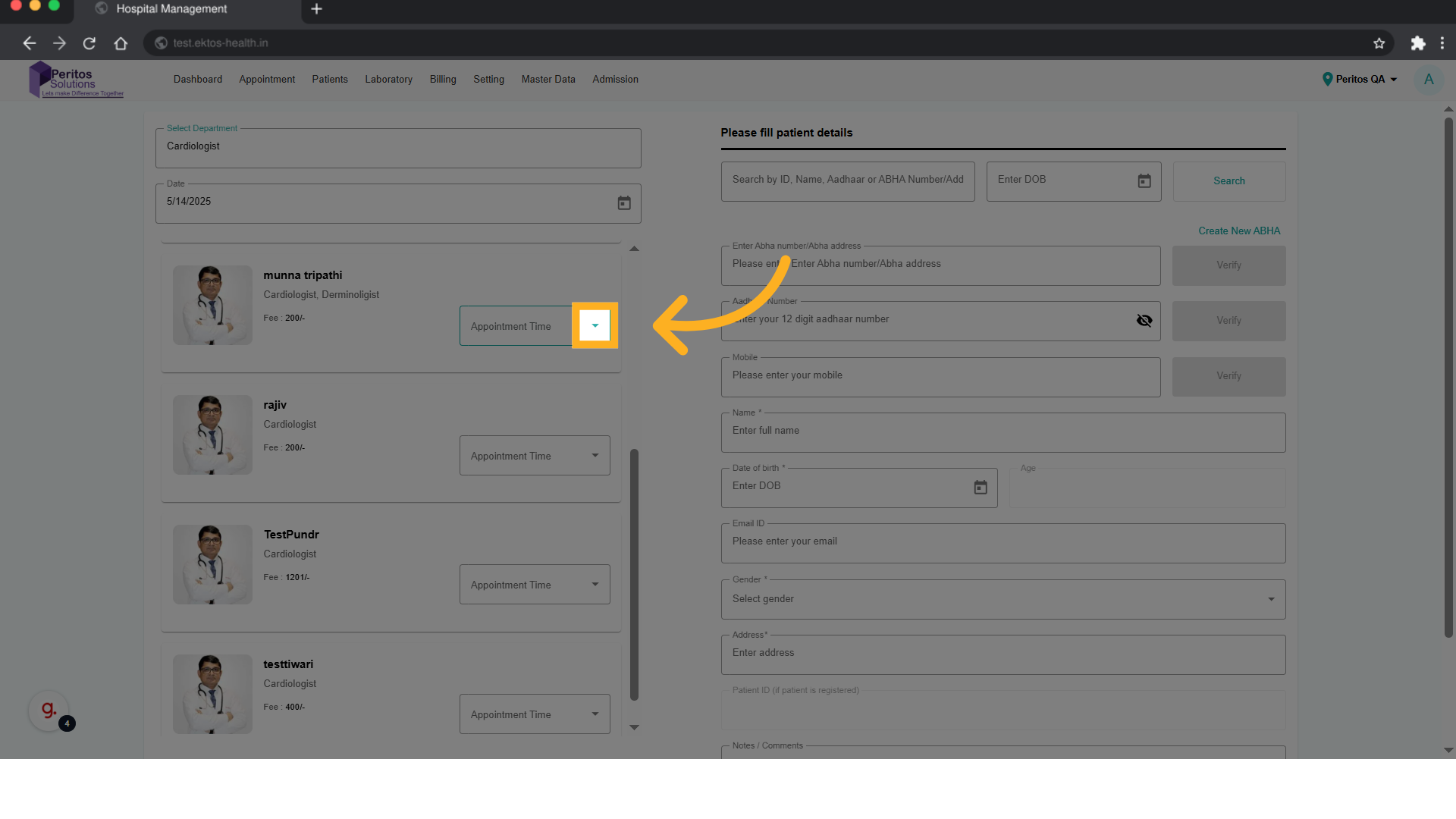
6. Select Appointment Time
Proceed to the next step by selecting the prompt that guides you further into the appointment system.
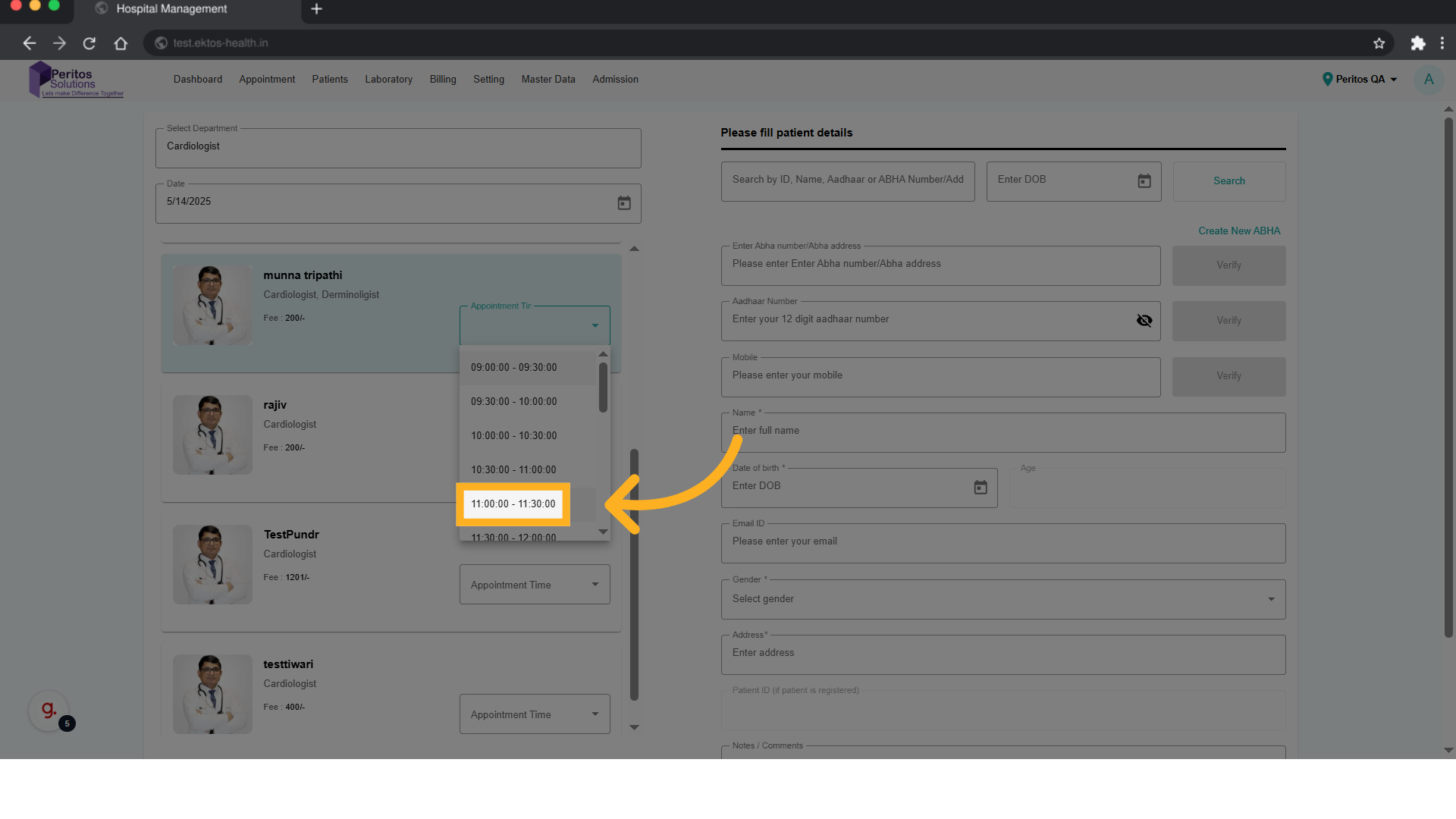
7. Select Appointment time from Dropdown
Select your preferred time slot, which helps in efficiently managing your schedule and reduces waiting time.
8. Click here
Continue through the process by selecting the next prompt to finalize your appointment details.
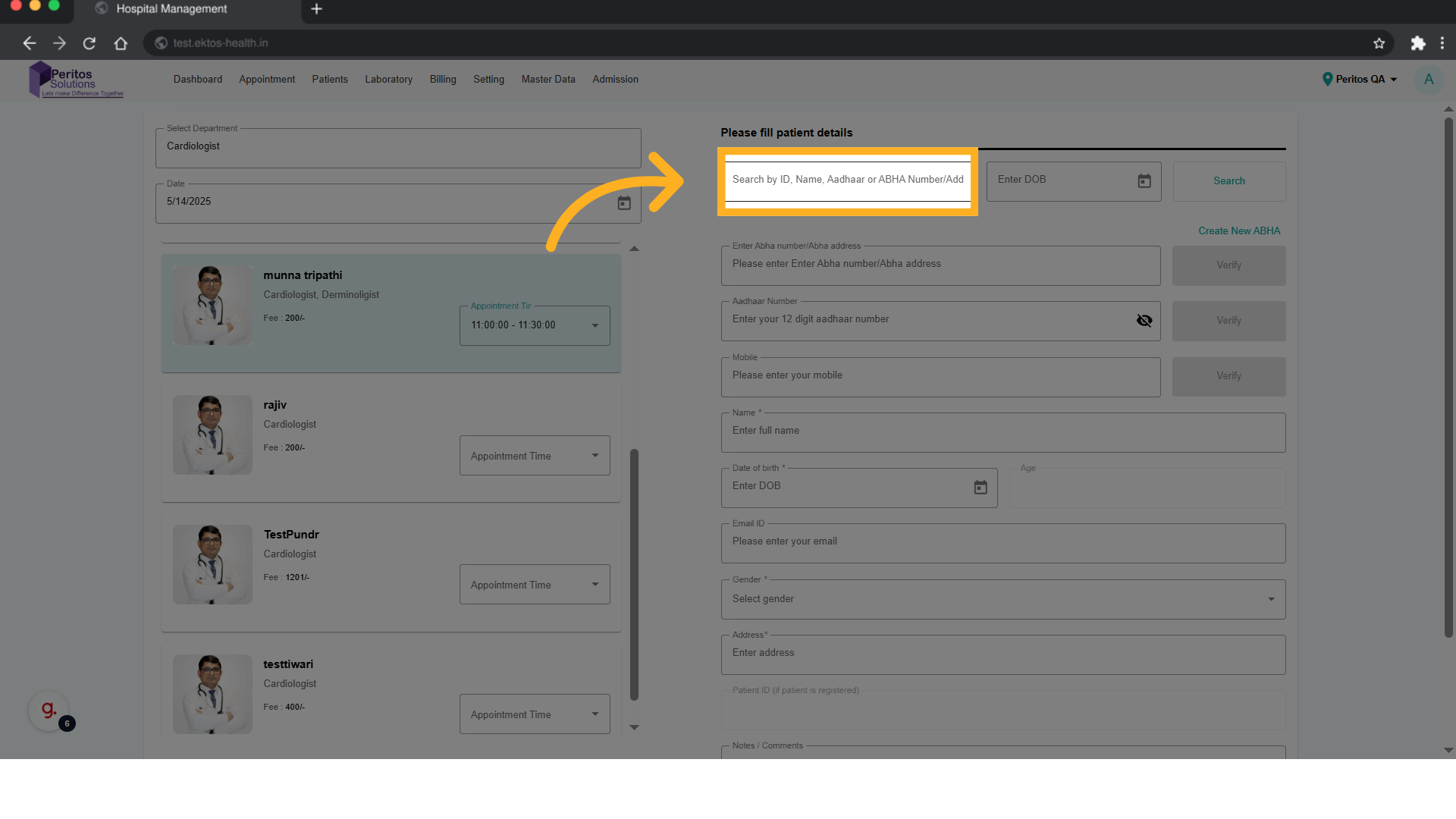
9. Click on Search After Filling the ABHA Number
Follow the on-screen instructions to ensure all necessary information is provided for a successful appointment setup.
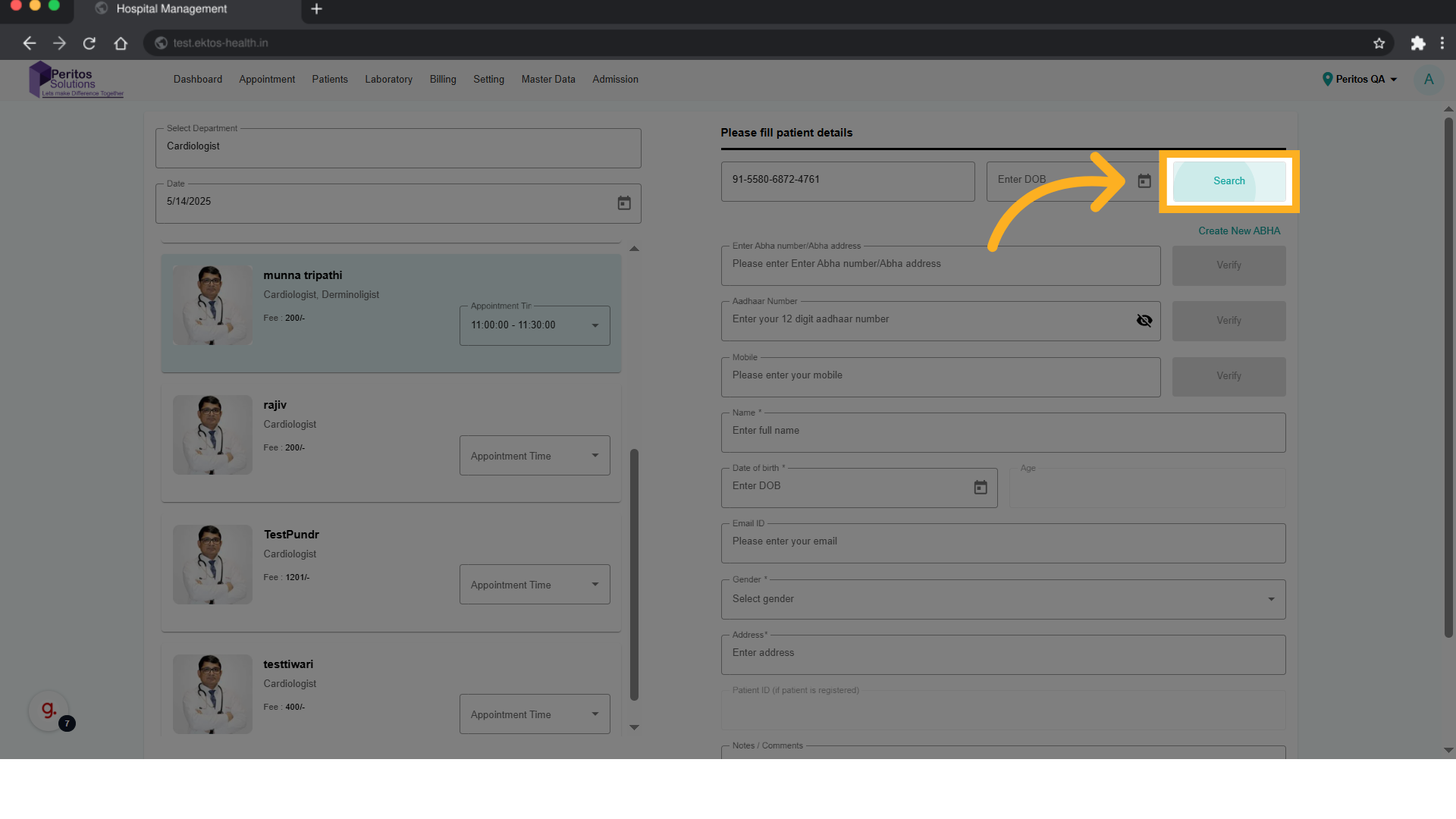
10. Select ABHA Profile
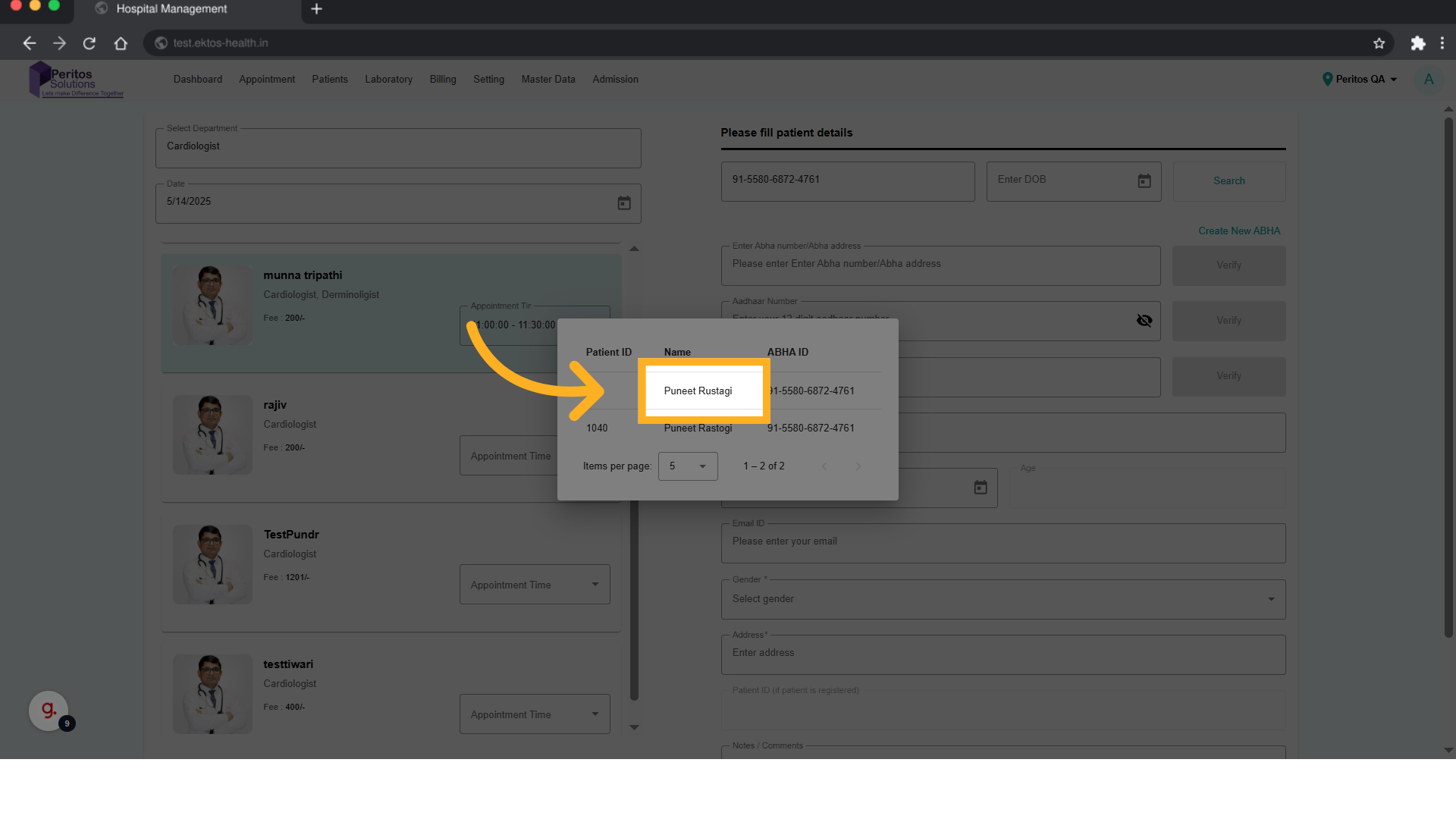
11. Click here
Select the prompt to move forward in confirming your chosen provider and details.
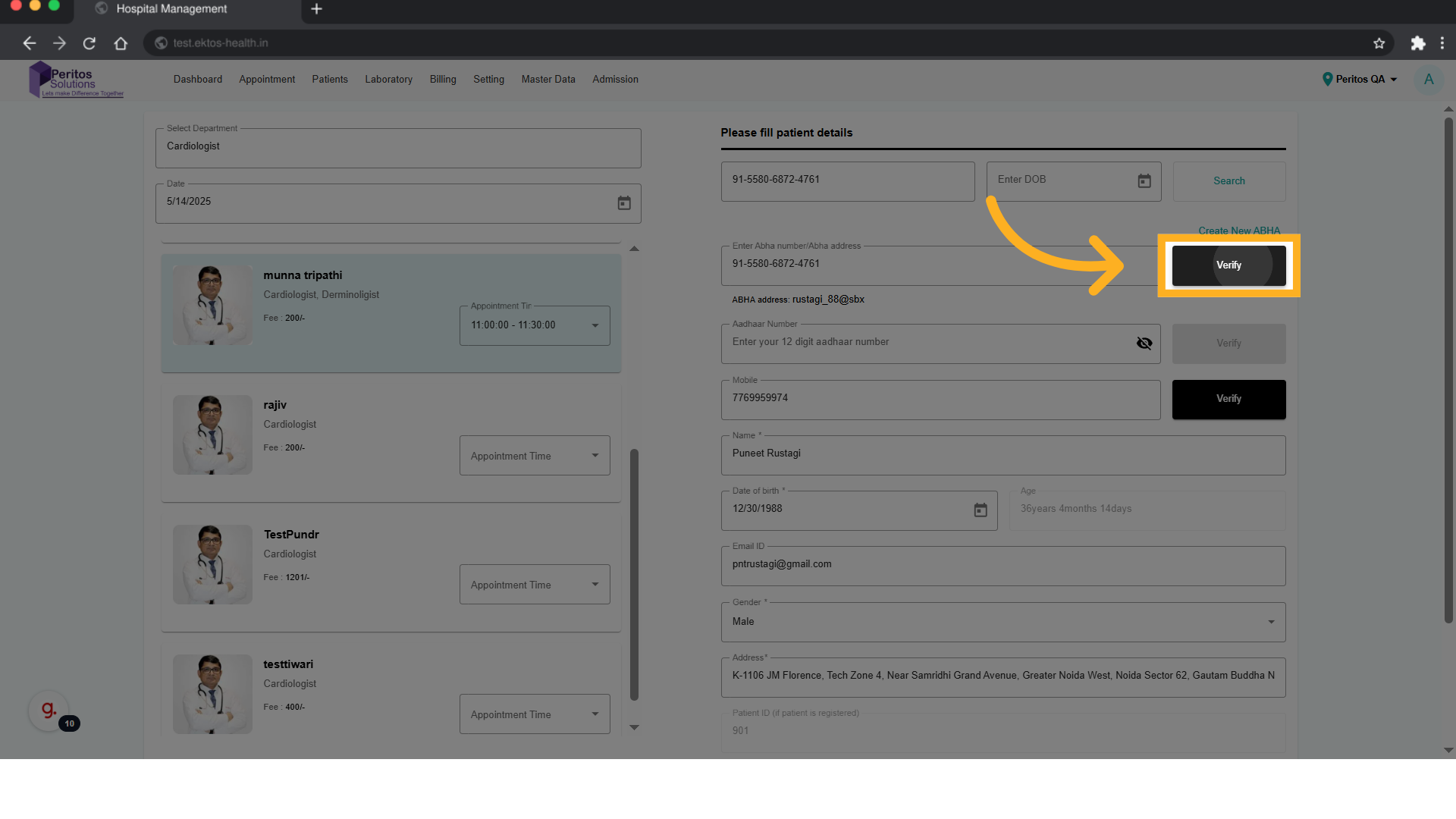
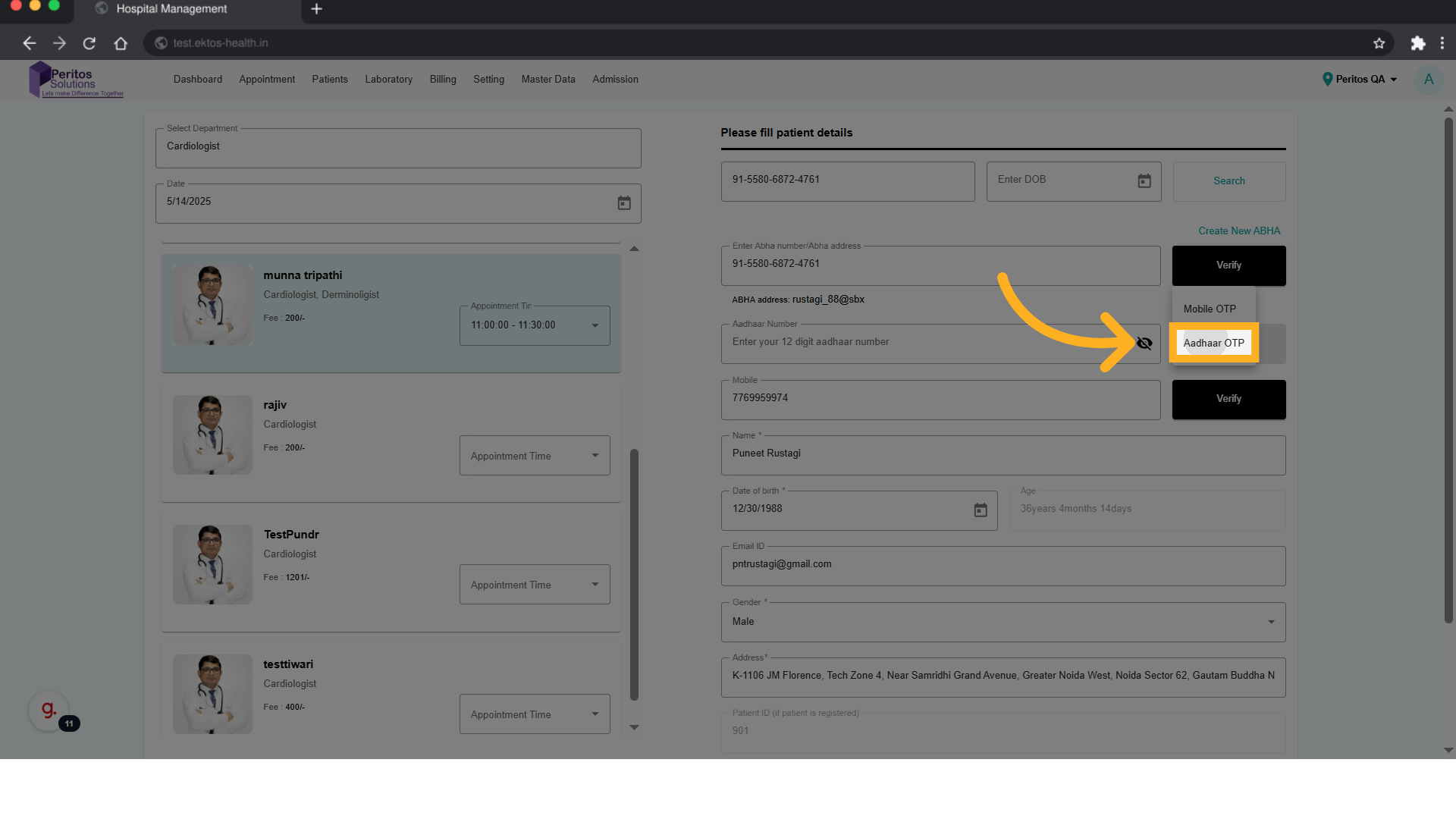
12. Click “Aadhaar OTP”
Opt for “Aadhaar OTP” verification to secure your appointment, enhancing the security of your personal information.
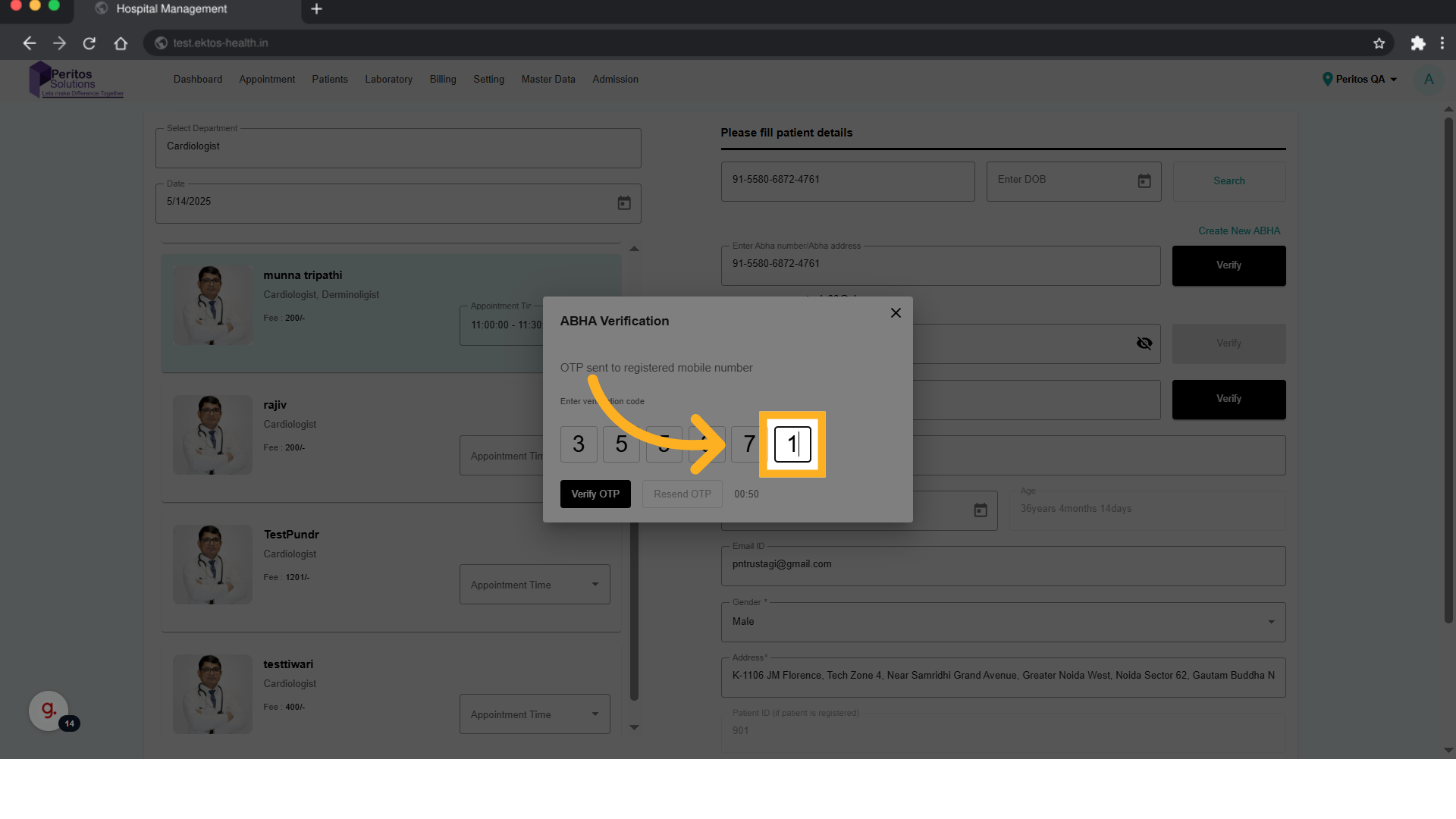
13. Fill OTP
Proceed with the next steps by selecting the appropriate verification prompt, ensuring a smooth appointment confirmation.
18. Click here
Conclude the process by confirming your appointment, ensuring that you’re all set for your visit to the cardiologist.