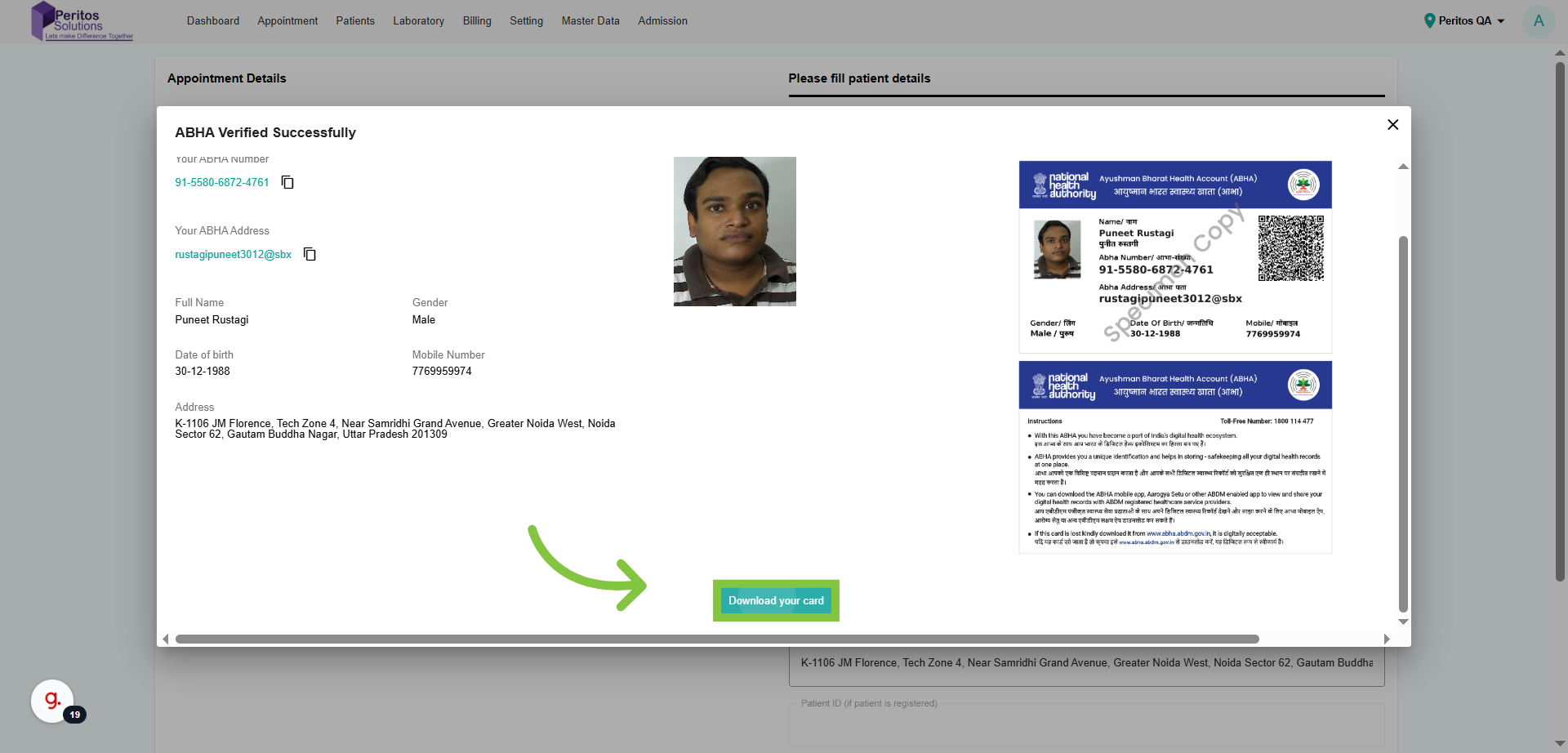

Download ABHA ID
Download ABHA ID
Discover the new ABHA ID download feature in Ektos-health, designed to streamline your appointment process.
Go to test.ektos-health.in
1. Introduction
This feature empowers you to easily access and manage your healthcare information securely, ensuring you have everything you need at your fingertips for a seamless experience.
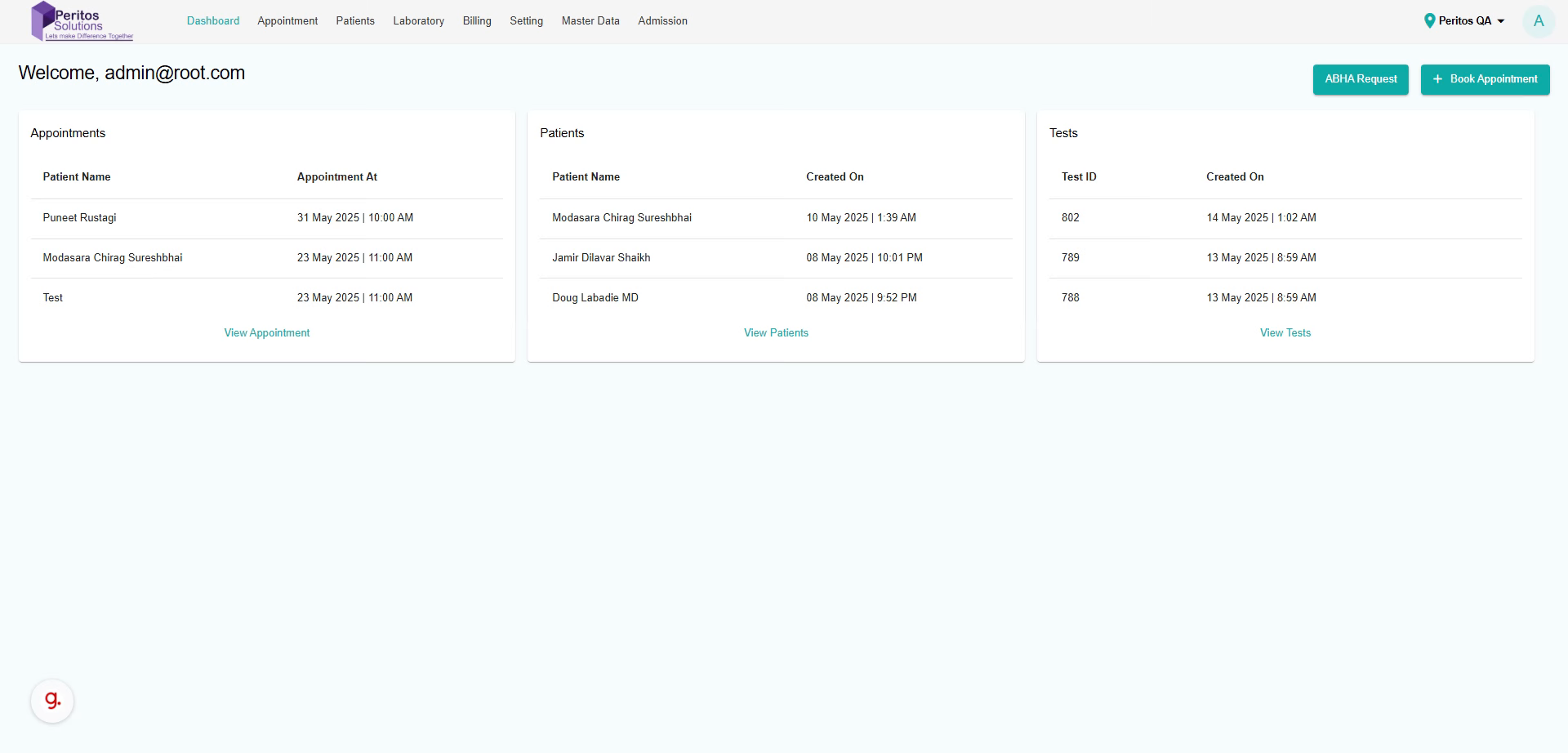
2. Click “Appointment”
Navigate to the appointment section to initiate your healthcare journey and ensure timely access to your desired services.
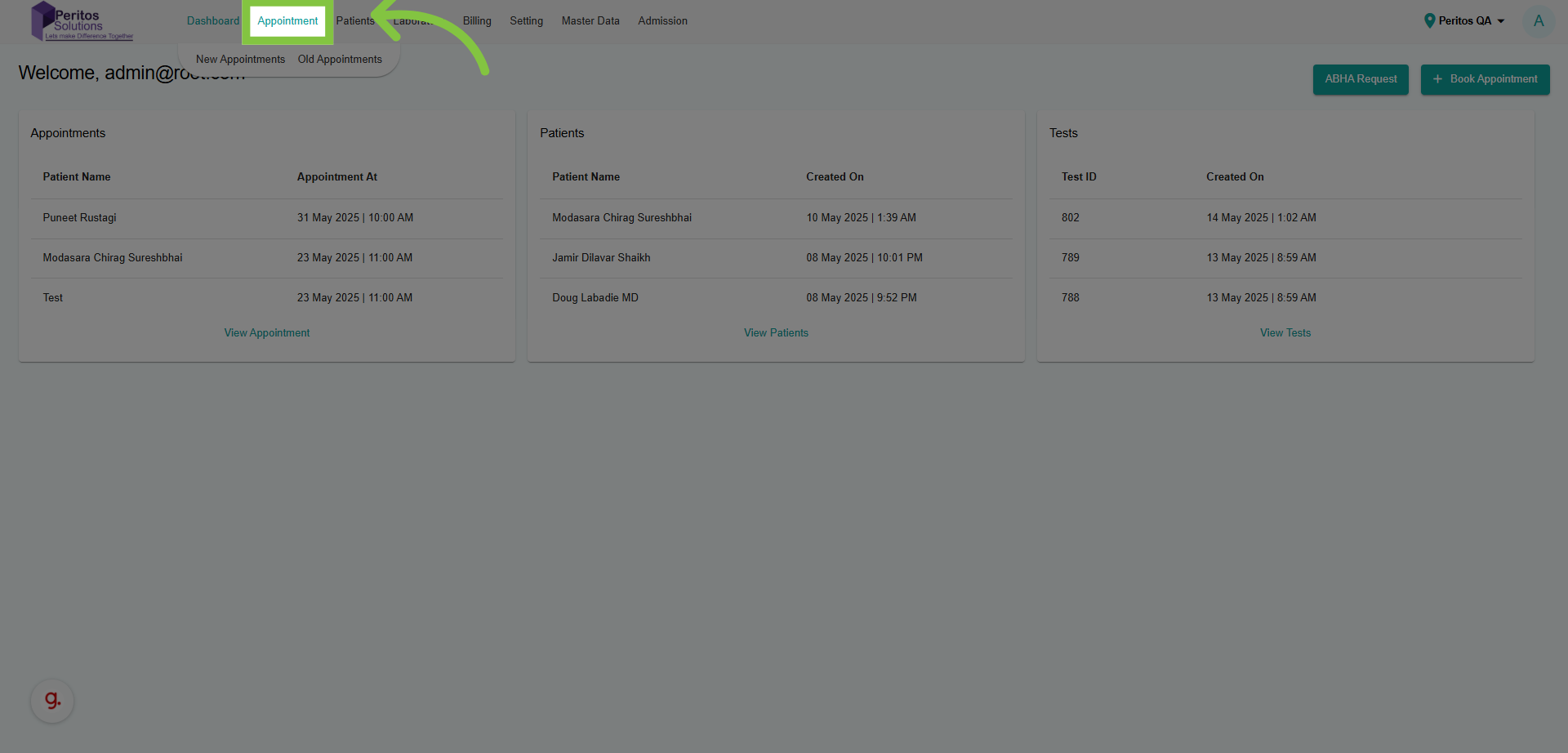
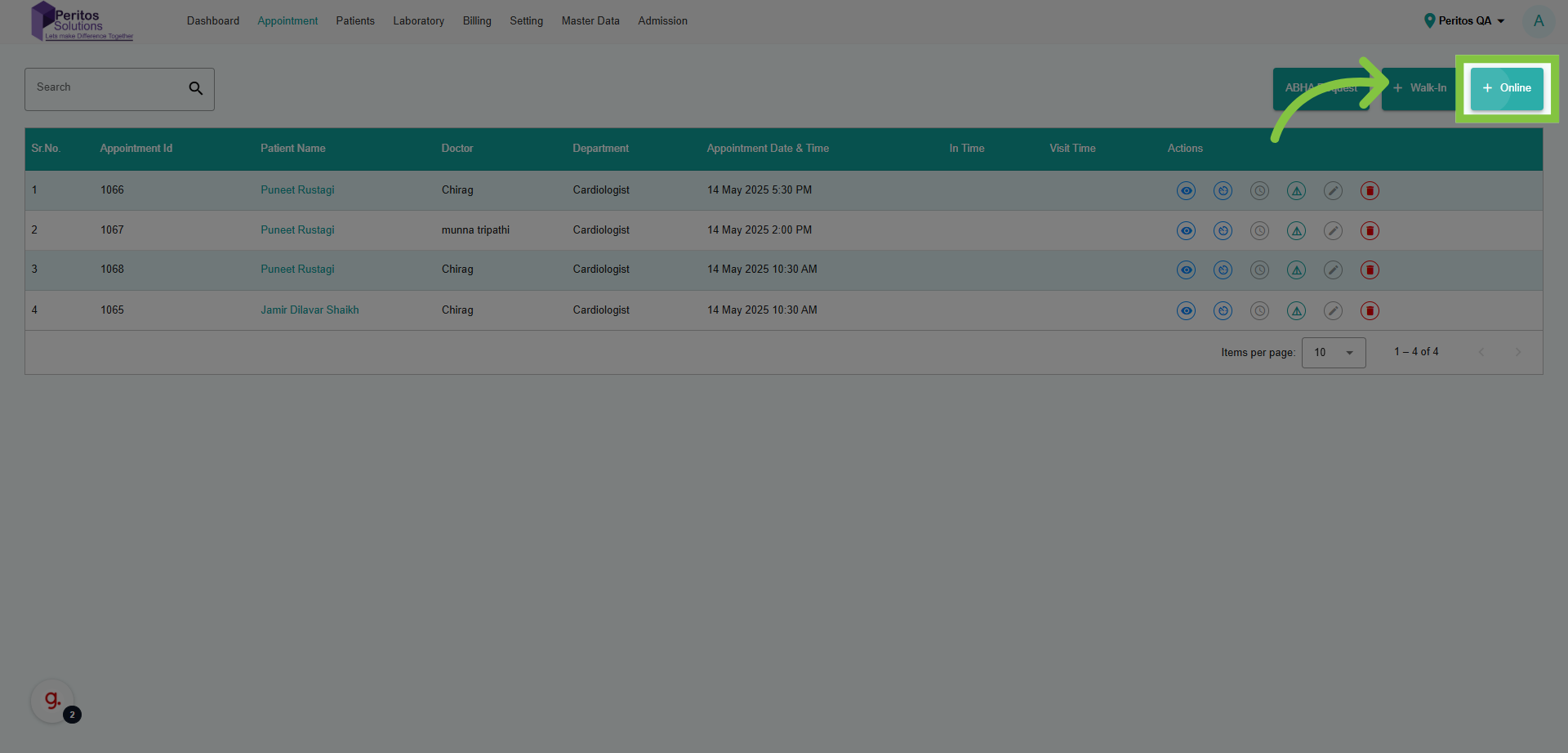
3. Click “New Appointments”
Select to create a new appointment, making it easy to manage your healthcare needs efficiently.
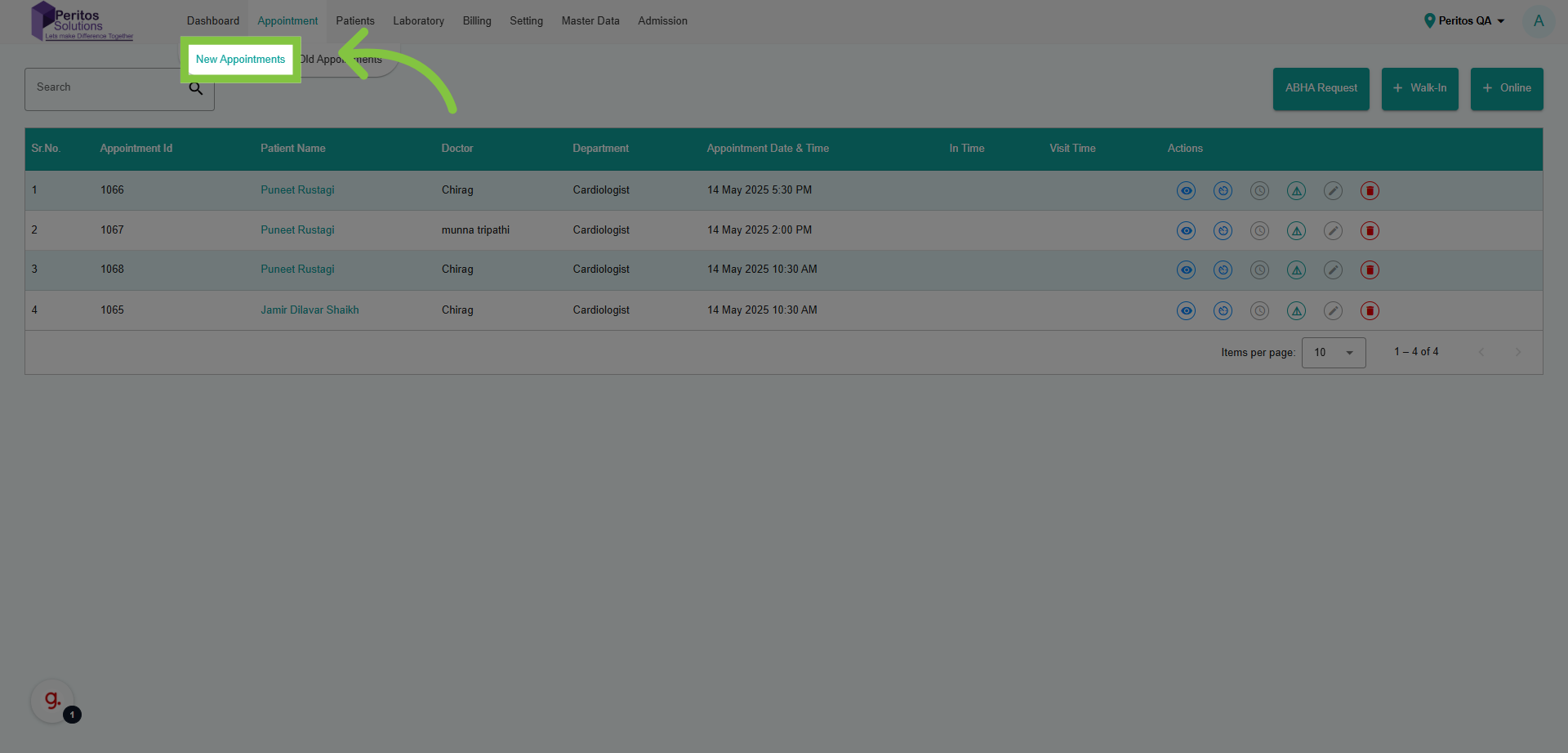
4. Select the Appointment Mode
This action directs you to the necessary interface to start your appointment booking process seamlessly.
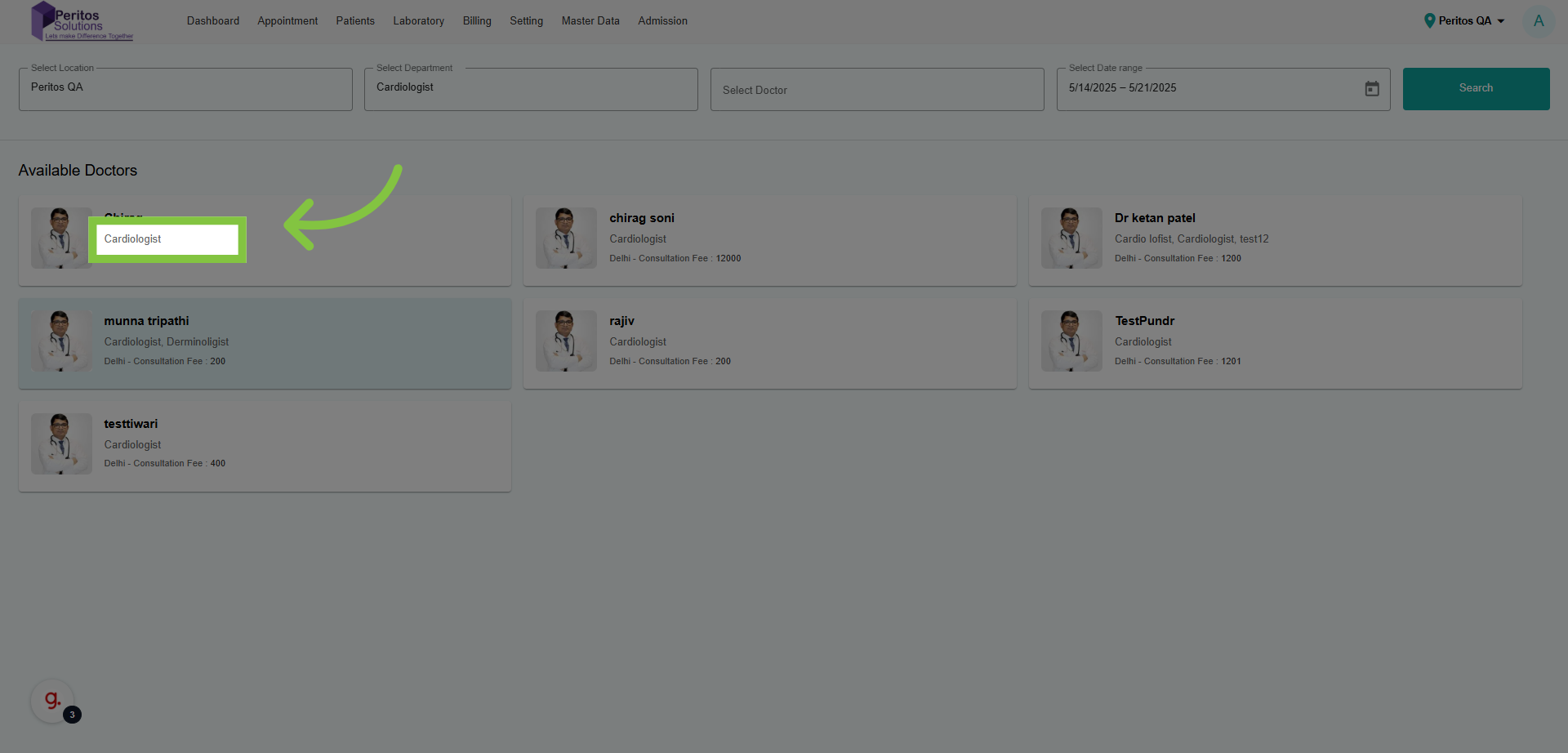
5. Select from Available Doctors
Choosing your specialist ensures you get targeted care, aligning with your health goals.
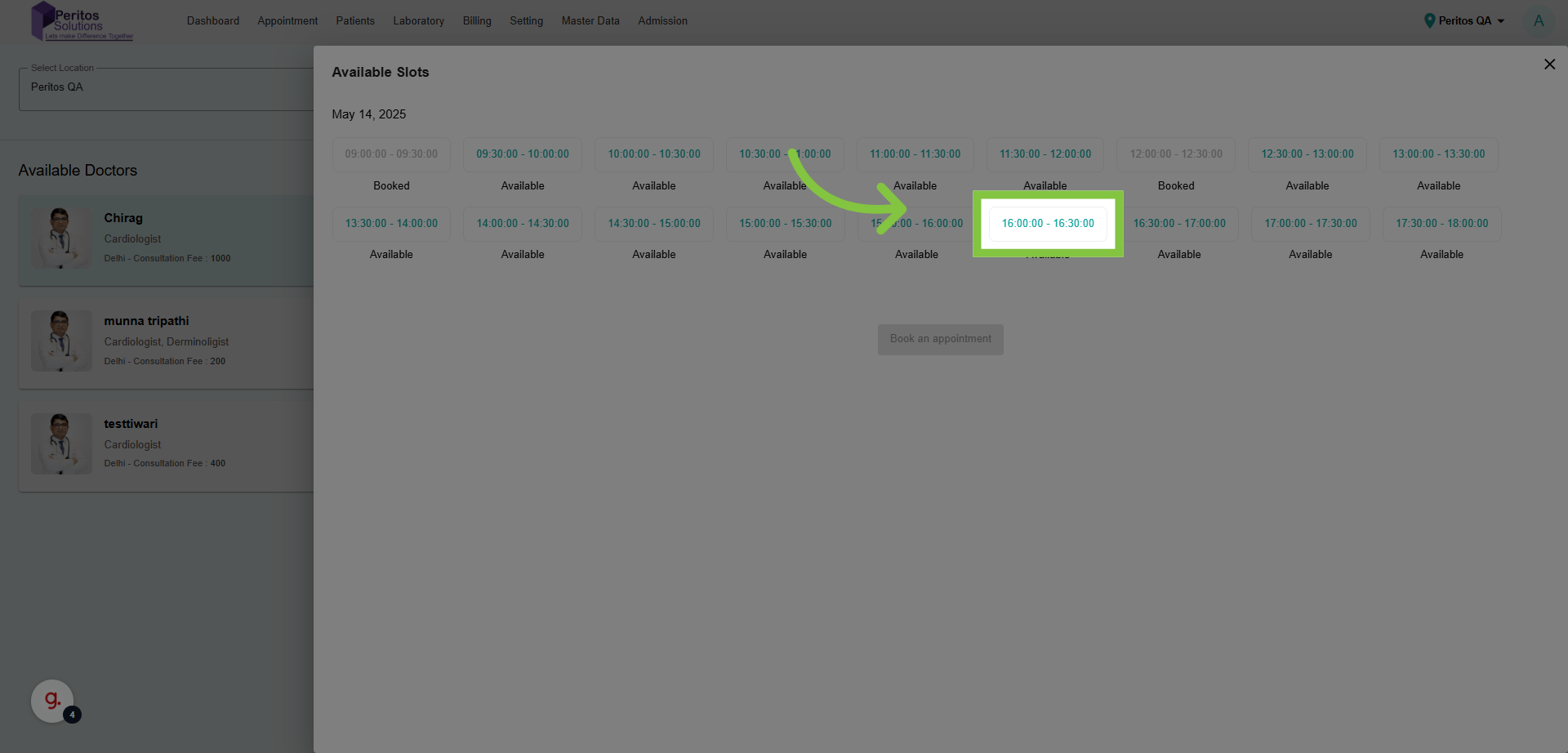
6. Select the Appointment Slot
Select your preferred time slot, facilitating better planning around your schedule.
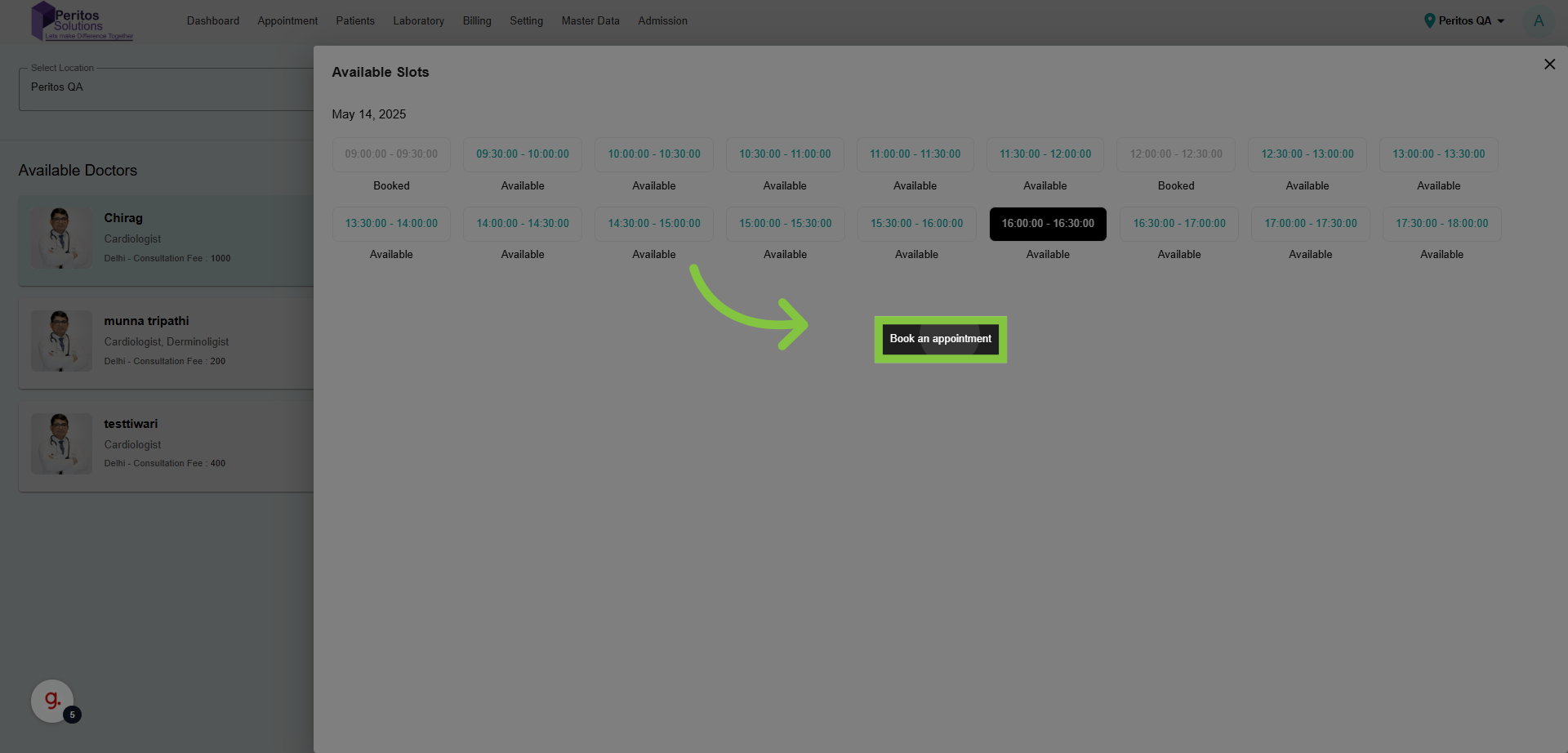
7. Click “Book an appointment”
Finalizing the appointment booking is crucial for securing your health consultation without delays.
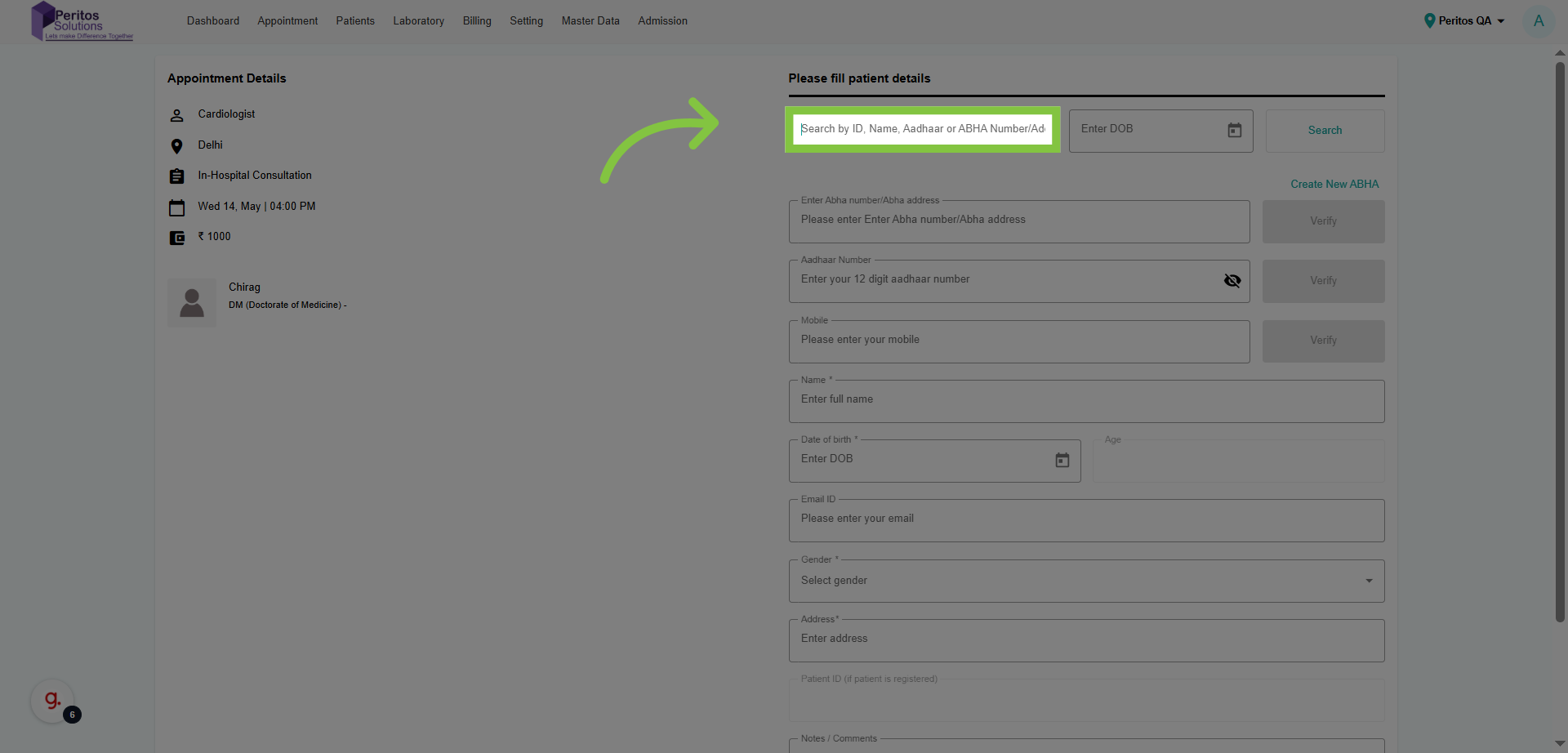
8. Click “Search by ID, Name, Aadhaar or ABHA Number/Address”
Searching by ID or name allows for quick access to your records, enhancing the user experience.
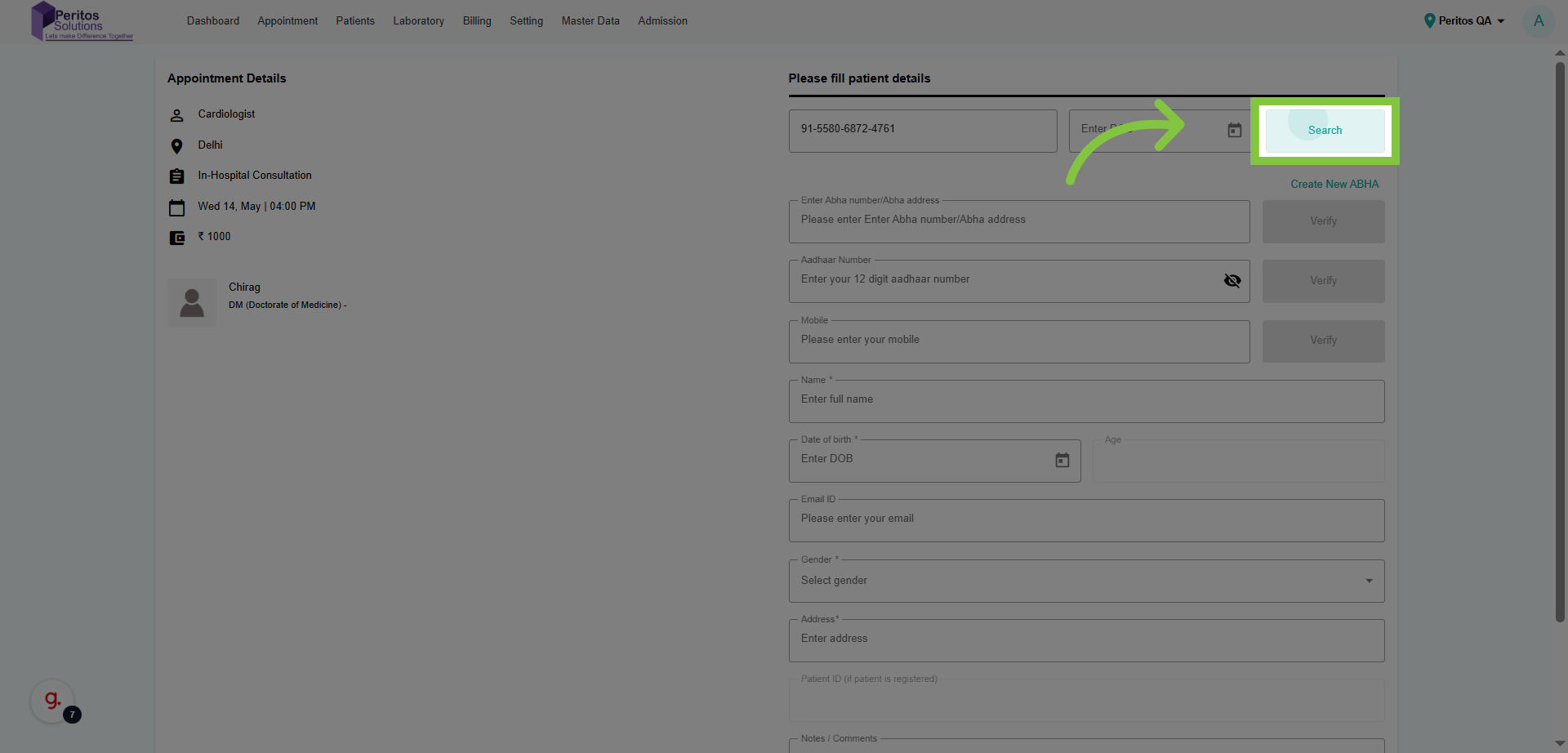
9. Fill ABHA Id and Click on Search
This leads you to the results of your search, keeping your process efficient and straightforward.
10. Select ABHA Profile
Selecting your doctor personalizes your healthcare experience, ensuring you see the right professional.

11. Click on Verify
This action confirms your choice and moves you to the next essential step in the process.

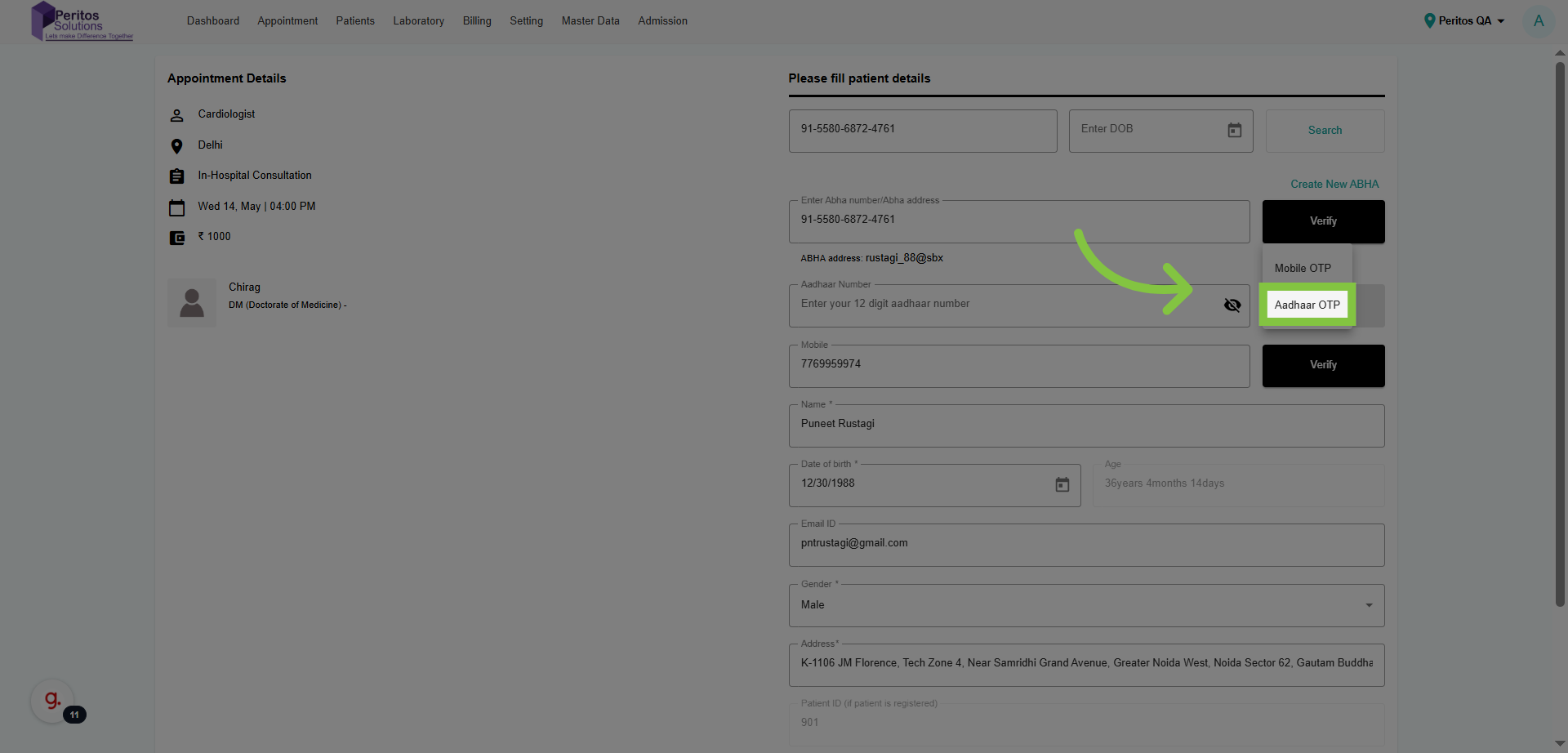
12. Click “Aadhaar OTP”
Using the Aadhaar OTP adds a layer of security, protecting your sensitive information during verification.
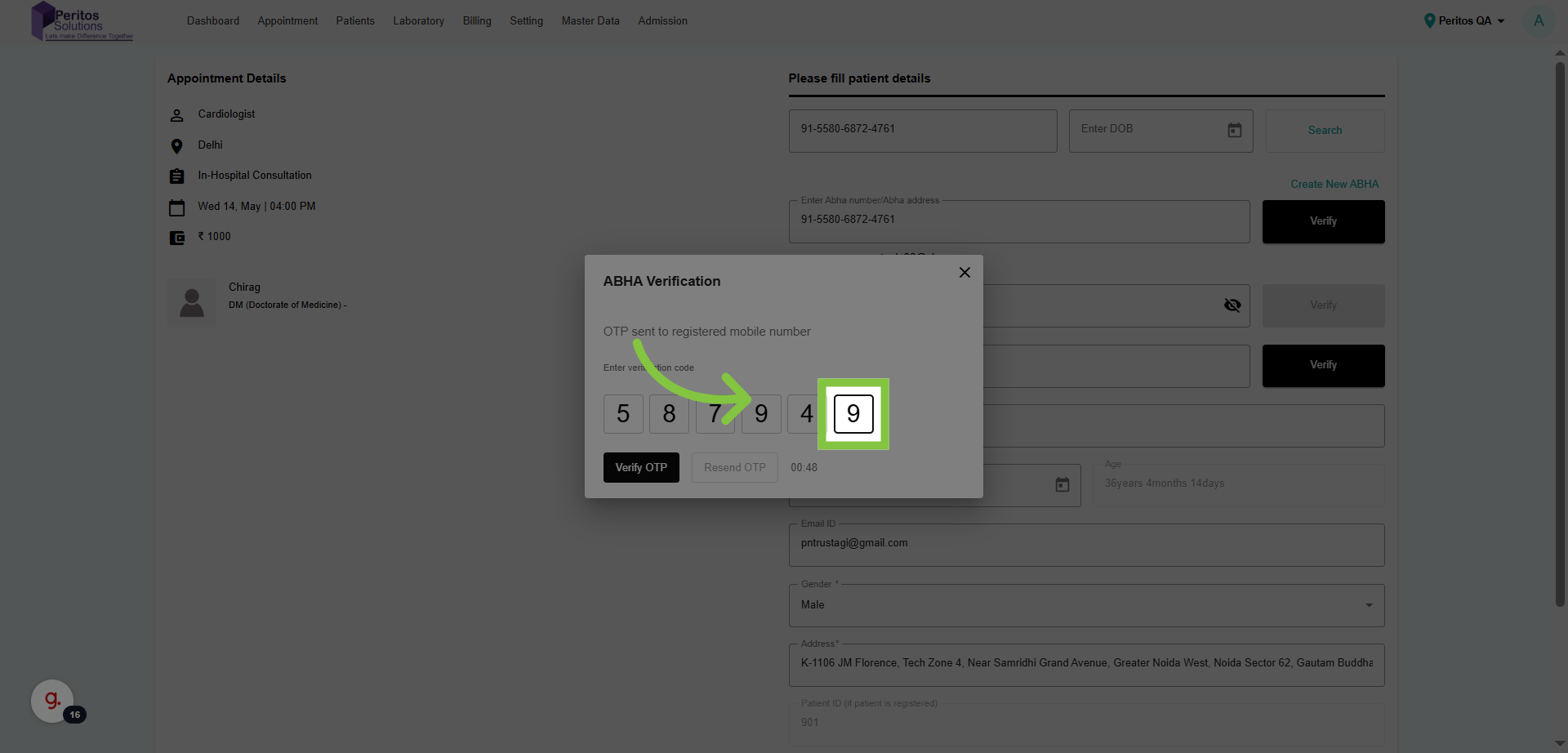
13. Fill OTP
Continue to the OTP entry, which is vital for confirming your identity securely.
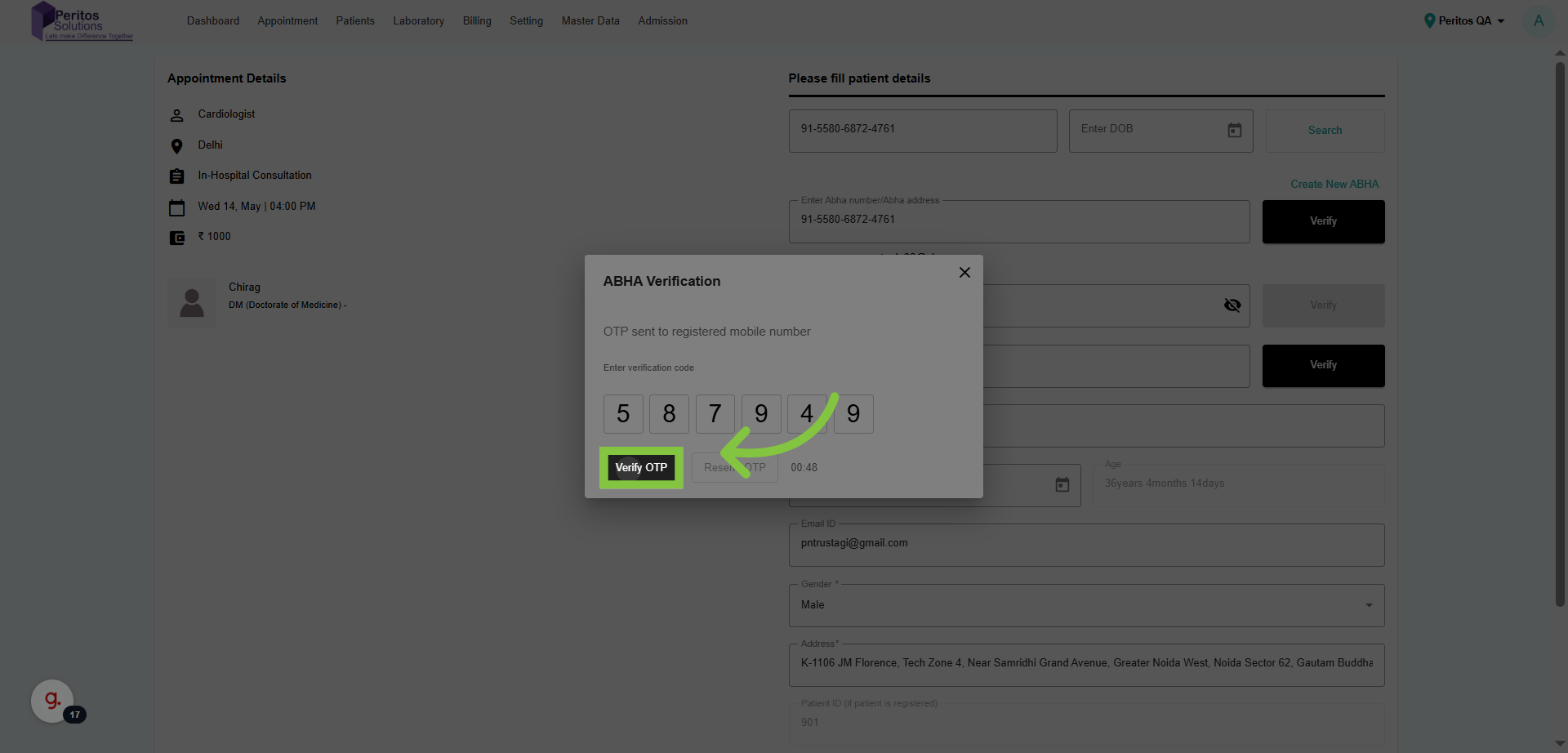
14. Click “Verify OTP”
Confirming your OTP is essential for validating your identity and maintaining security.
15. Click “Download your card”
Downloading your ABHA ID card provides you with essential identification, streamlining your healthcare experience.