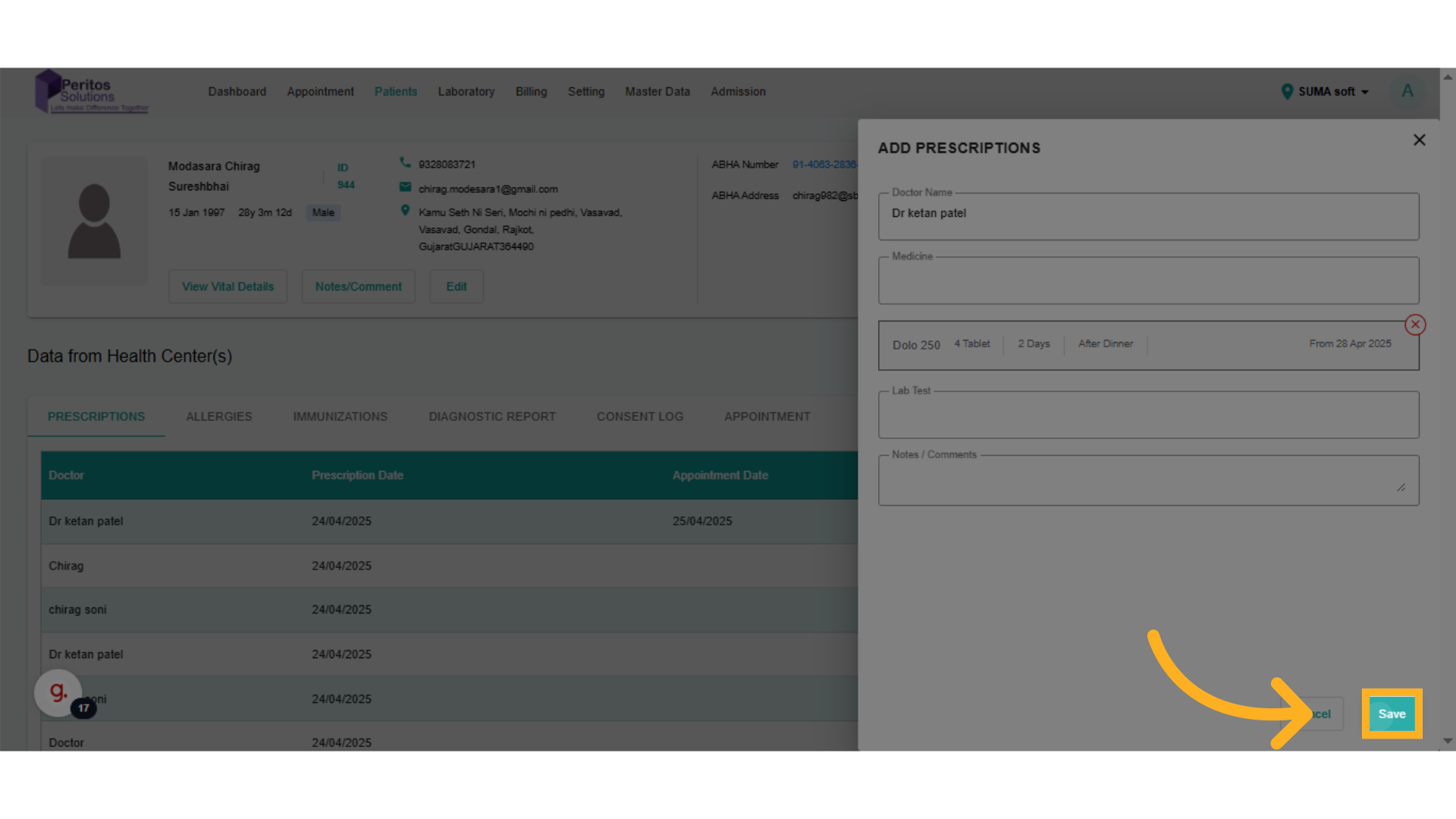
Add a New Prescription
Go to test.ektos-health.in
1. Introduction
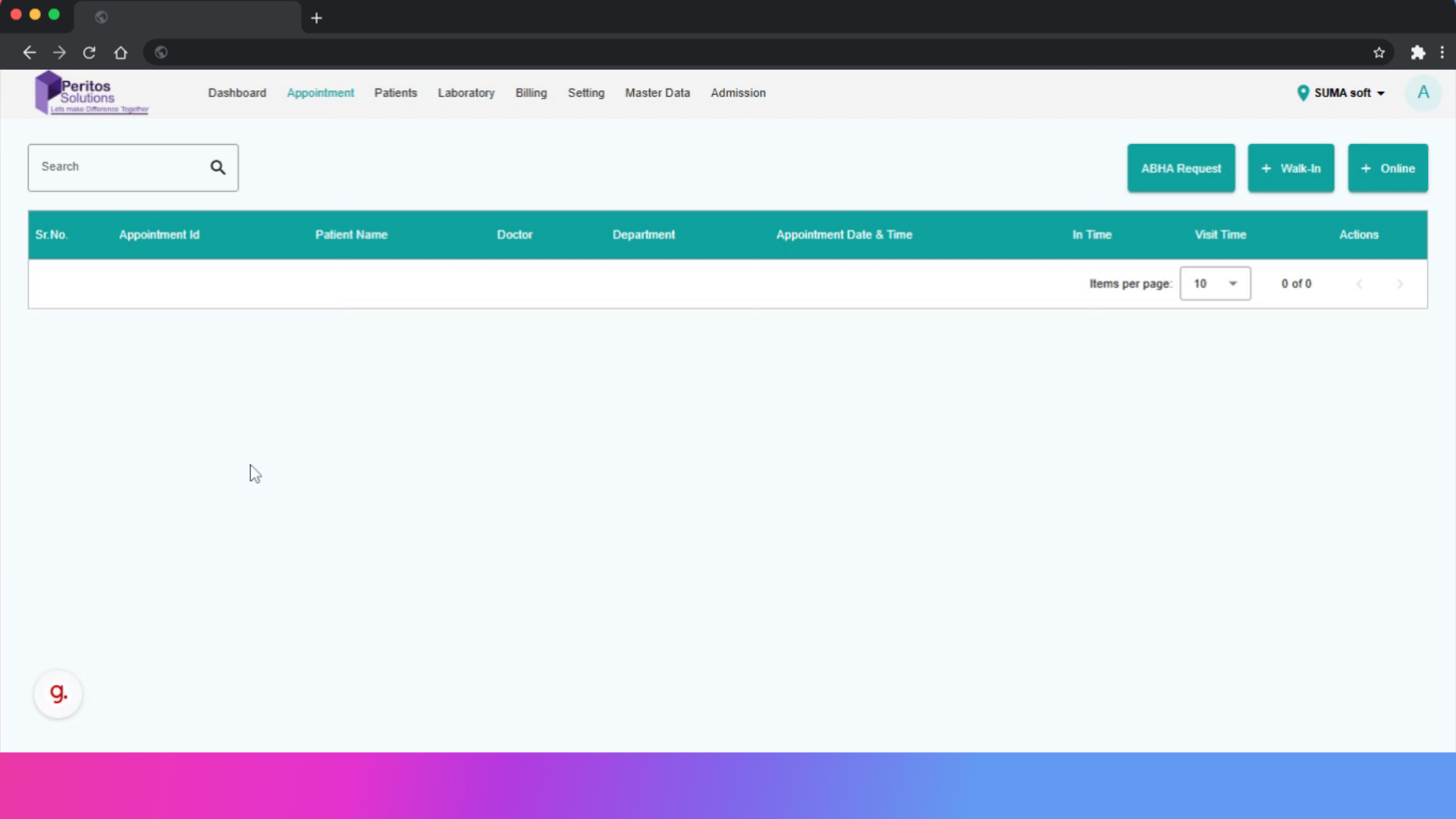
2. Click here
Begin by accessing the patient list to ensure you’re working with the correct individual. This sets the foundation for accurate prescription management.
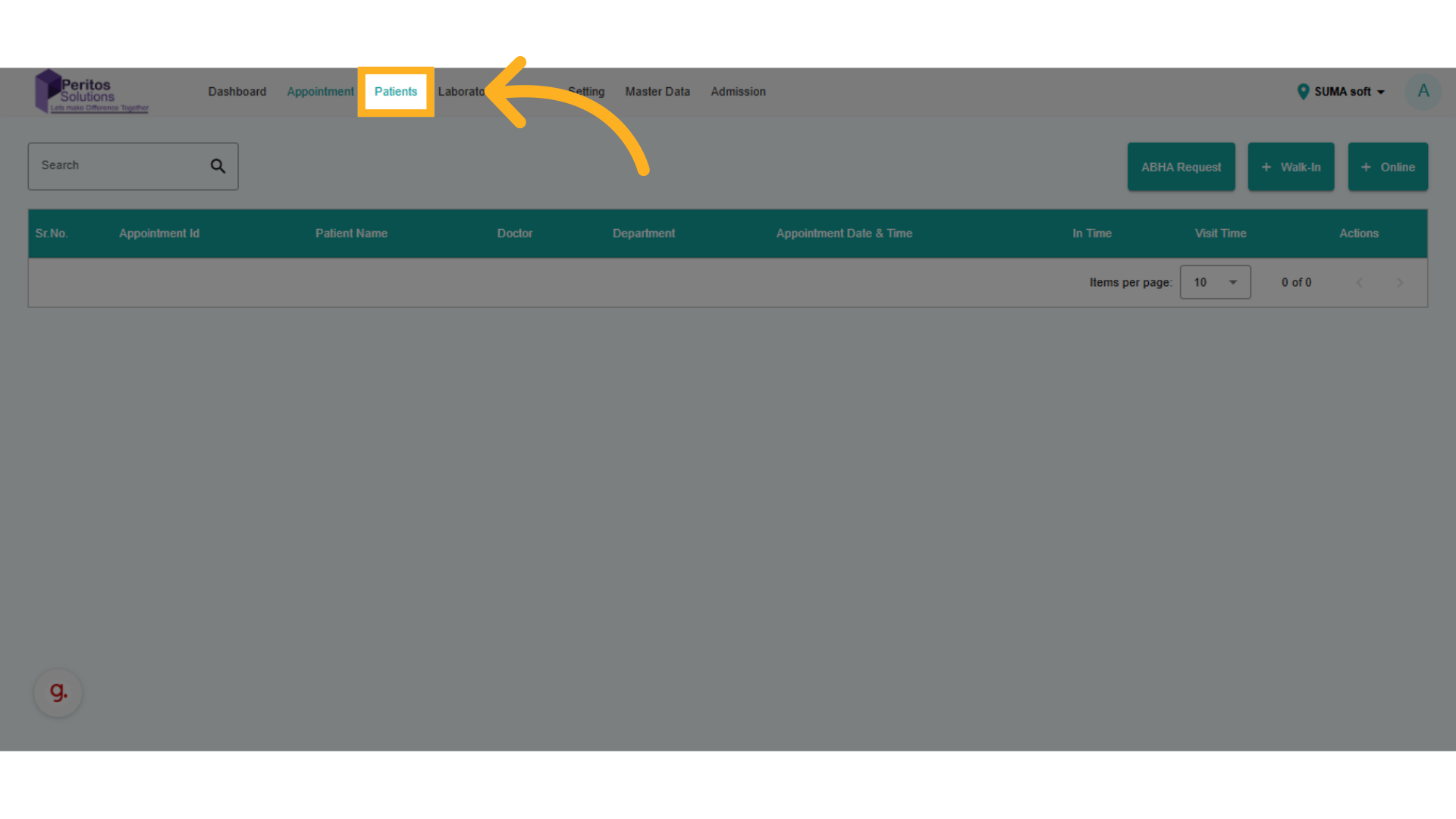
3. Click here
Select the patient’s profile to retrieve their medical history. This personalized approach allows for tailored prescriptions, enhancing patient care.
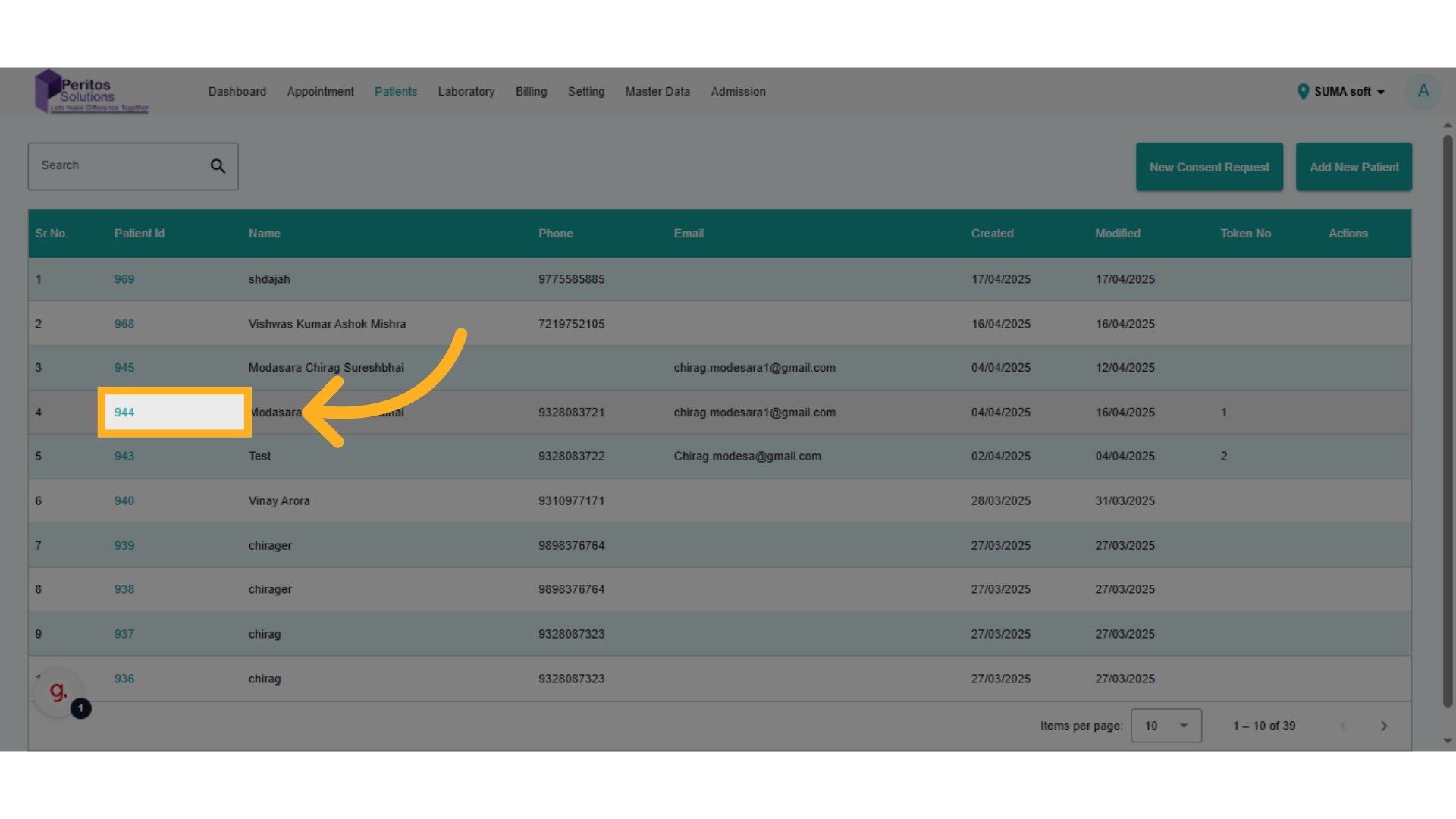
4. Click here
Initiate the process of documenting a new prescription by adding a report. This action is pivotal for maintaining comprehensive patient records.
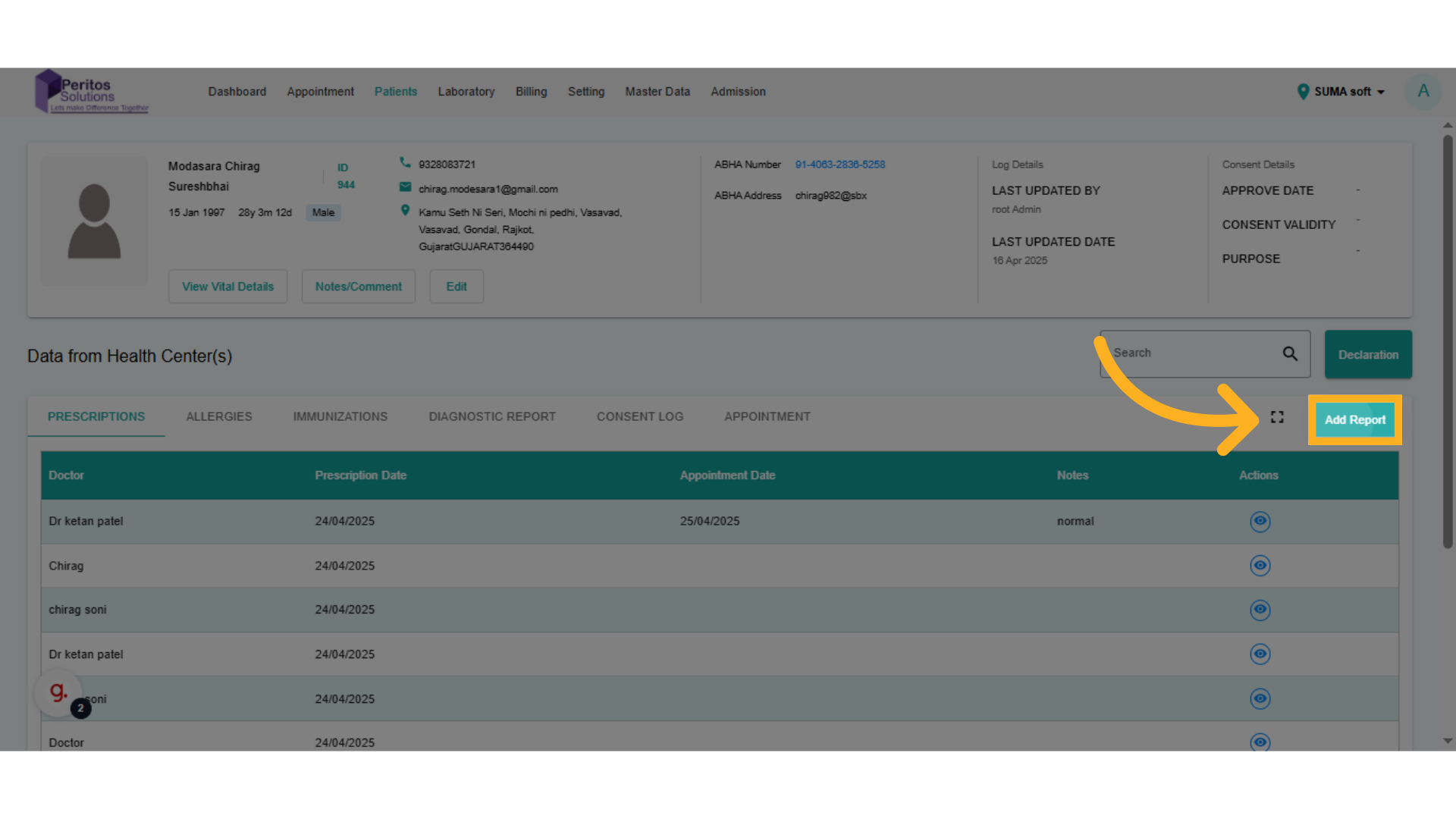
5. Click here
Identify the prescribing physician. This step ensures that the prescription aligns with the patient’s treatment plan, fostering trust and compliance.
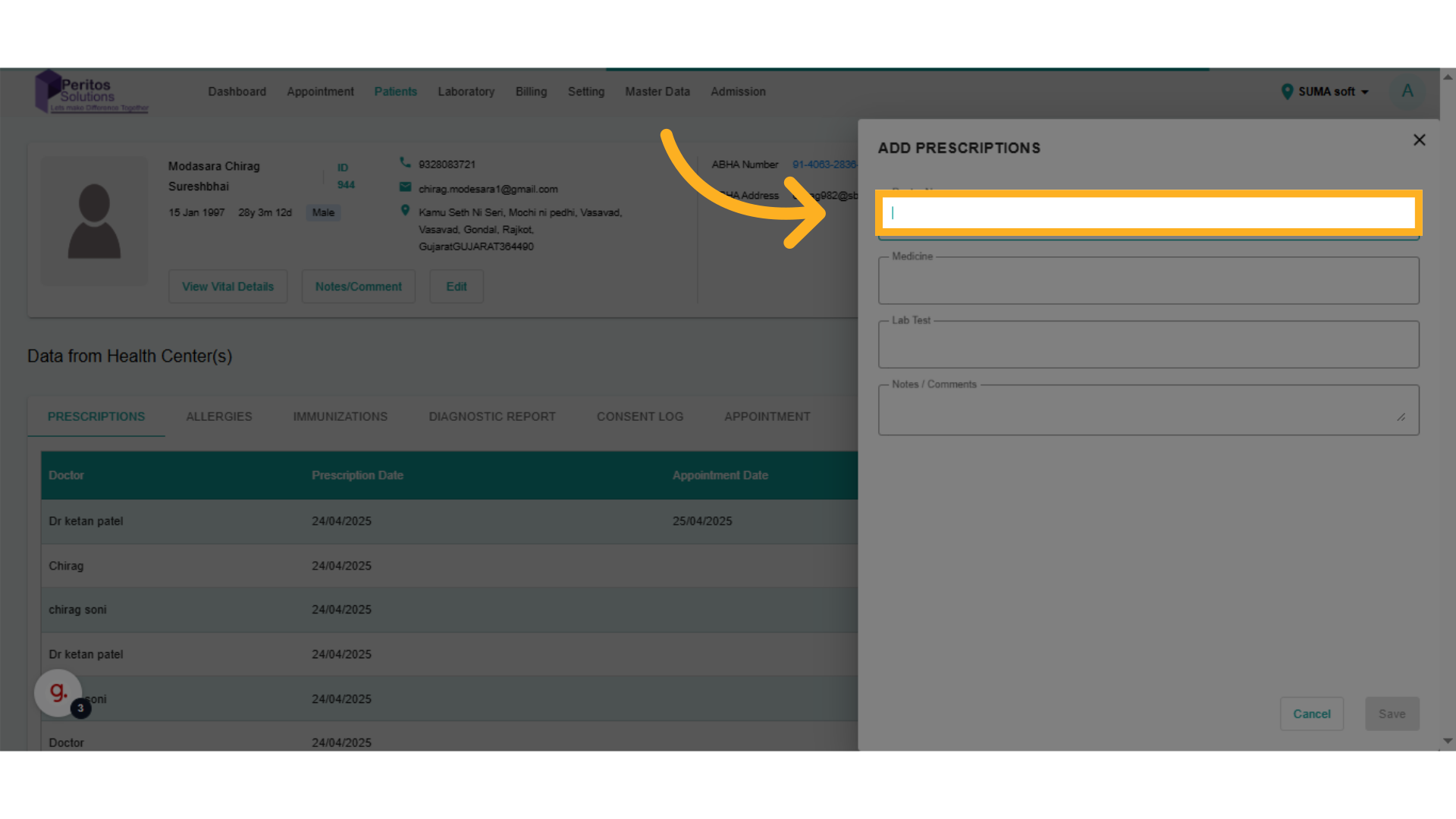
6. select doctor
Select the specific physician from the list, confirming their involvement in the patient’s care, which enhances collaborative treatment efforts.
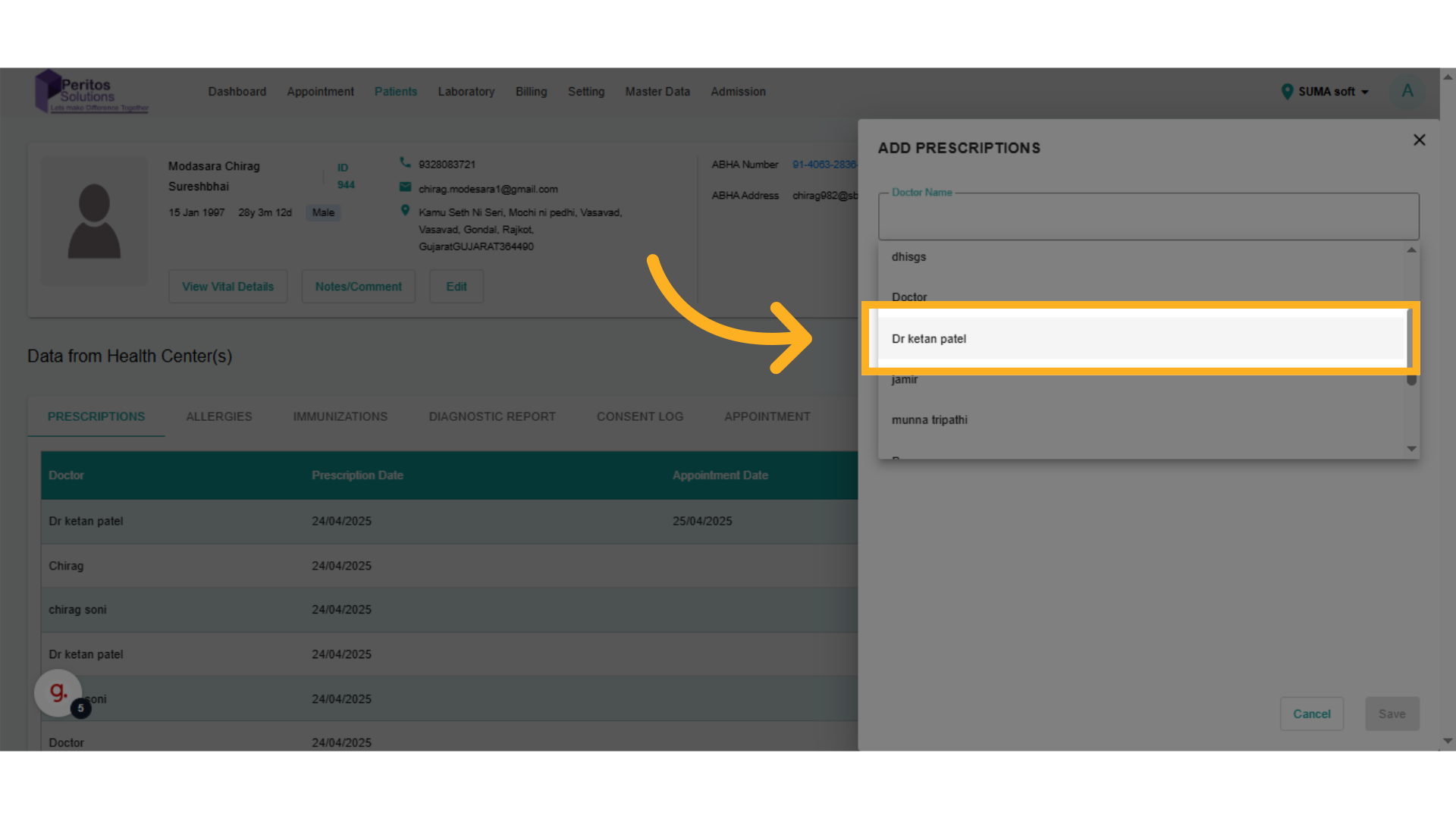
7. Click here
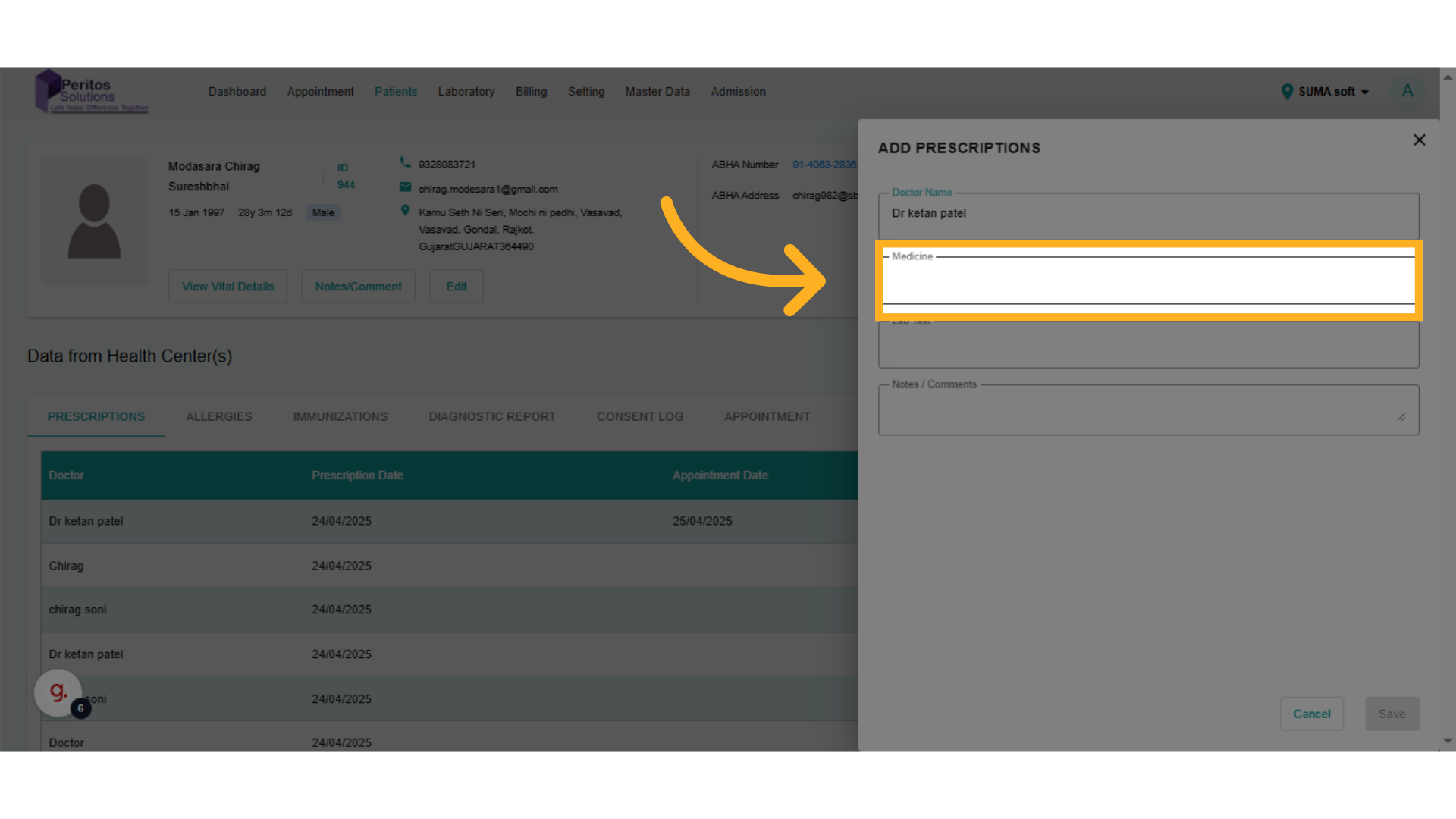
8. Select medicine
Choose the medication required for the patient. This action is vital for addressing the patient’s specific health needs effectively.
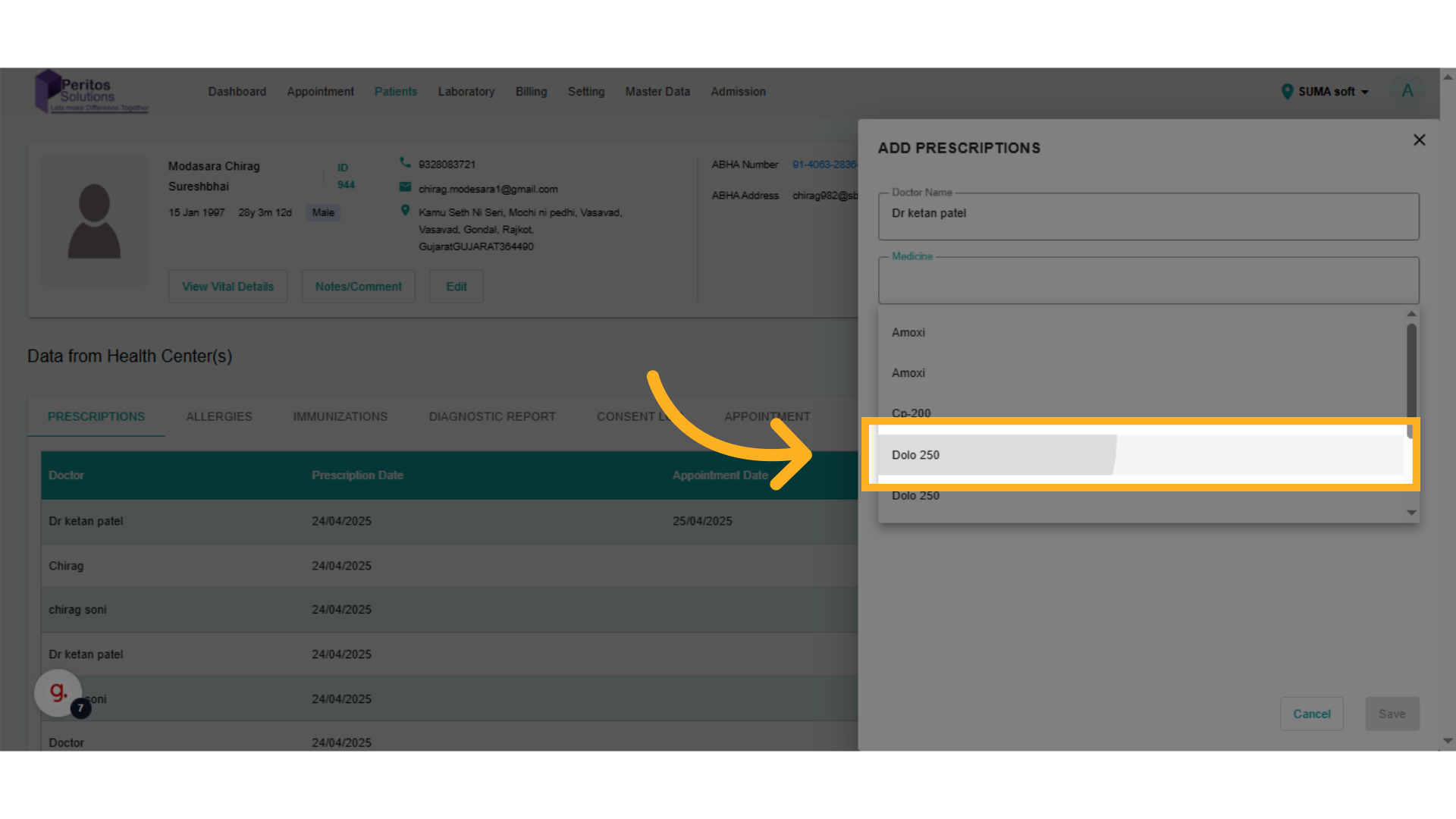
9. Click here
Enter the appropriate quantity based on the patient’s needs, ensuring that the prescription is both safe and effective.
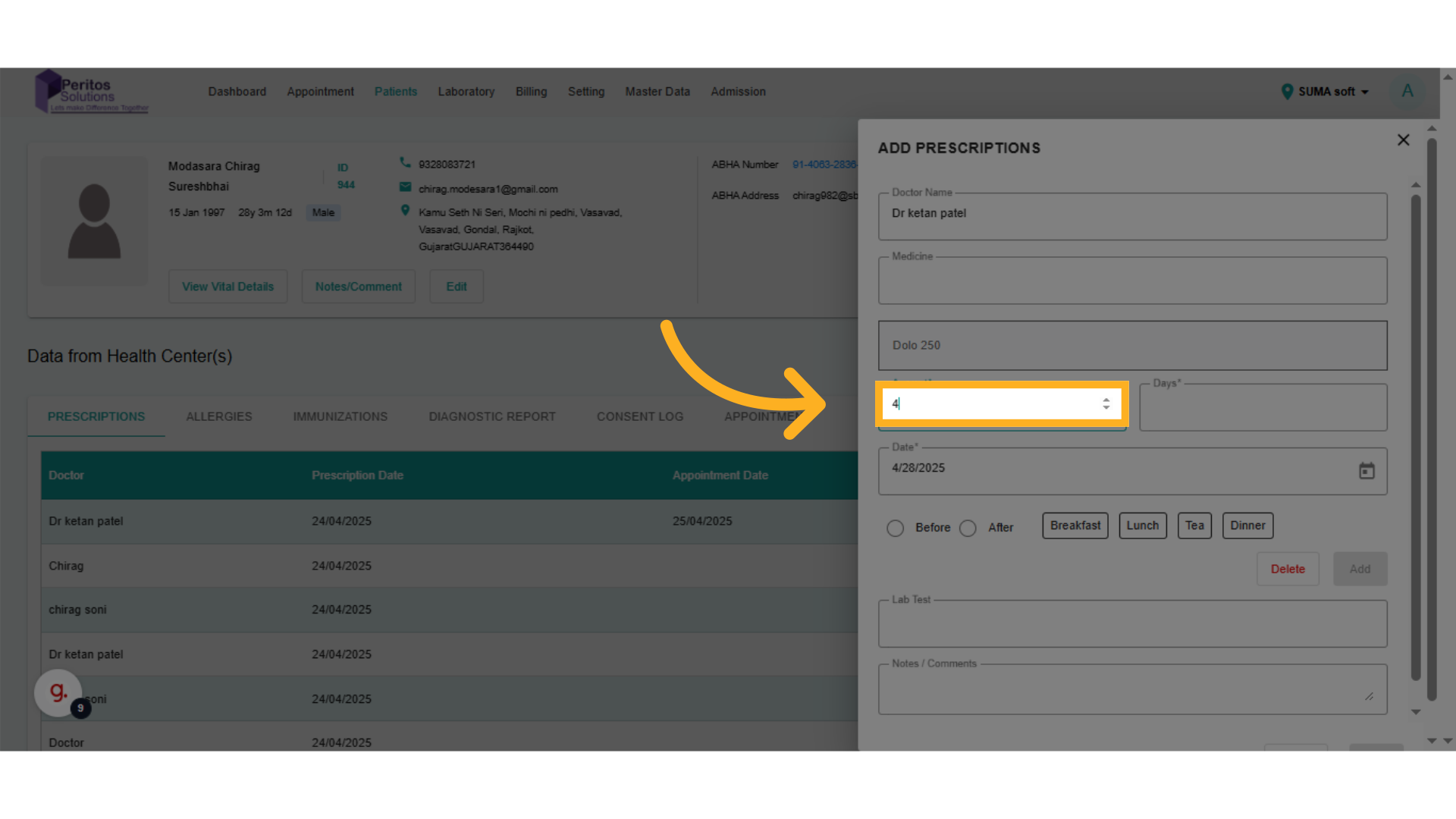
10. Click here
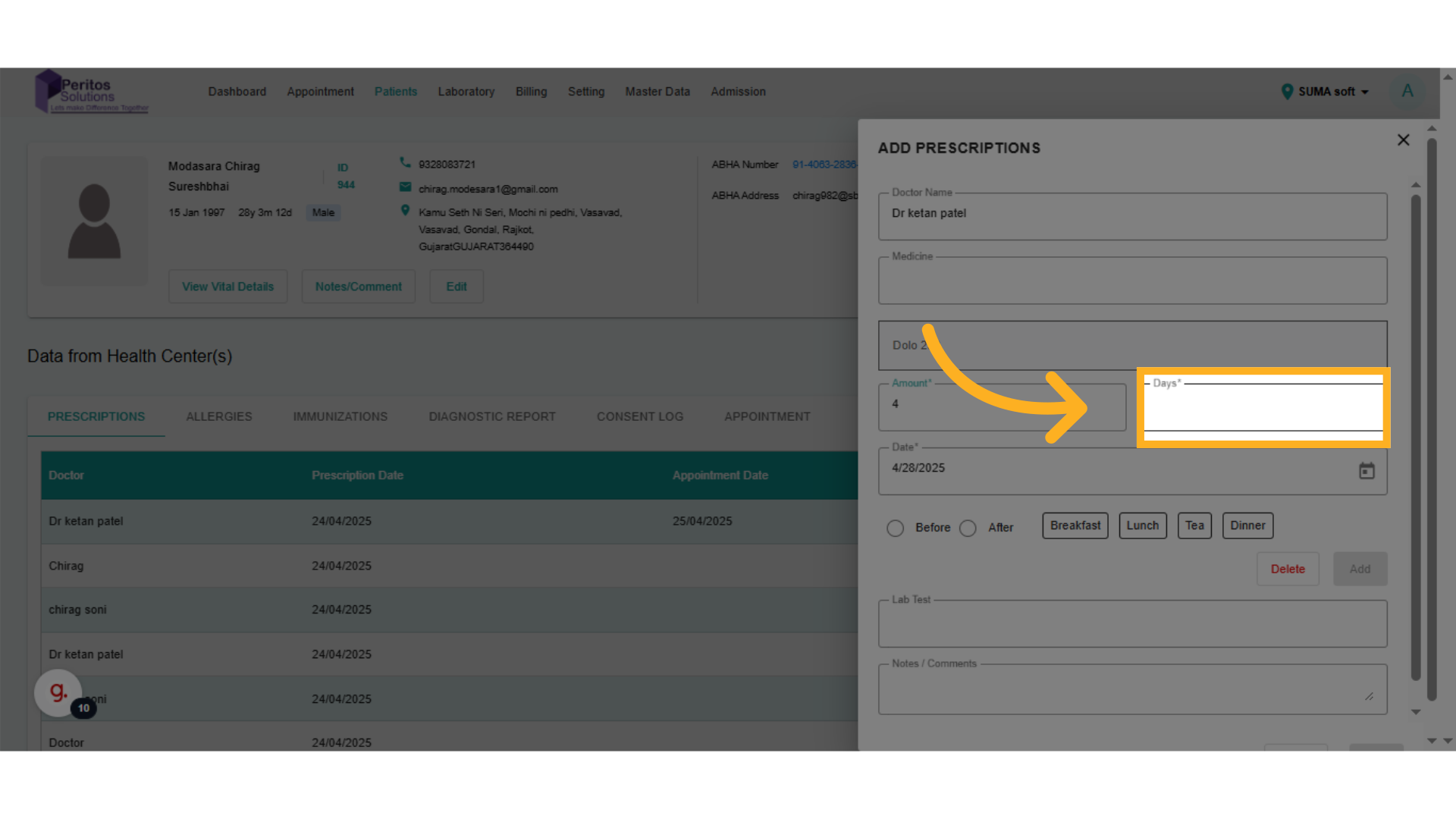
11. Click here
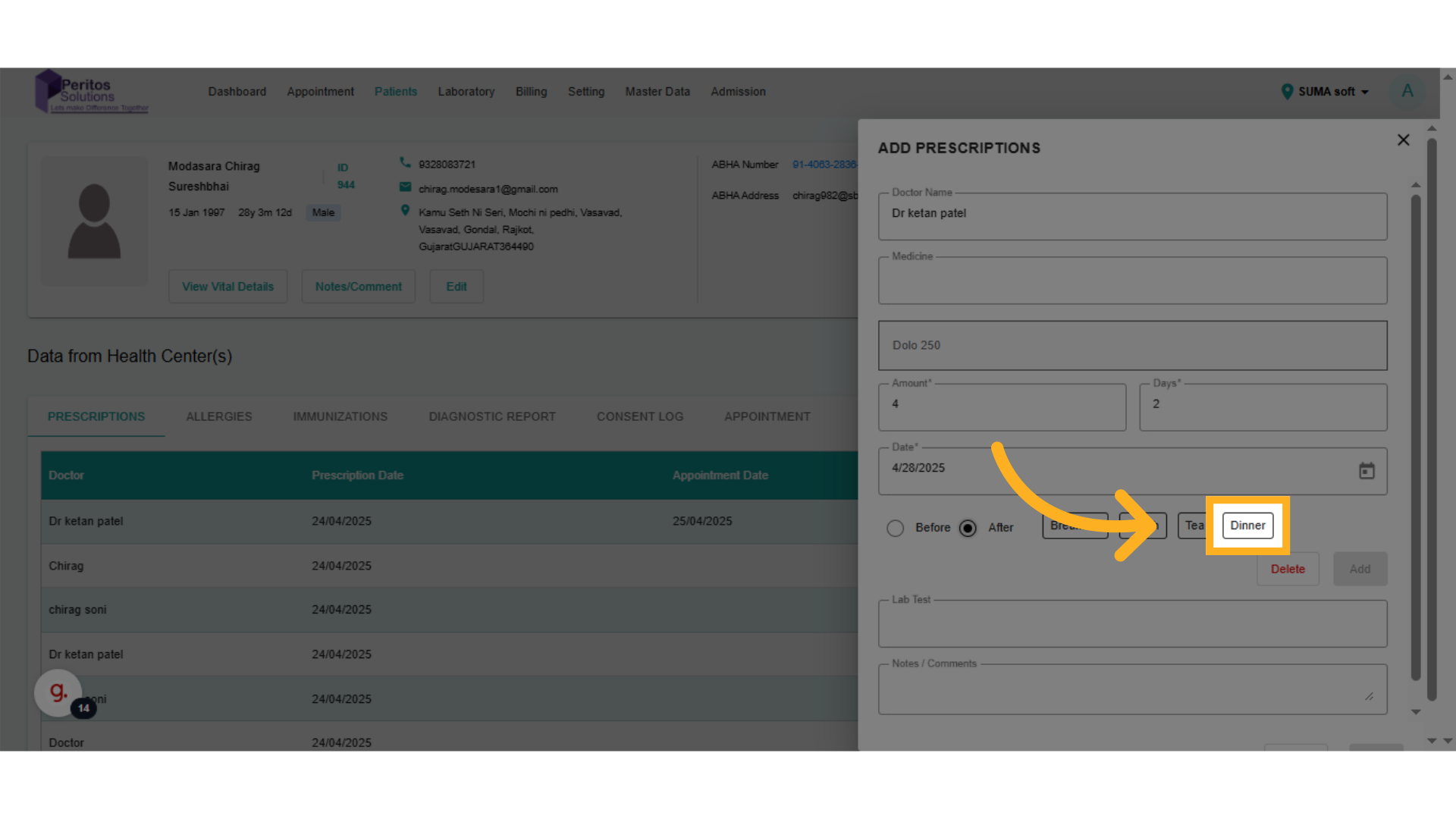
Designate the timing for medication administration. This enhances adherence to the treatment plan by providing clear instructions.
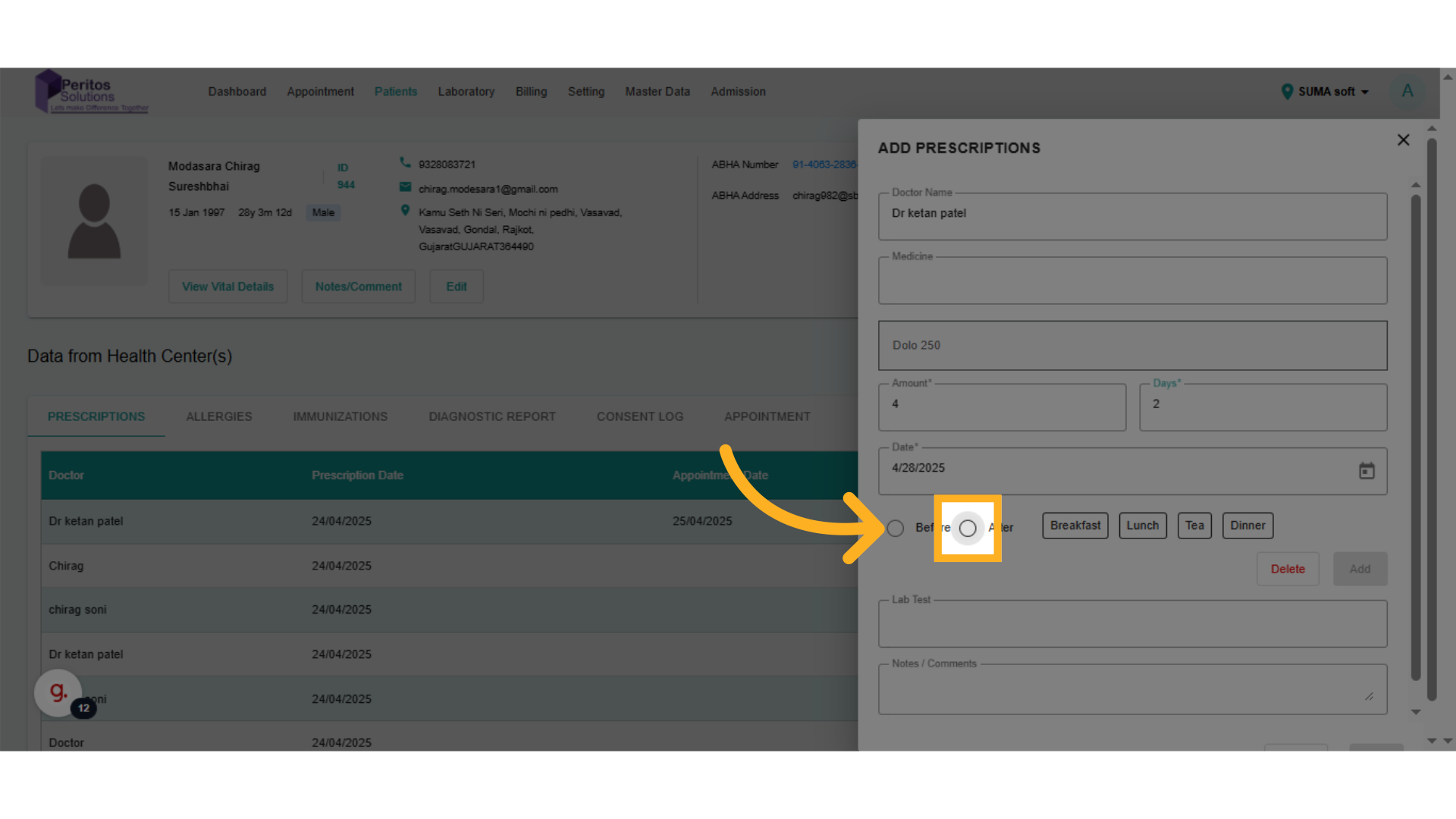
12. Click here
Select the appropriate timing for the medication, which is crucial for maximizing its effectiveness and minimizing side effects.
13. Click here