
Create Walk-in appointment
Introducing the Walk-in Appointment feature in Ektos-health, designed for busy individuals seeking efficient healthcare access
Go to test.ektos-health.in
1. Introduction
This feature addresses the challenge of scheduling immediate appointments, enabling users to effortlessly book a visit that suits their needs, ultimately enhancing their healthcare experience.
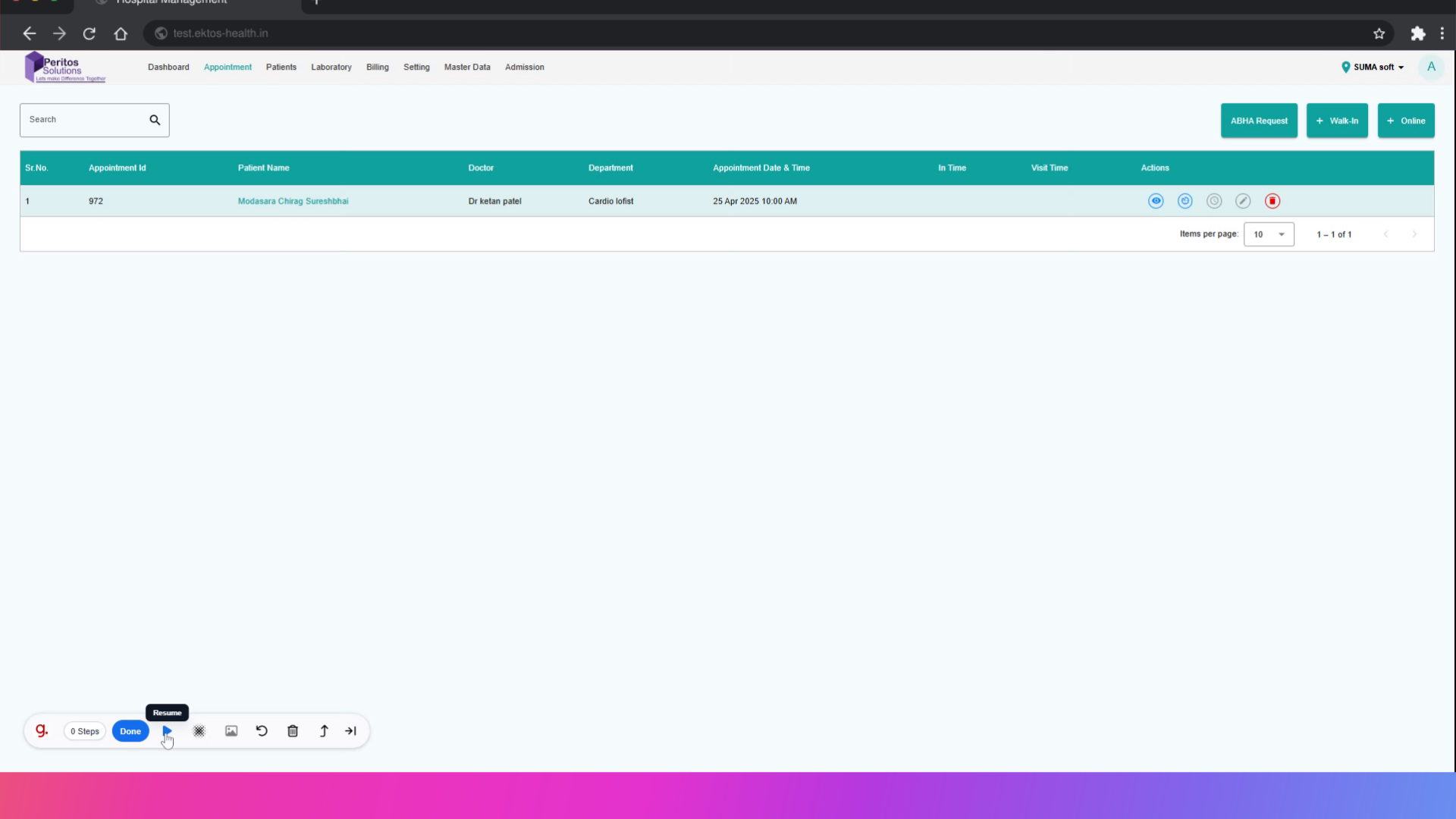
2. Select Walk-in Appointment
Access the appointment scheduling interface seamlessly, paving the way for a smooth appointment creation process.
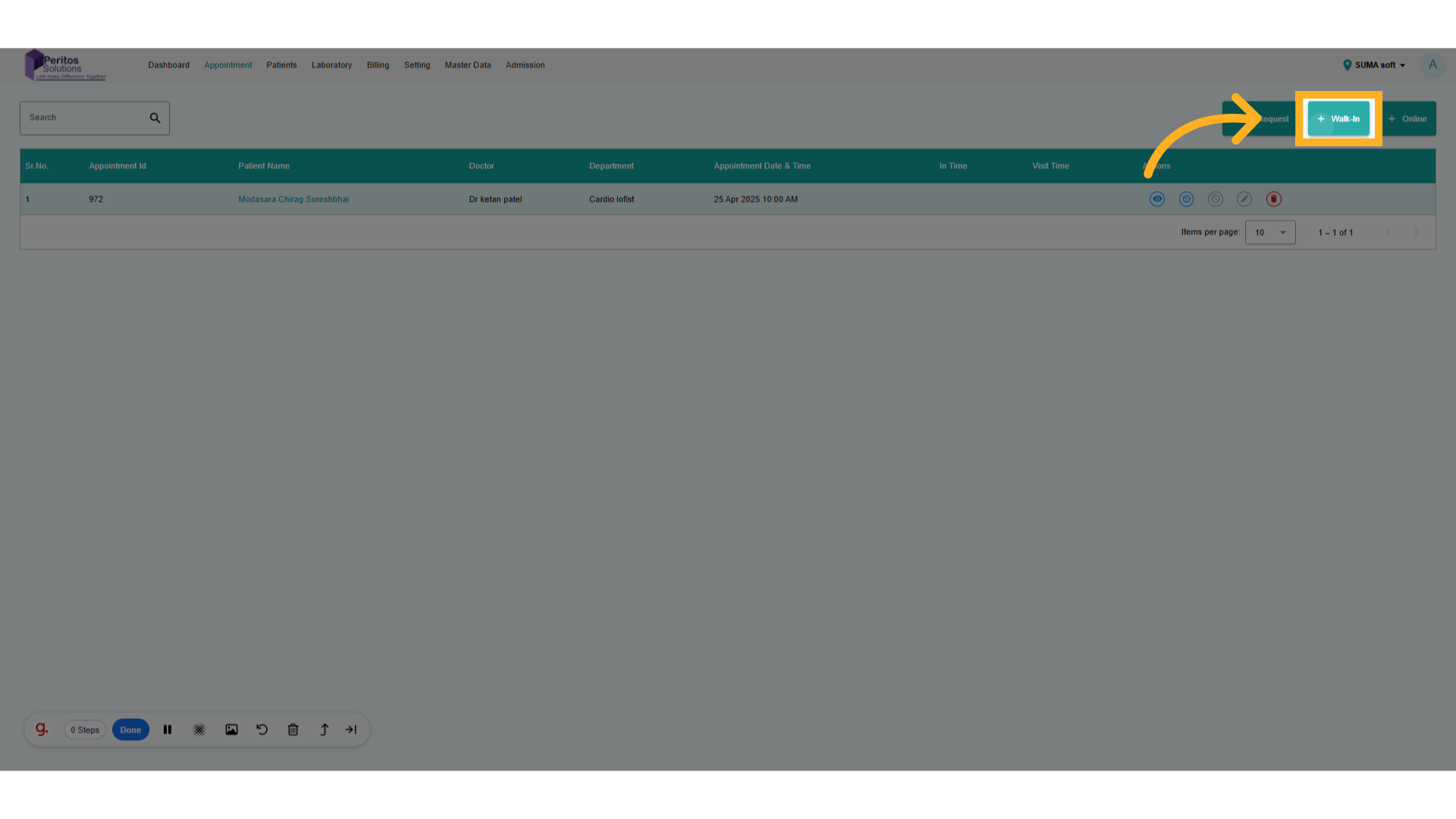
3. Select Appointment Date
Select the specific day of the month, making it easy to find the ideal date for your visit.
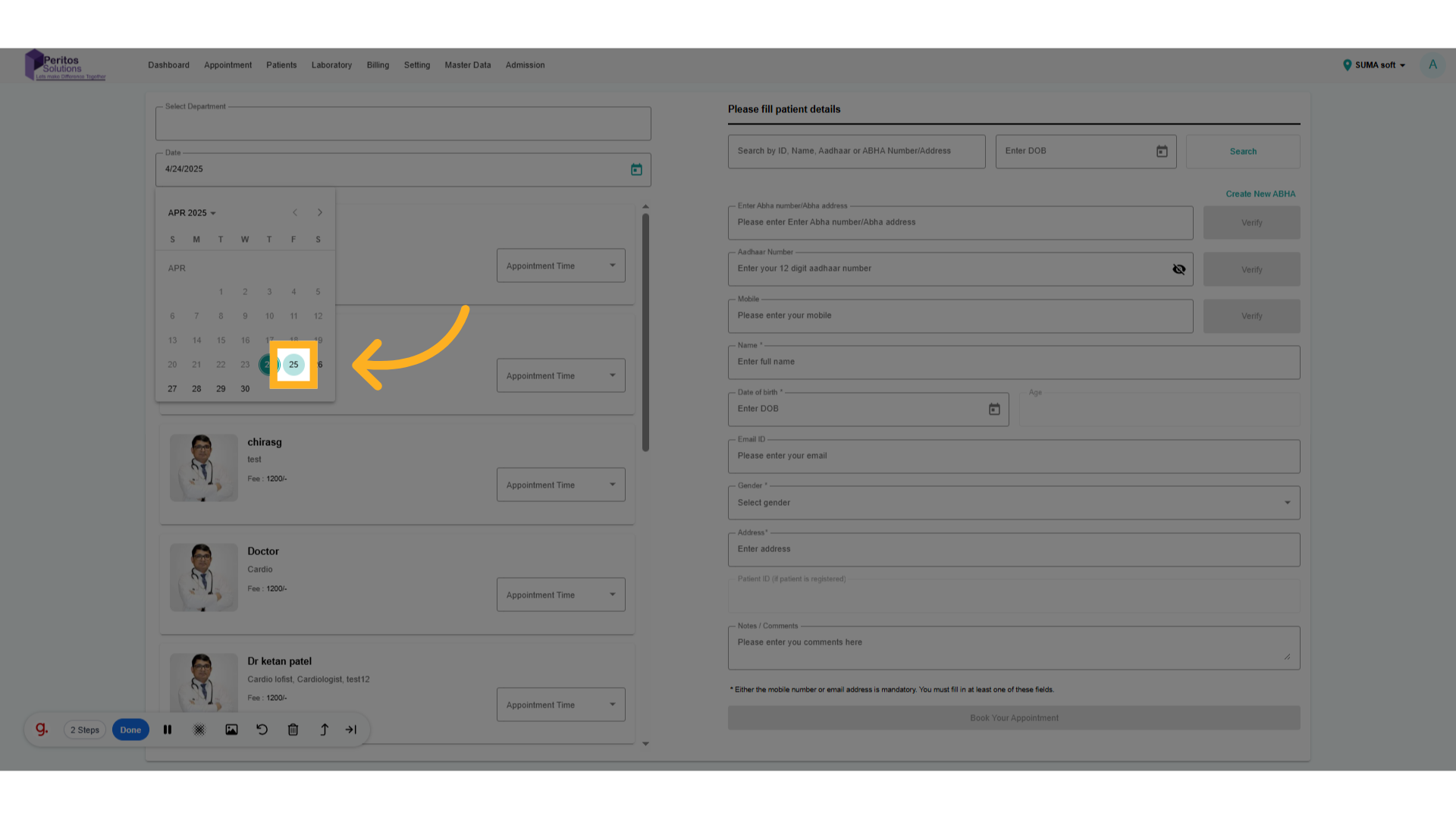
4. Search For patient
Confirm your date selection, streamlining the process to lock in your appointment.
5. Select Patient From list
Choose your preferred healthcare provider, enhancing your experience by ensuring continuity of care.
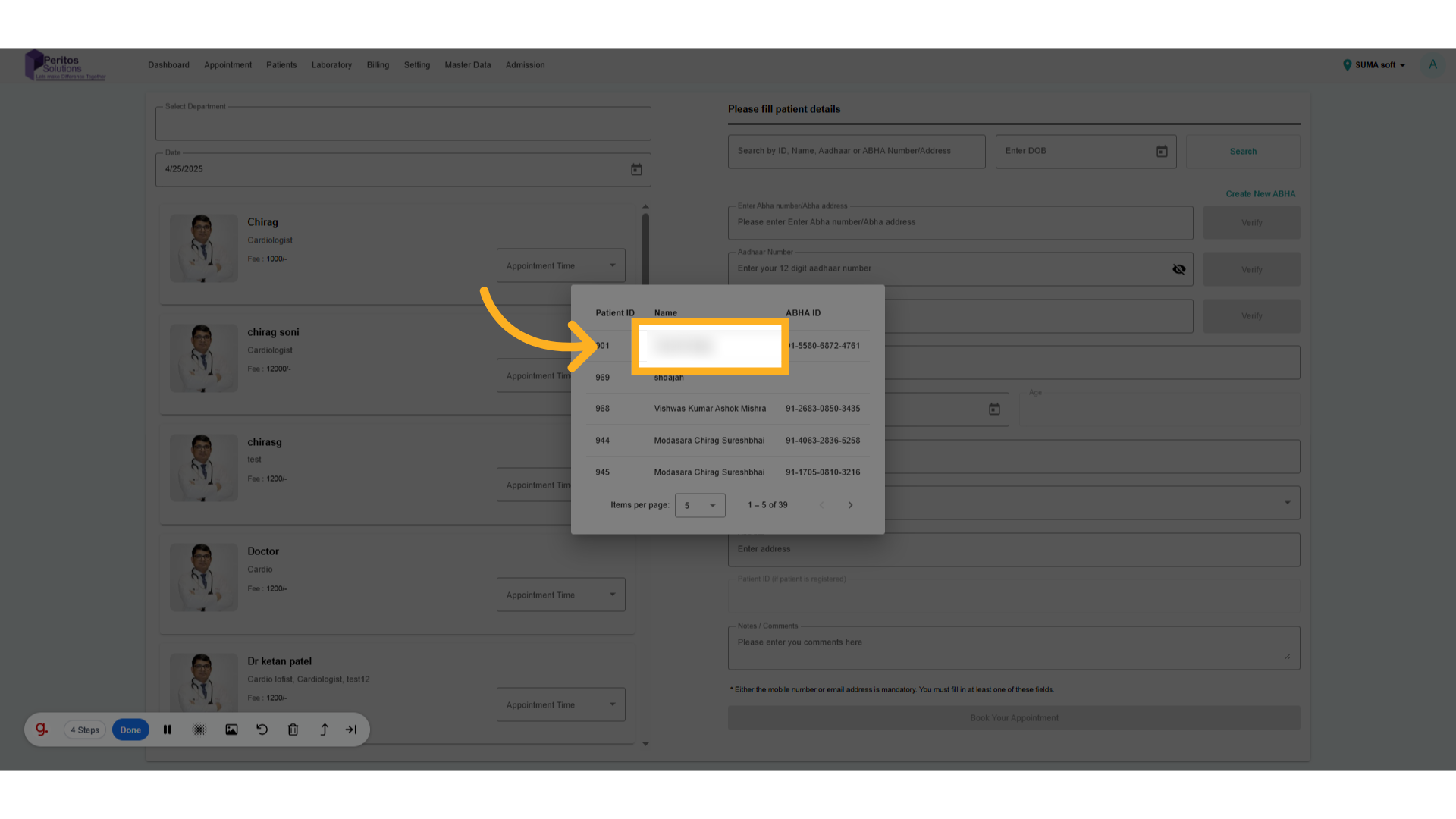
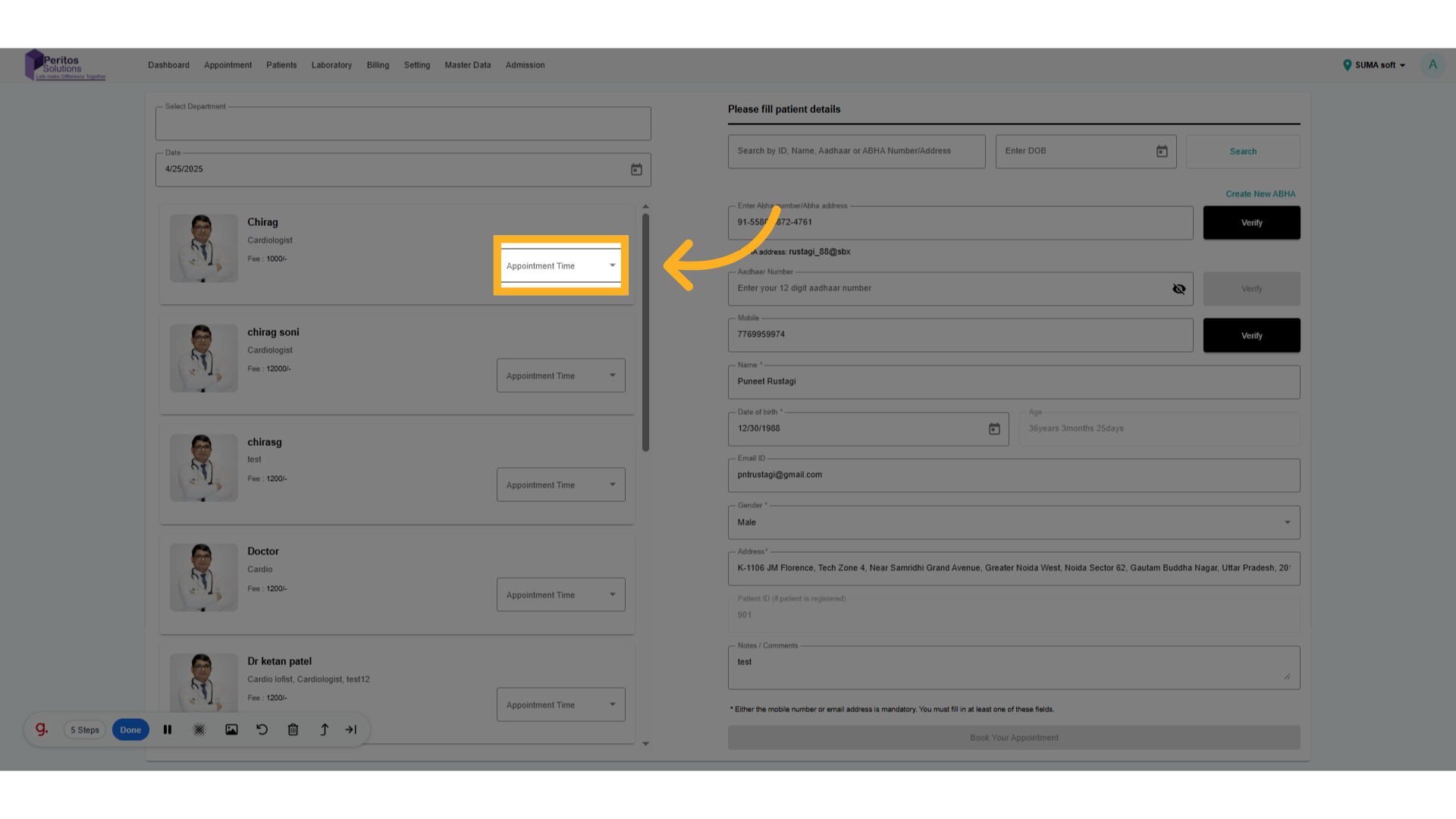
6. Click here for appointment time slots.
Proceed to set the appointment details, ensuring all necessary information is consolidated in one place.
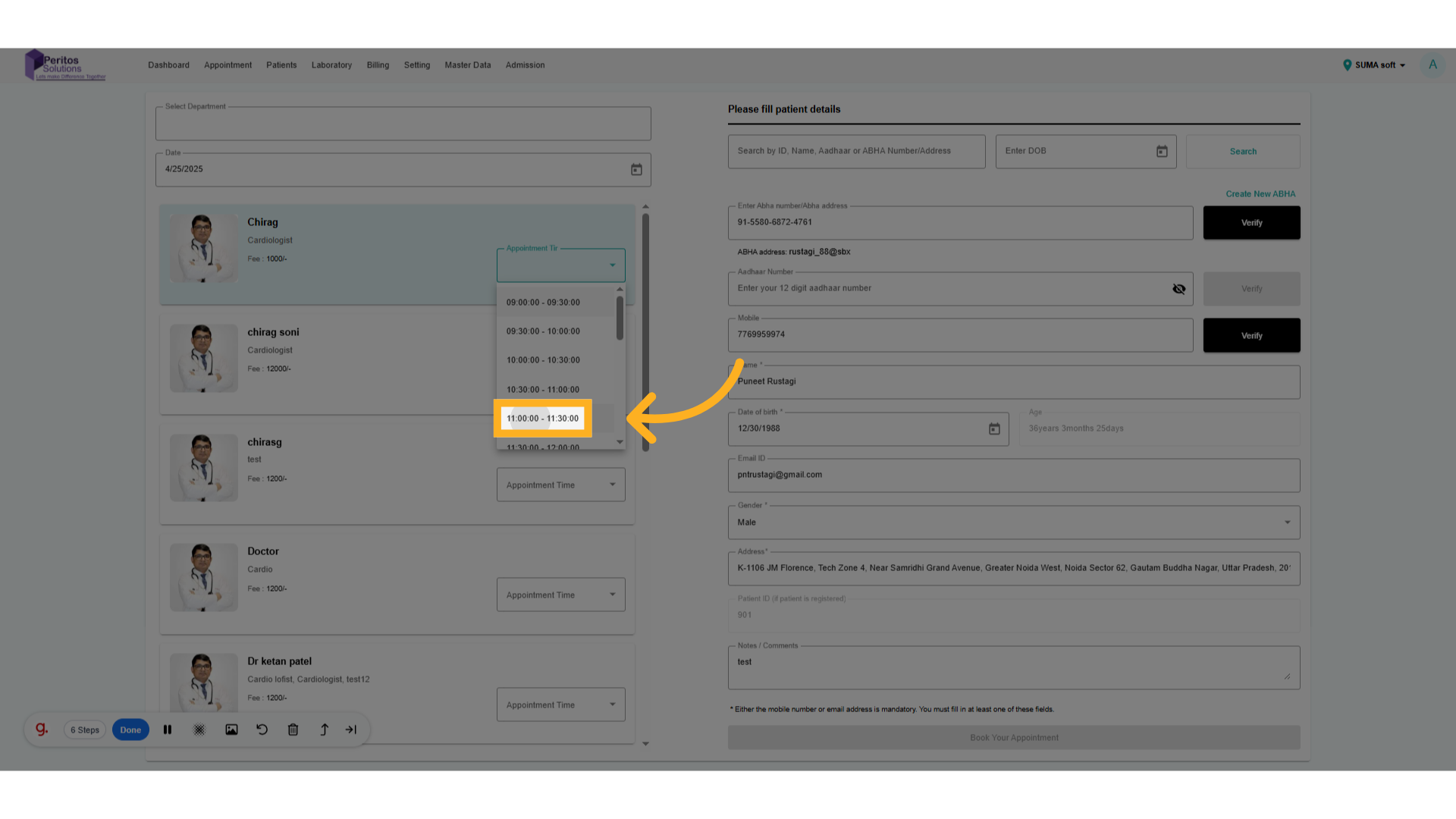
7. Select Appointment Time slot
Select a time slot that fits your schedule, allowing for a personalized appointment experience.
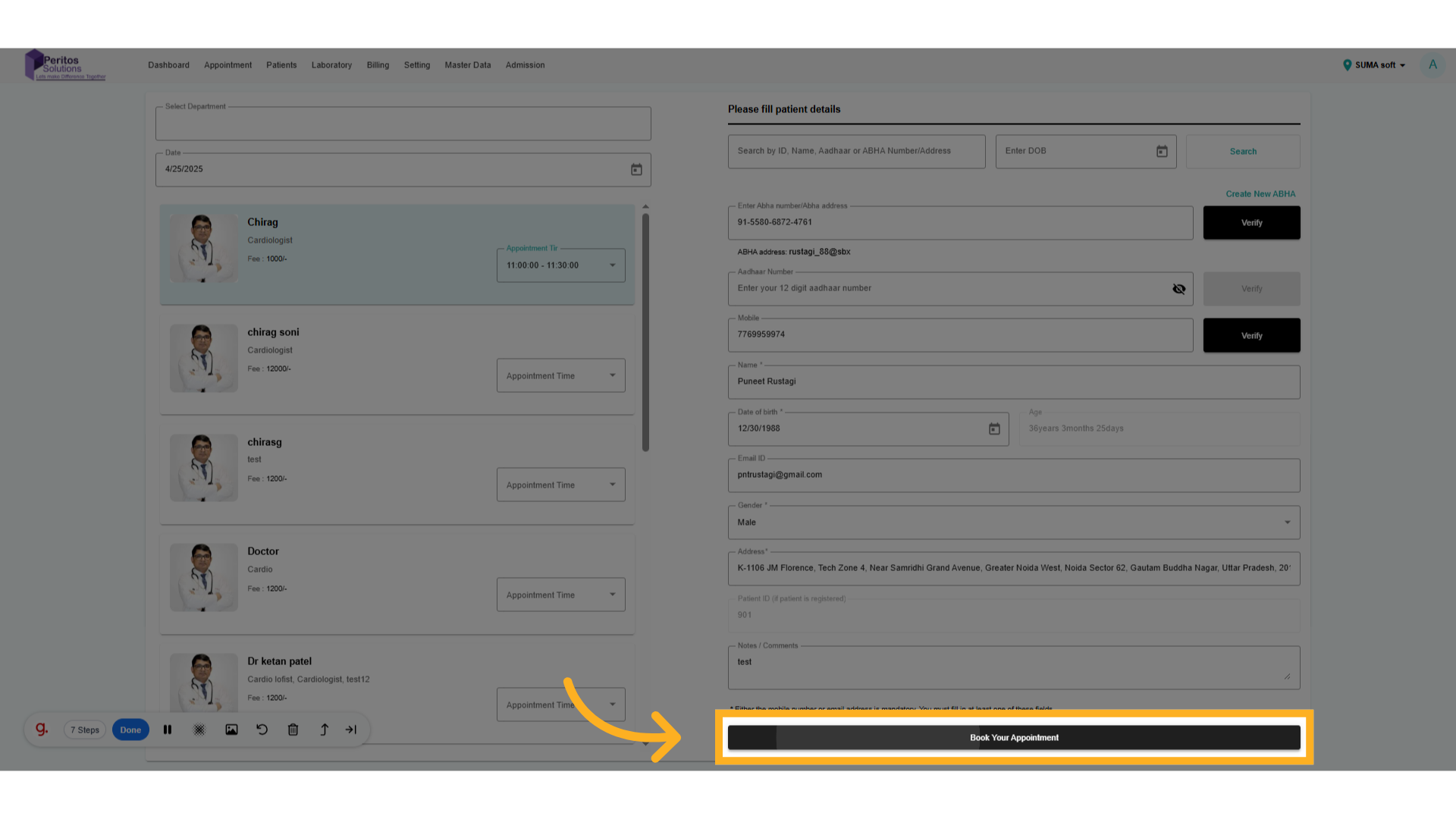
8. Click on Book Appointment.
Review your appointment details, ensuring everything is accurate before finalizing your booking.
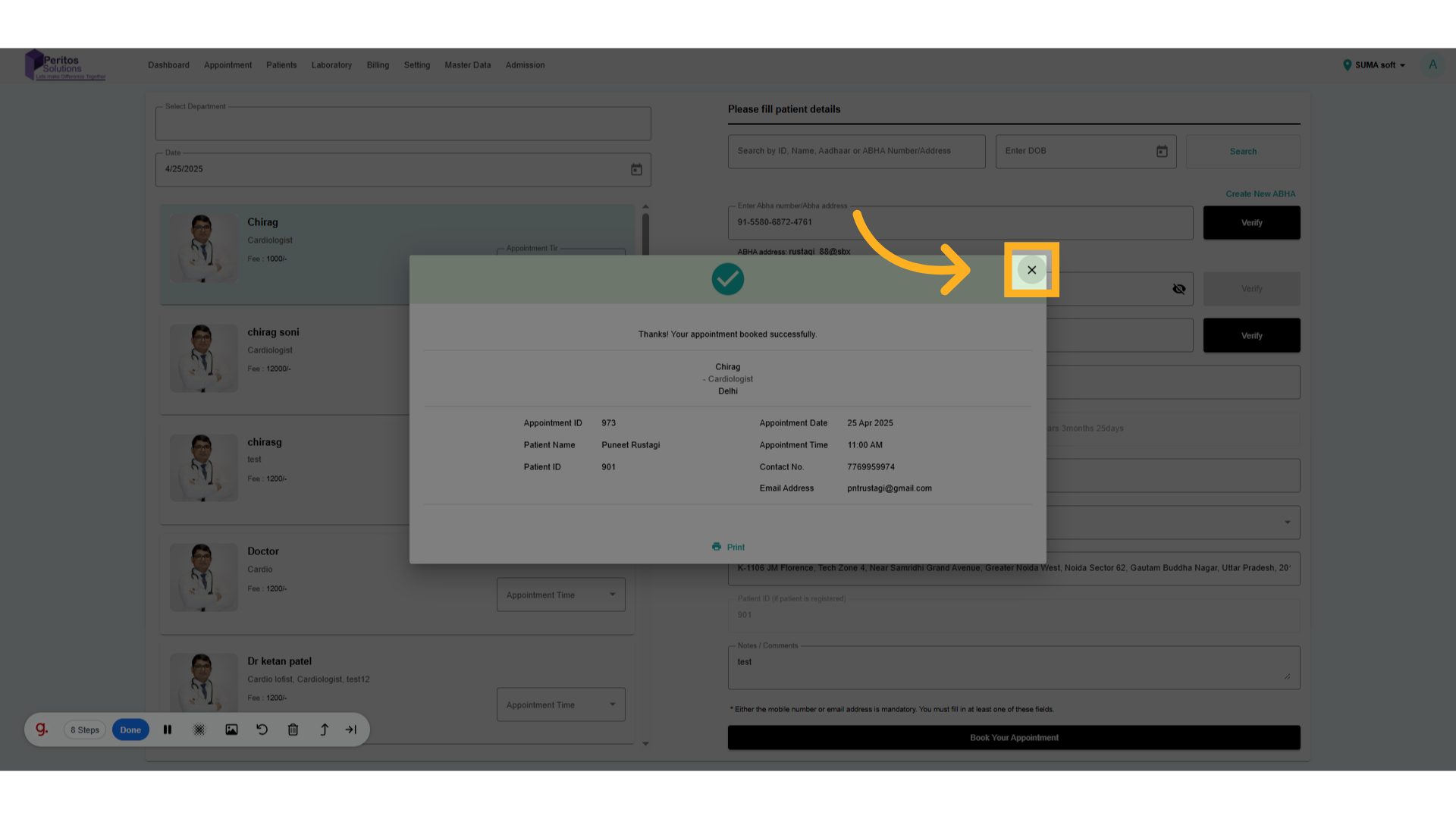
9. Click here to close appointment details.
Finalize the appointment, completing the process and securing your time with the healthcare provider.
With the Walk-in Appointment feature, users gain the ability to quickly schedule visits tailored to their preferences. This streamlined process ensures that healthcare access is not only convenient but also personalized, significantly improving the overall user experience with Ektos-health.