
Create Online Appointment
Introducing our new Online Appointment feature designed for patients seeking efficient and hassle-free access to specialized healthcare
Go to test.ektos-health.in
1. Introduction
This feature streamlines the appointment-setting process, allowing you to book consultations with expert doctors effortlessly, saving you time and ensuring you receive the care you need promptly.
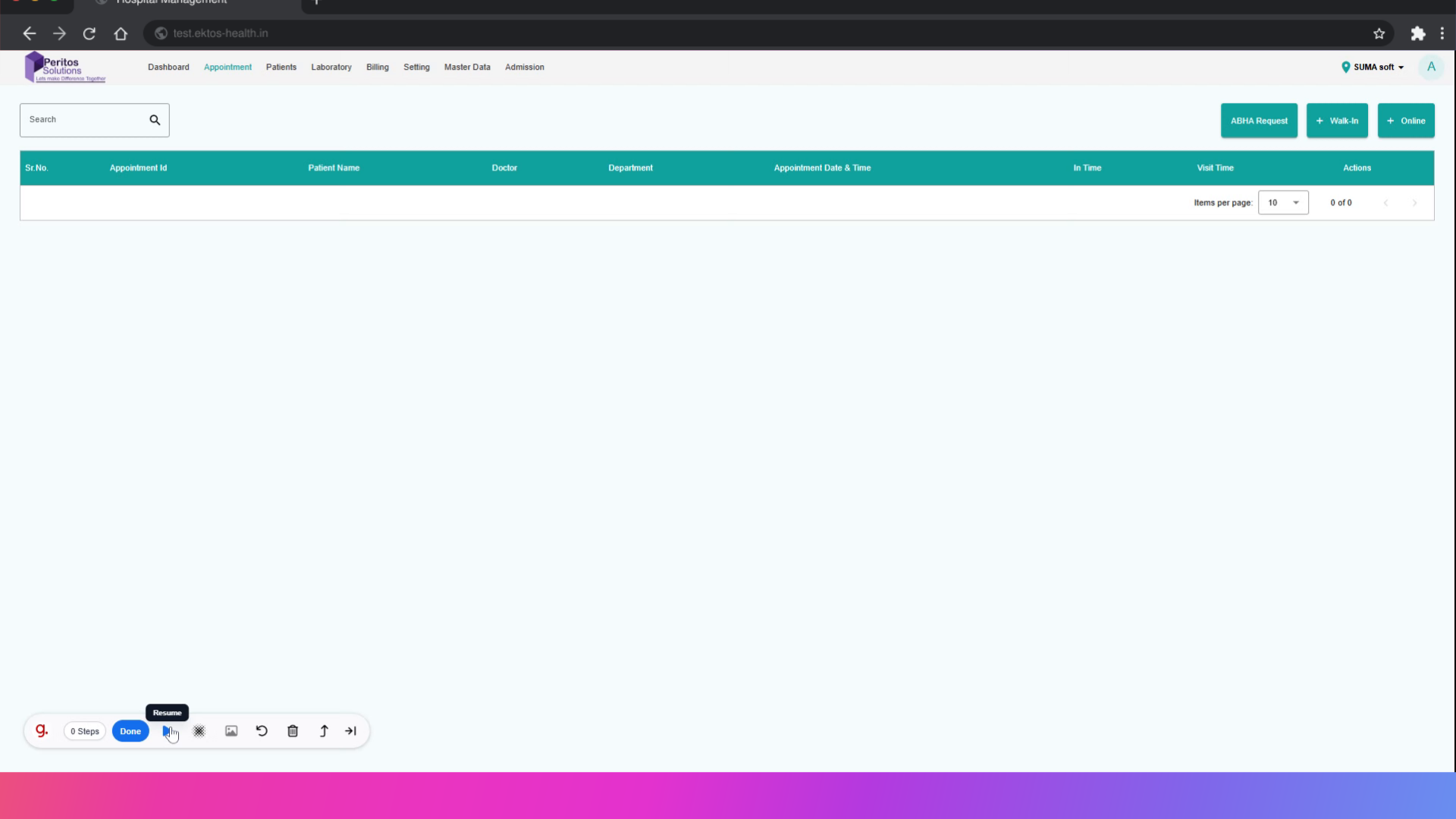
2. Select Online Appointment
Begin your journey to easy healthcare management by accessing the appointment portal.

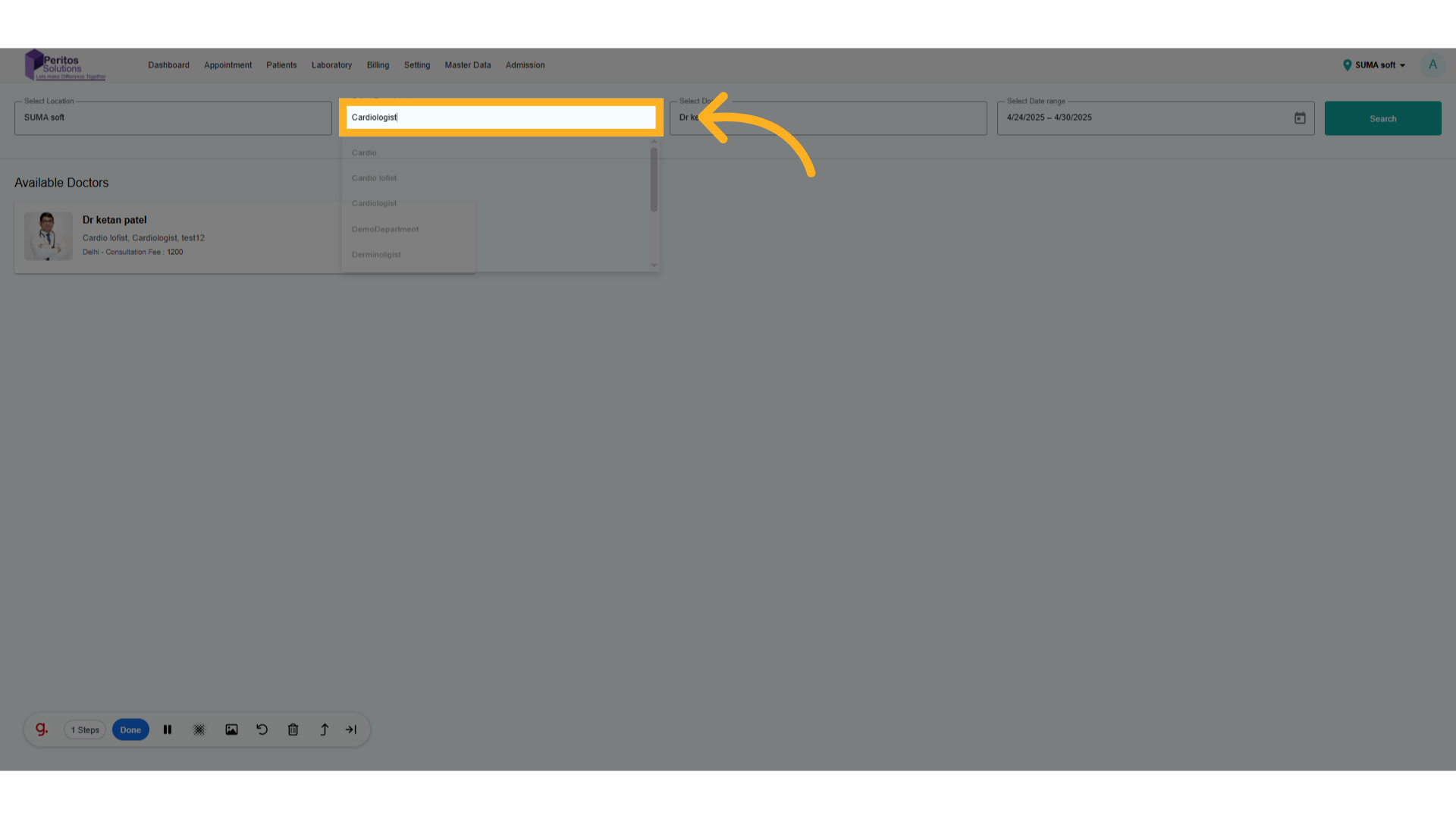
3. Select Department
Choose a department to ensure you receive specialized care tailored to your needs.
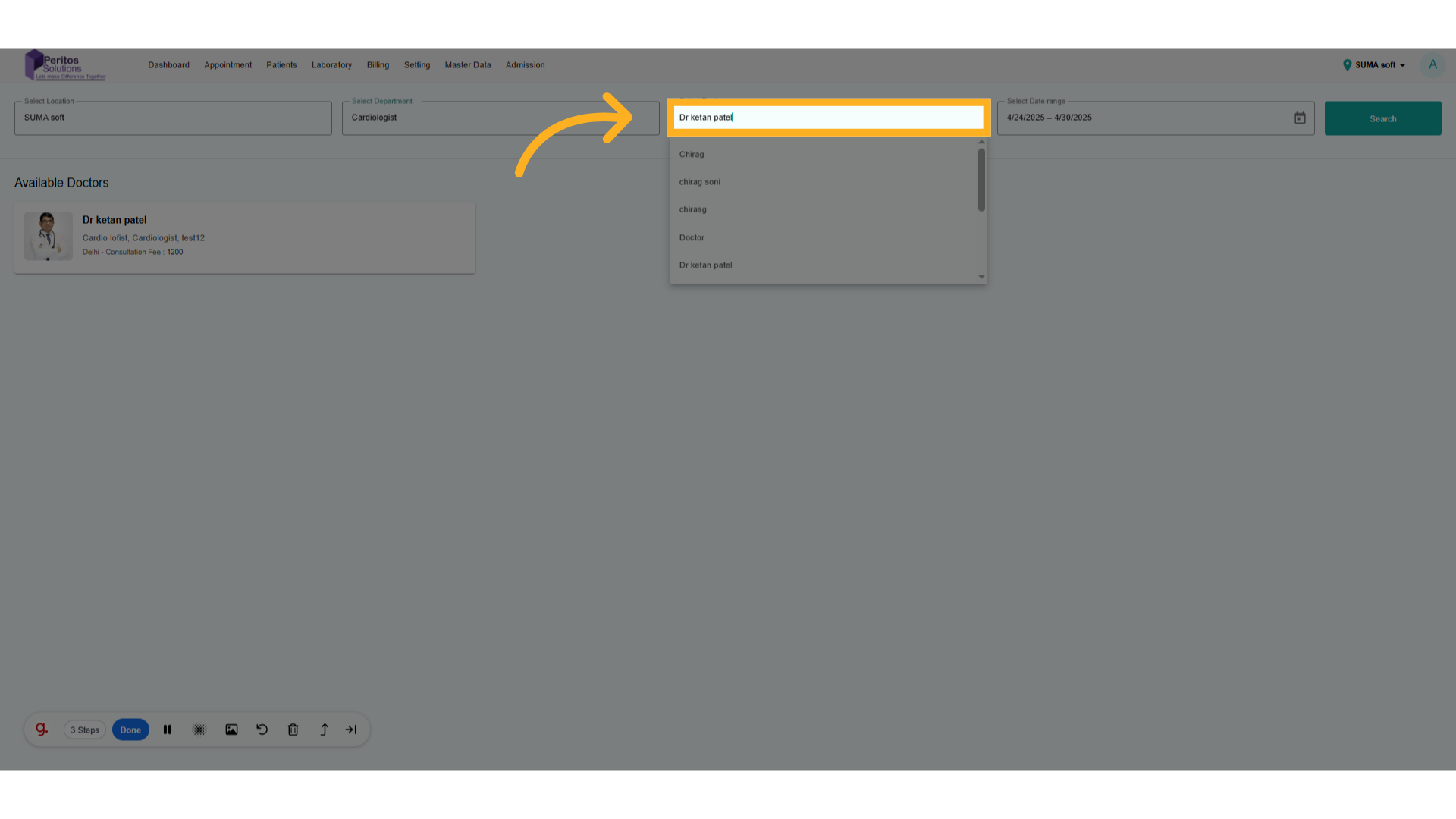
4. Select Doctor
Opt for a specific doctor to personalize your healthcare experience based on your preferences.
5. Select Appointment Date Range
Proceed to the appointment scheduling section to streamline your booking process.
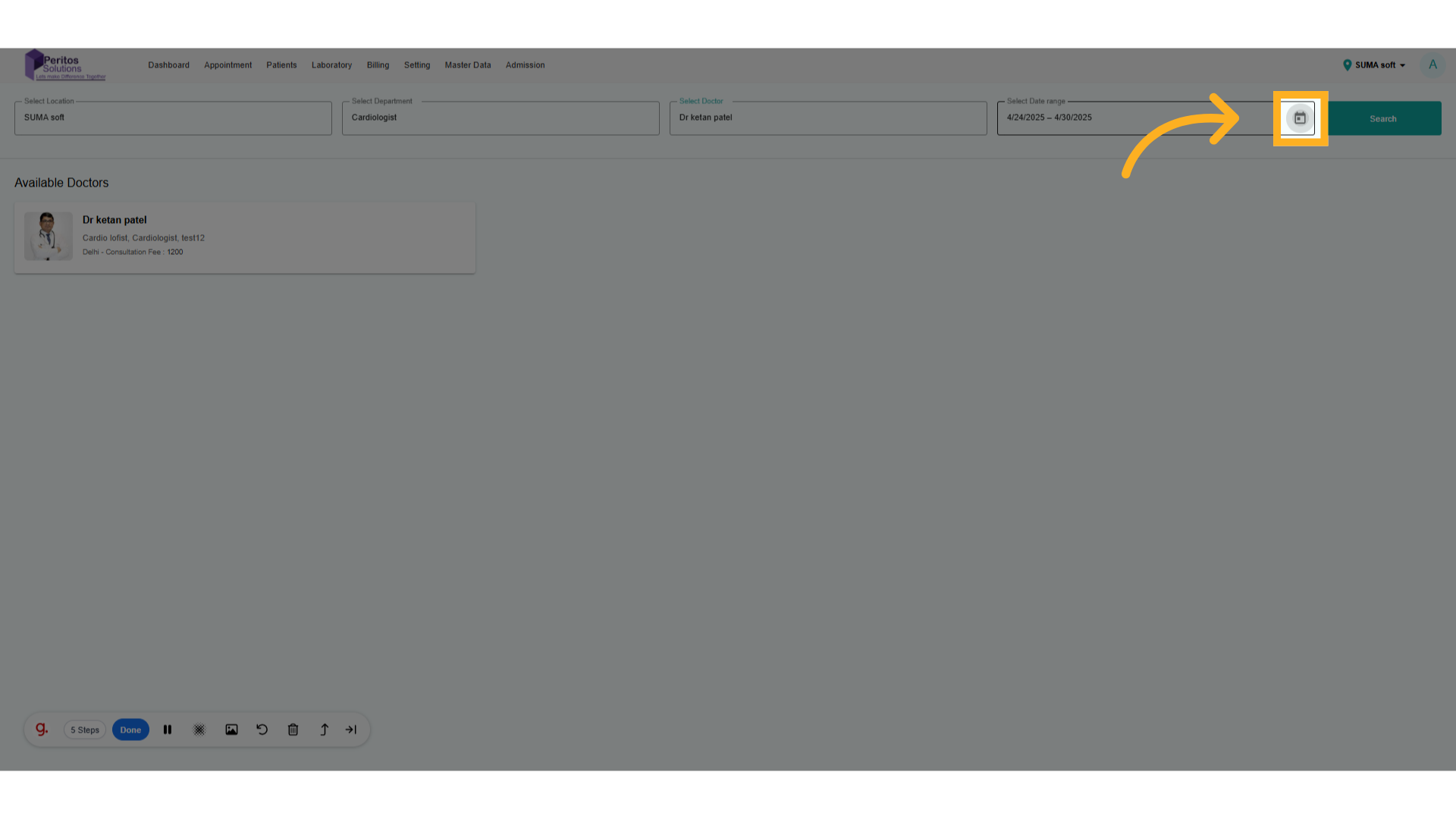
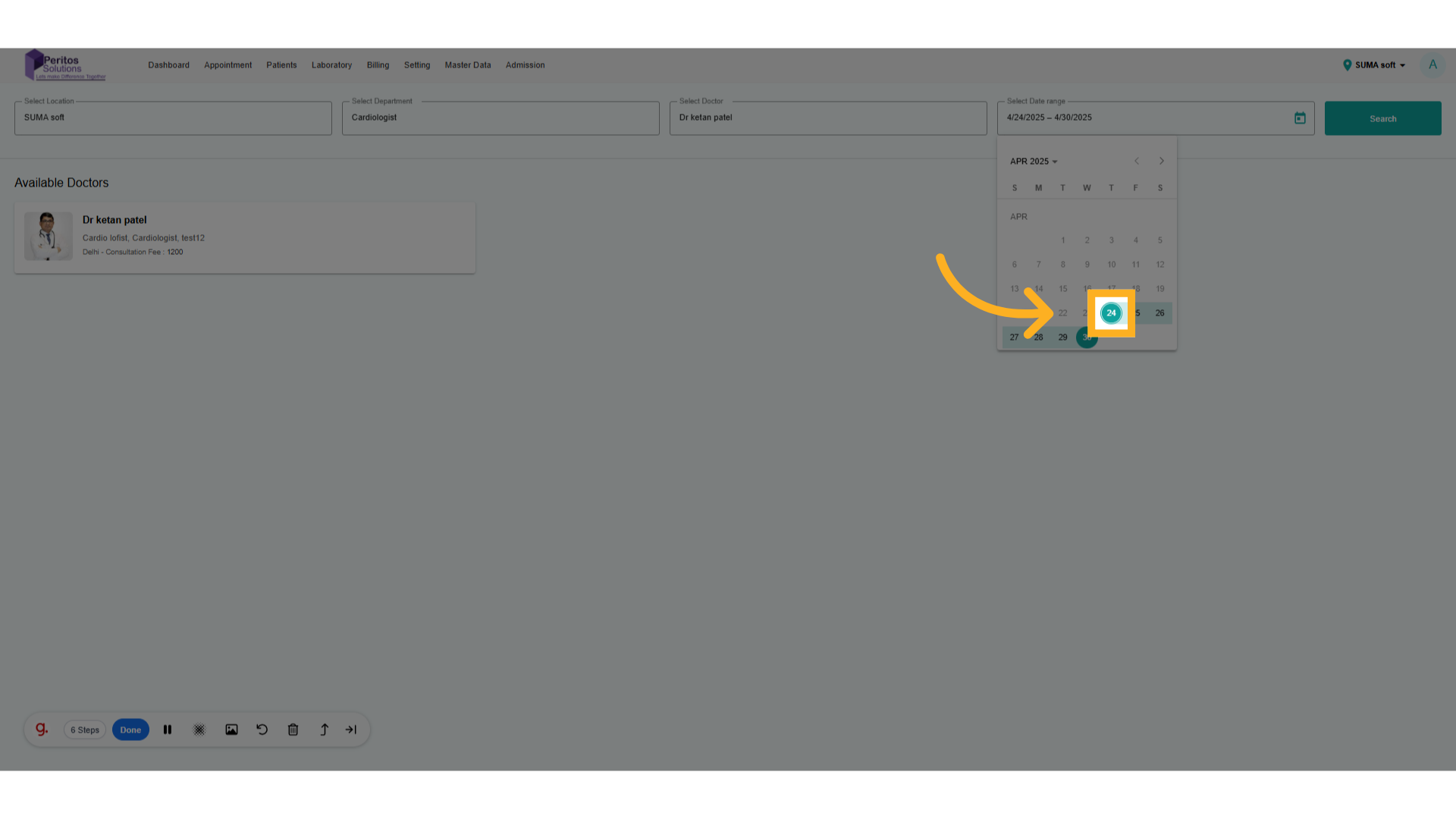
6. Select Date Range
Choose the day that fits your schedule to ensure you can attend your appointment without stress.
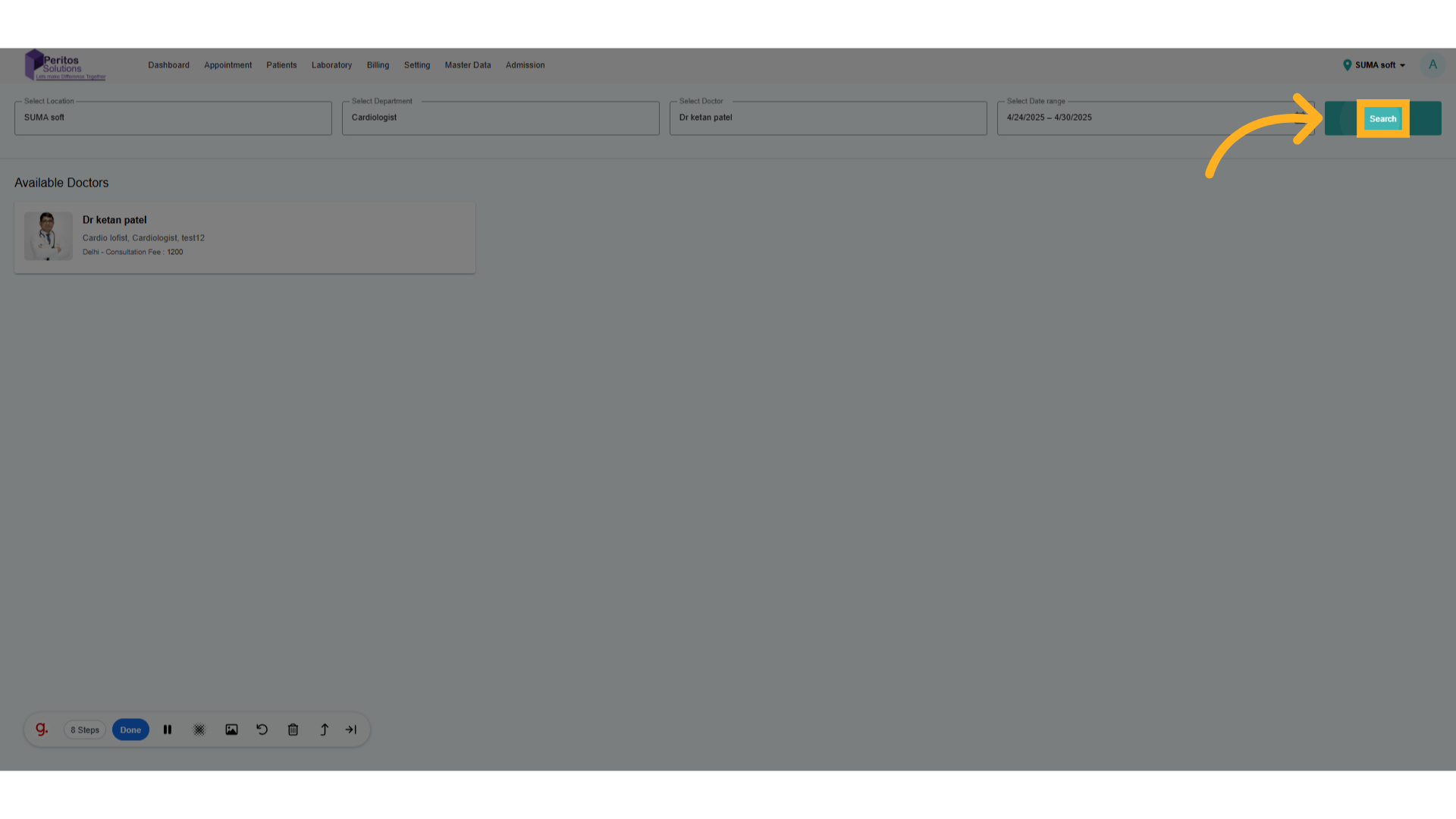
7. Click on Search
Initiate the search for available appointment slots with your chosen doctor to find the perfect fit.
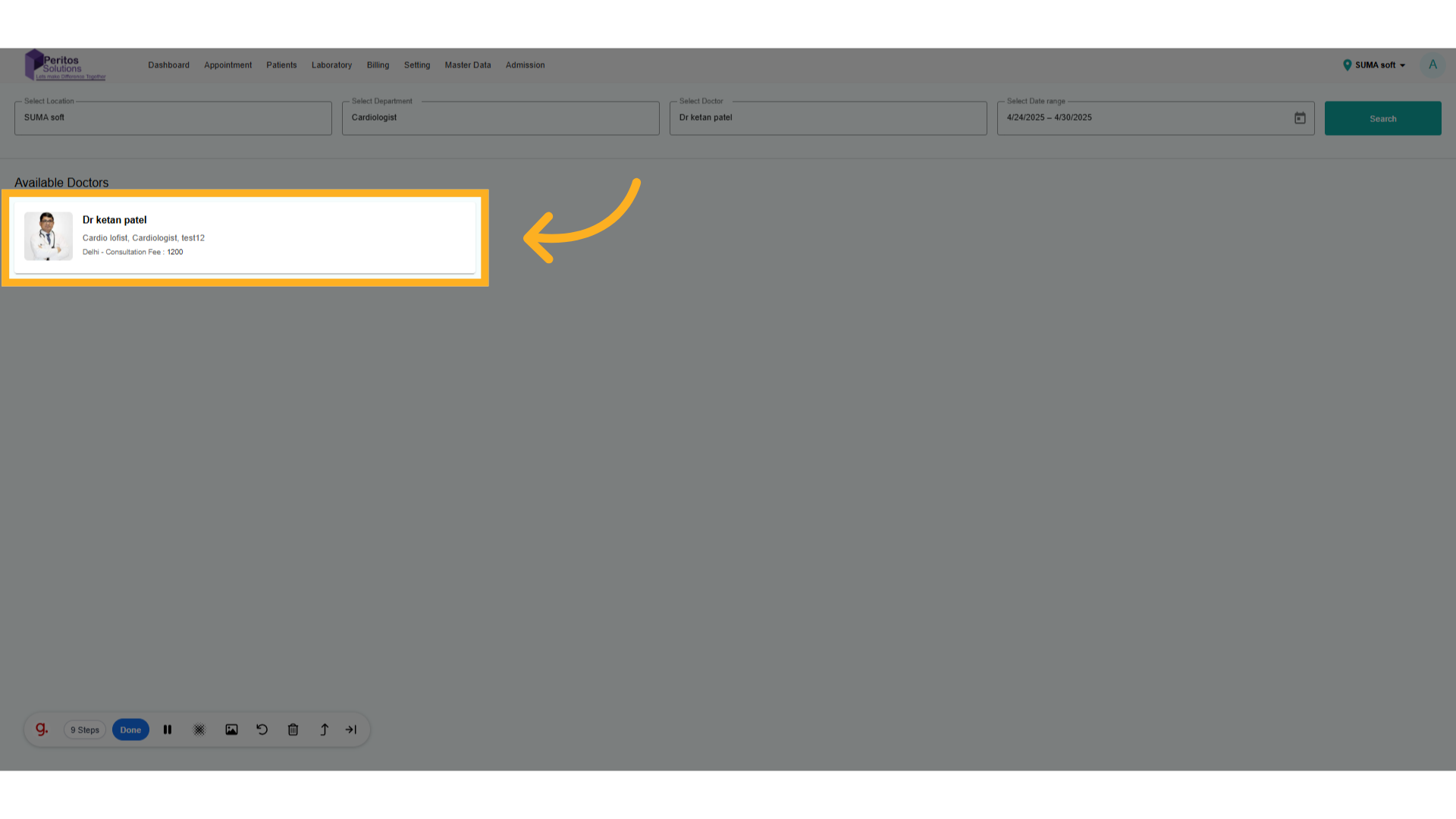
8. Select Doctor
Review the details of your selected doctor to confirm that you are making the right choice.
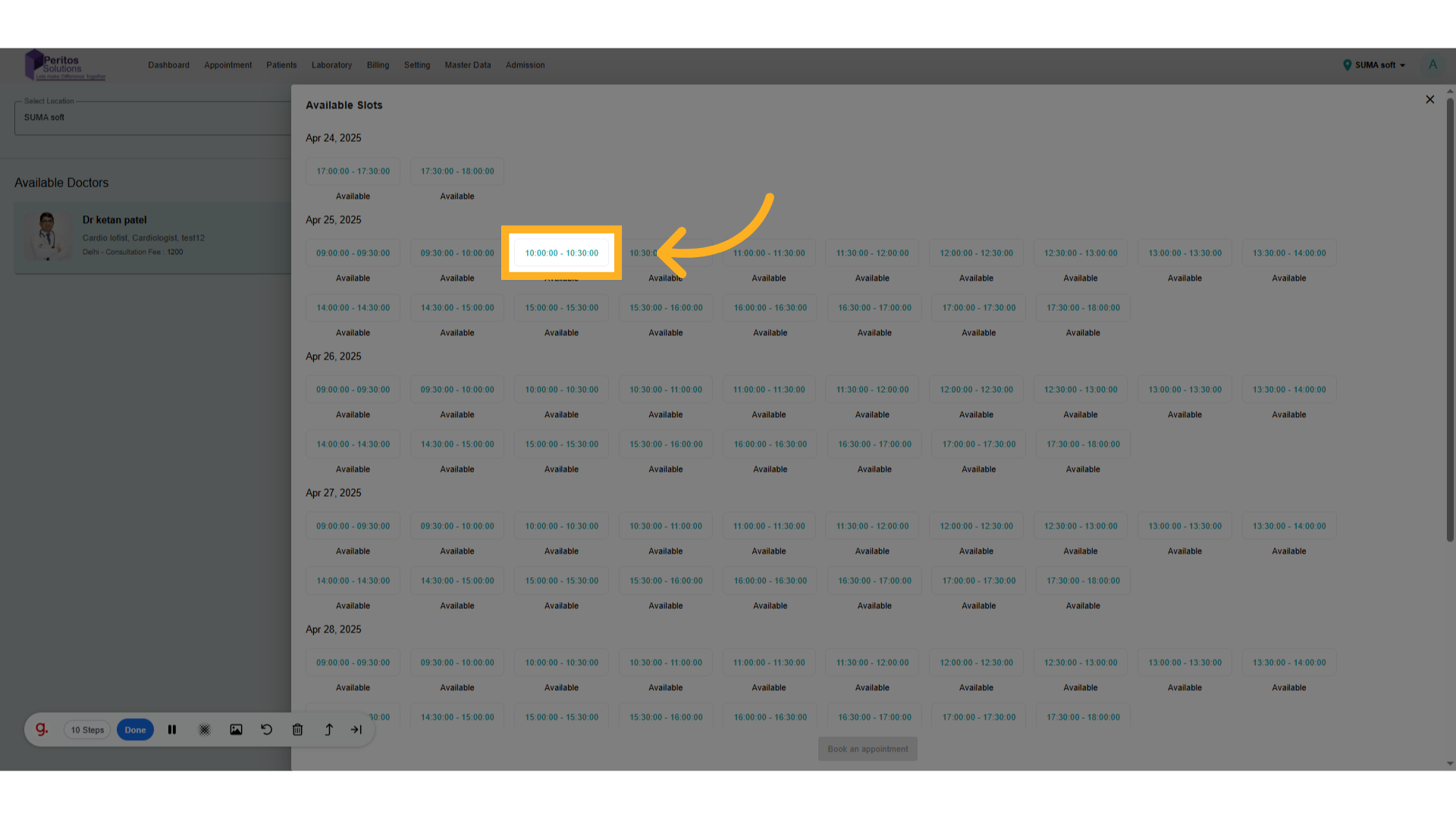
9. Select Appointment Date
Select your preferred time slot for the appointment, ensuring a seamless experience.
10. Click On Book appointment
Finalize your booking and secure your appointment with Dr. Ketan Patel effortlessly.
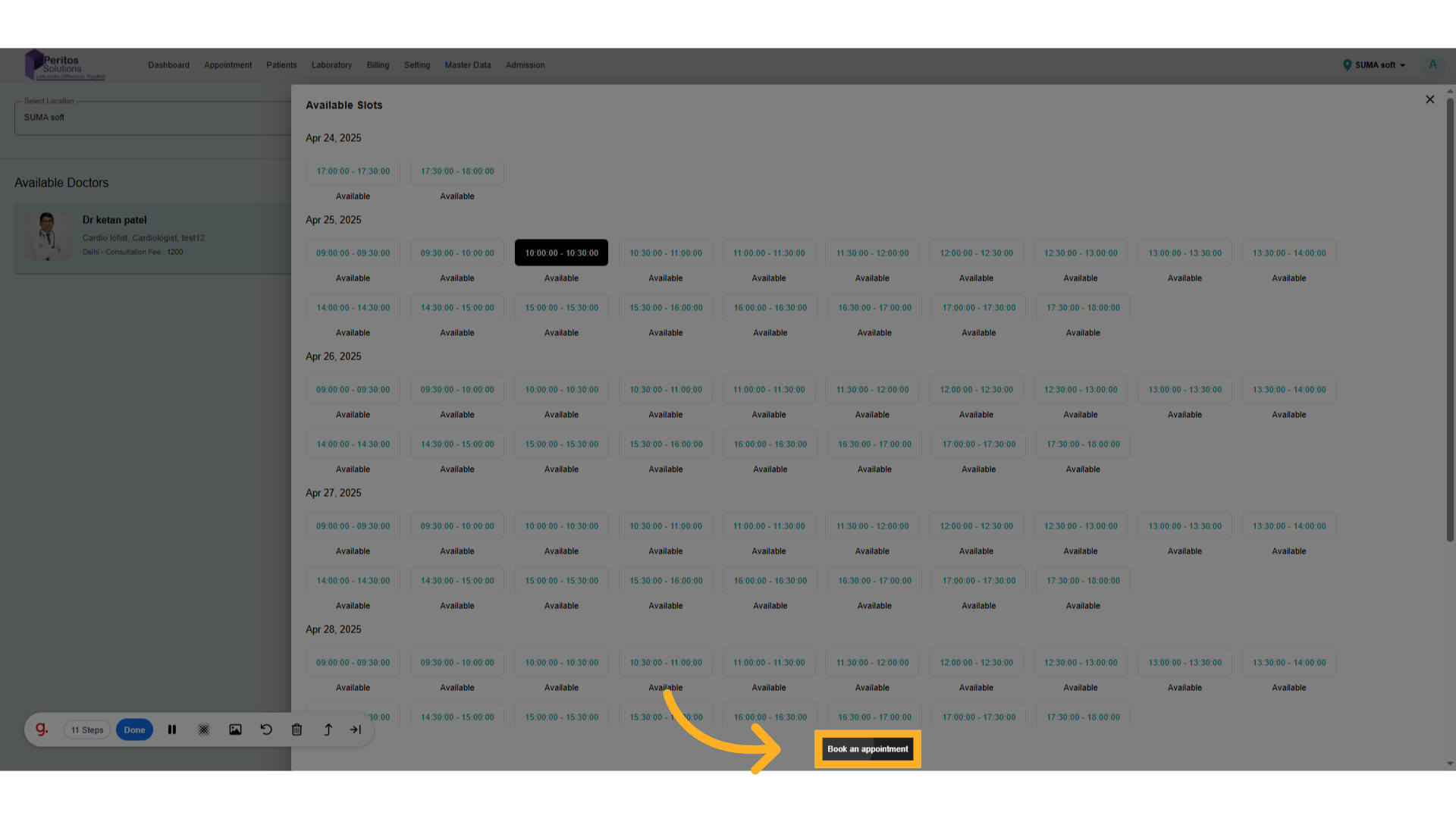
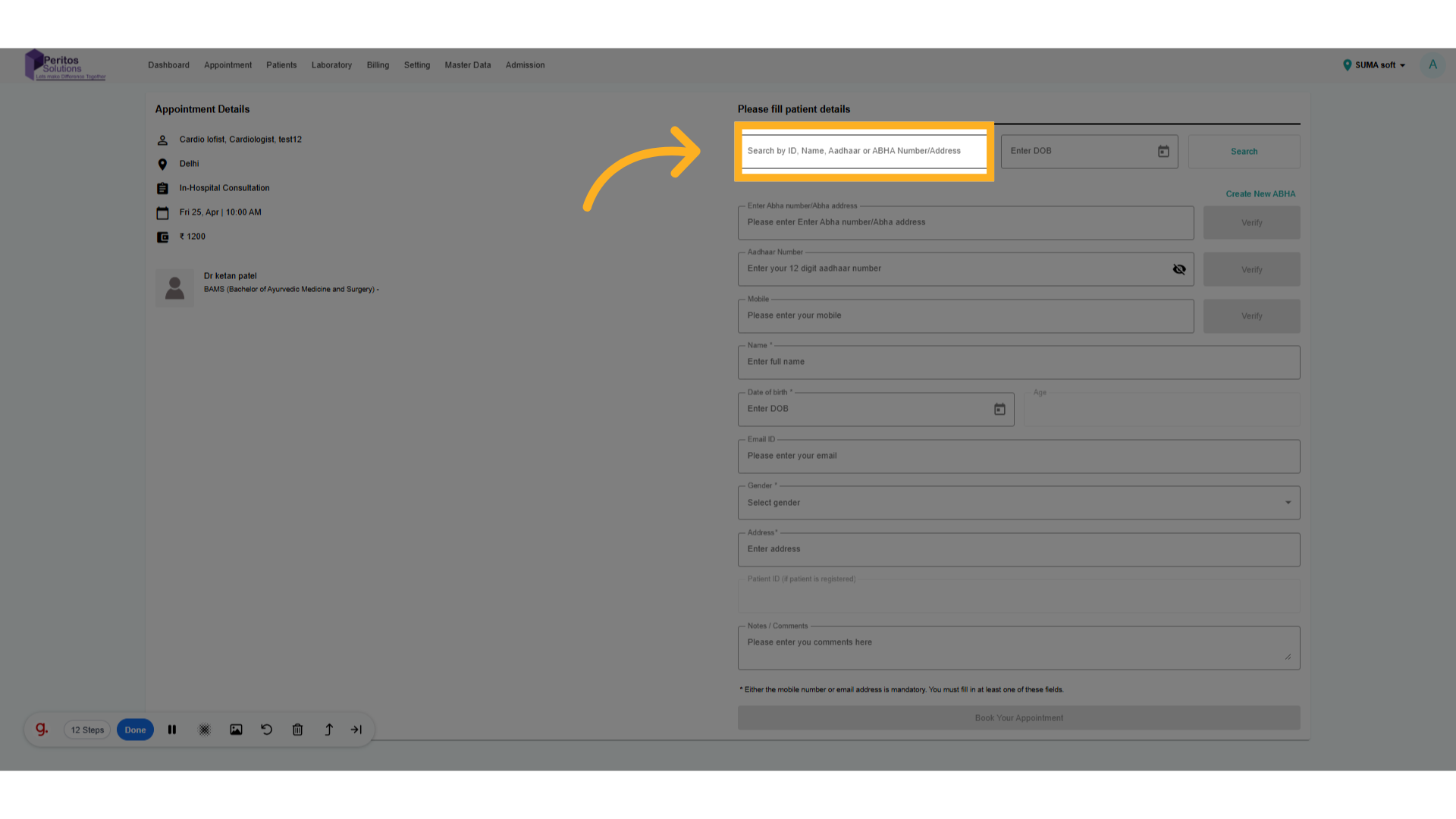
11. Enter patient ID. Name
Search existing patients using ID, Name, or ABHA number
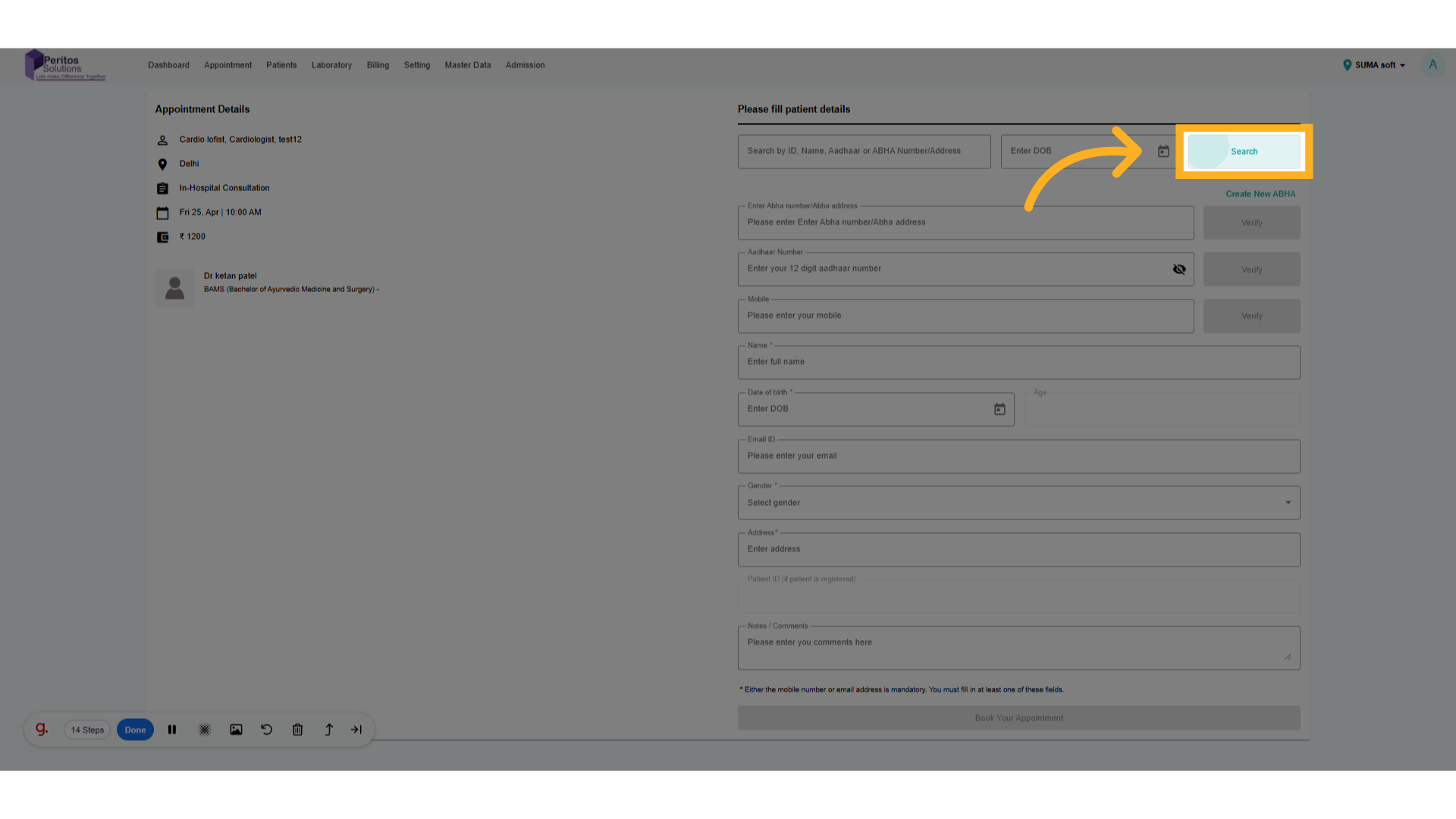
12. Click on search
Finish your scheduling process, enhancing your overall experience with quick and easy steps.
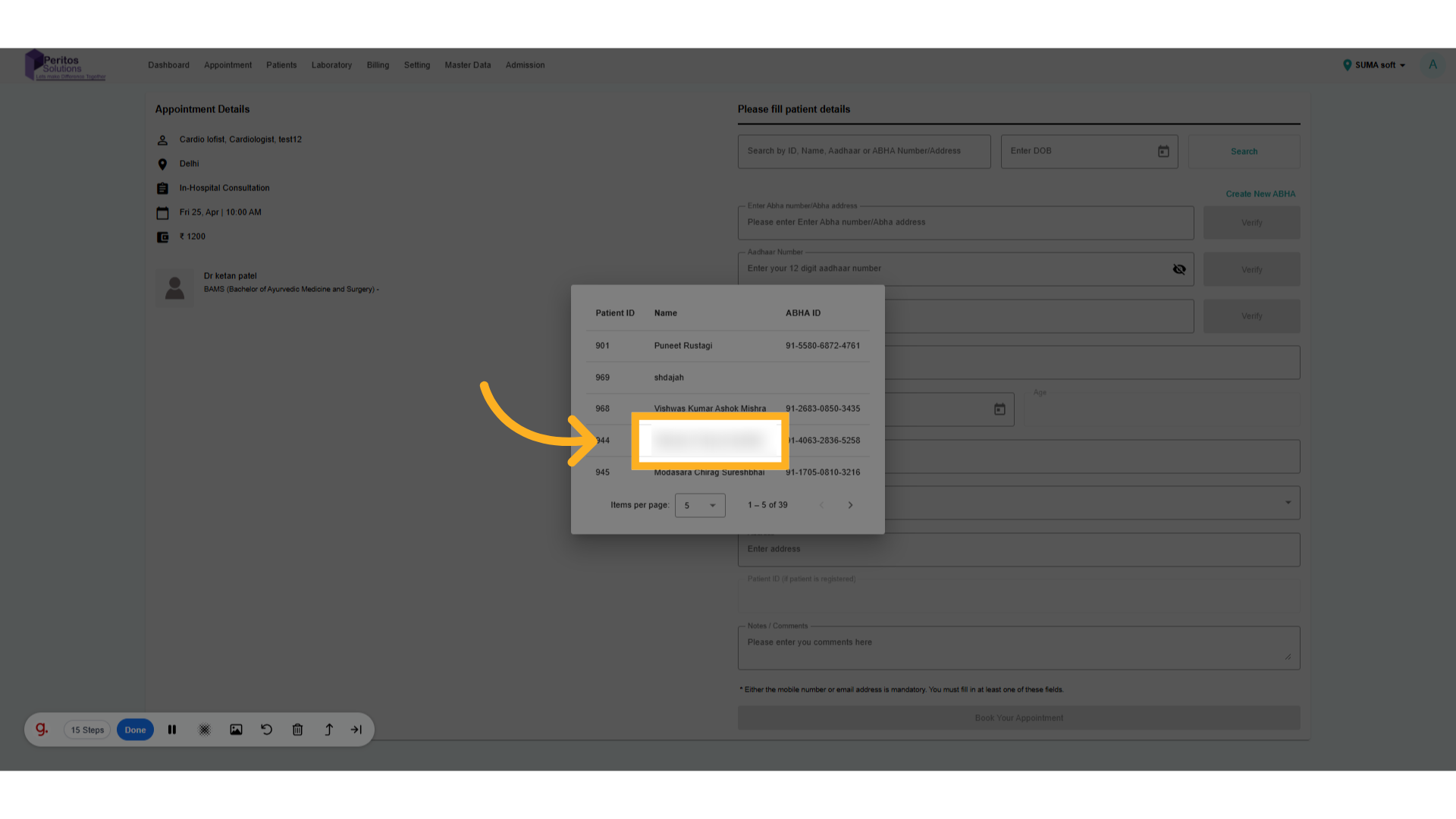
13. Click on patient name
Select patient information to keep your records organized and accessible for future appointments.
14. Click on Book Appointment.
Finalize your patient profile setup, ensuring you have a complete view of your healthcare journey.
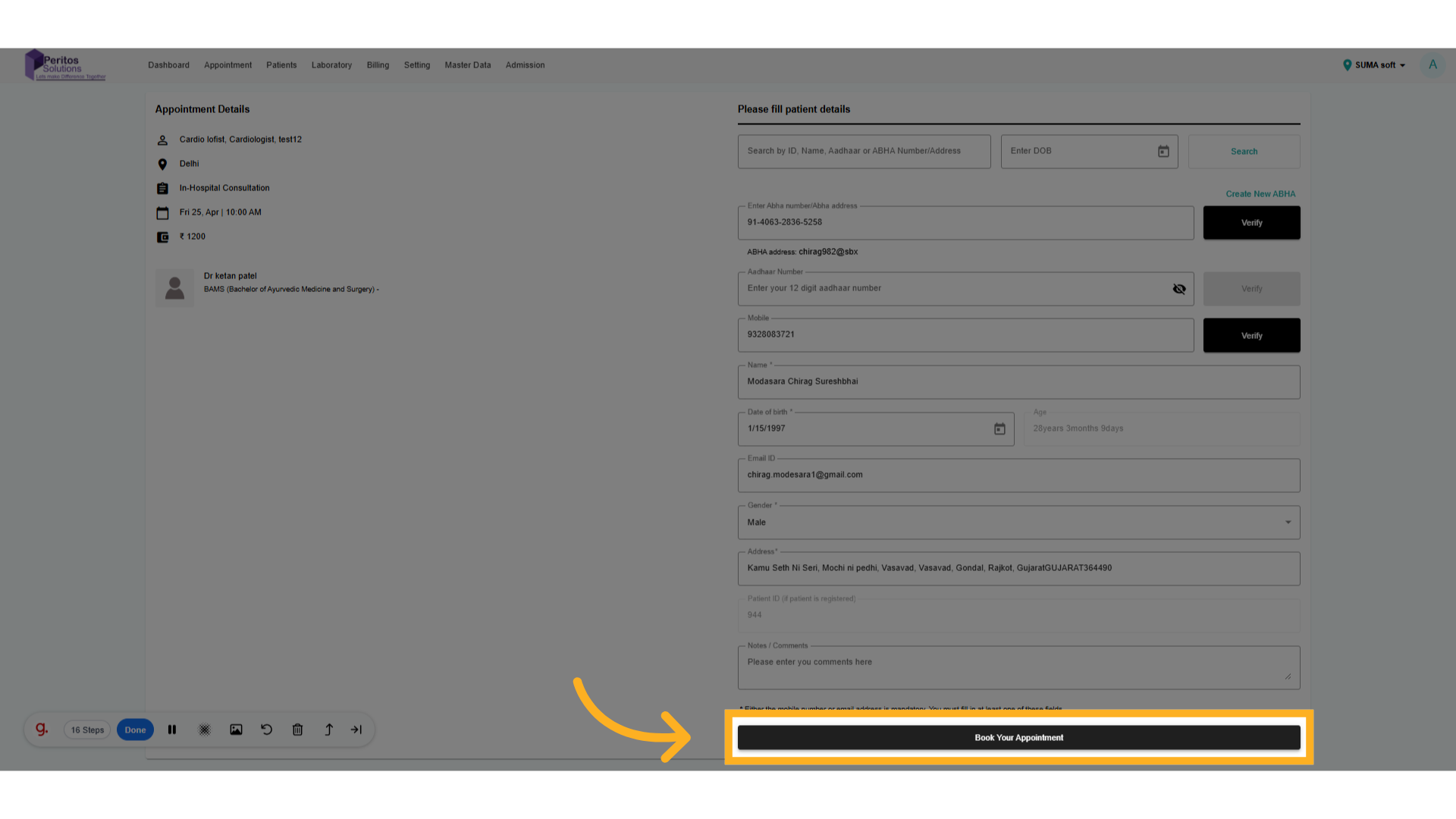
15. Click here
Confirm your appointment details and prepare for a healthier tomorrow with confidence.

With the Online Appointment feature, booking your next healthcare visit is quick and straightforward. Experience the convenience of selecting your preferred specialist and time slot, ensuring personalized care that fits your schedule, ultimately enhancing your overall healthcare experience.