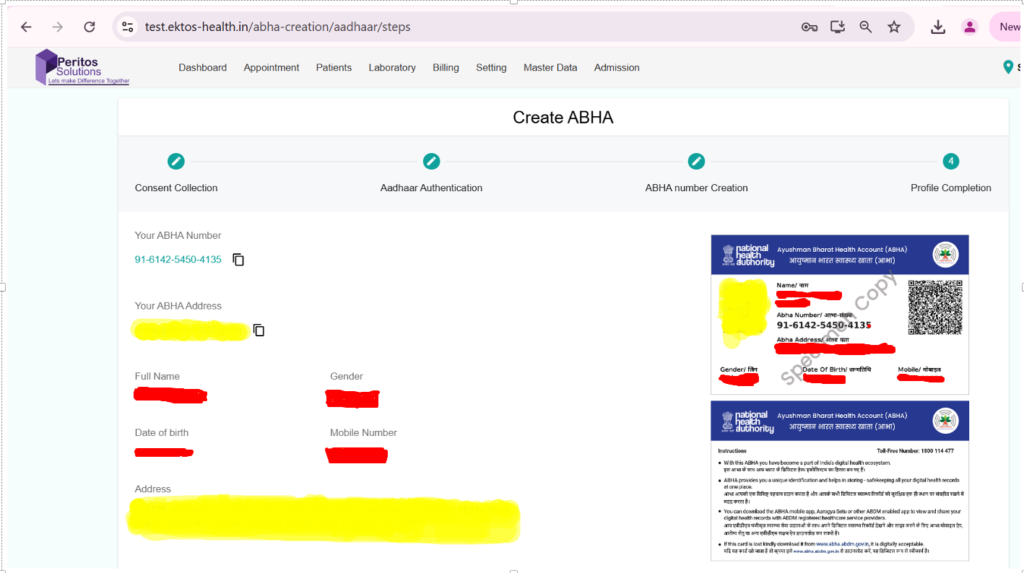
ABHA Creation Flow
-
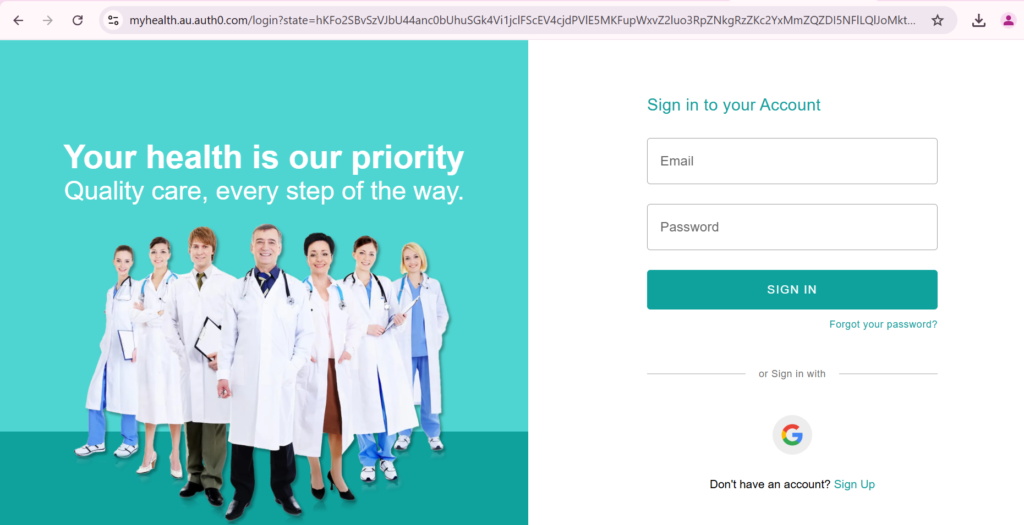
Launch Hospital Management Webpage using below link.
-
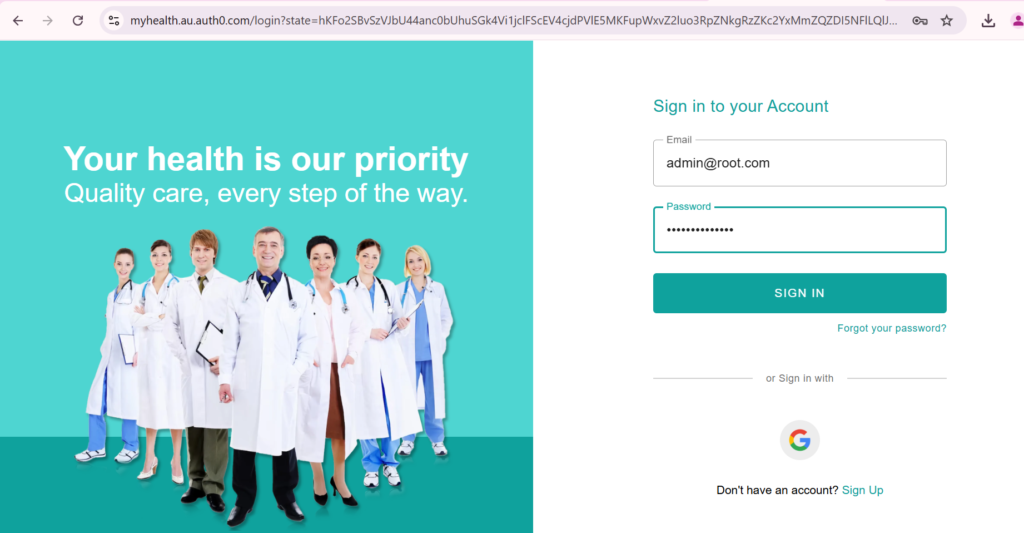
Sign In to Webpage using valid “Email” and “Password”.
-
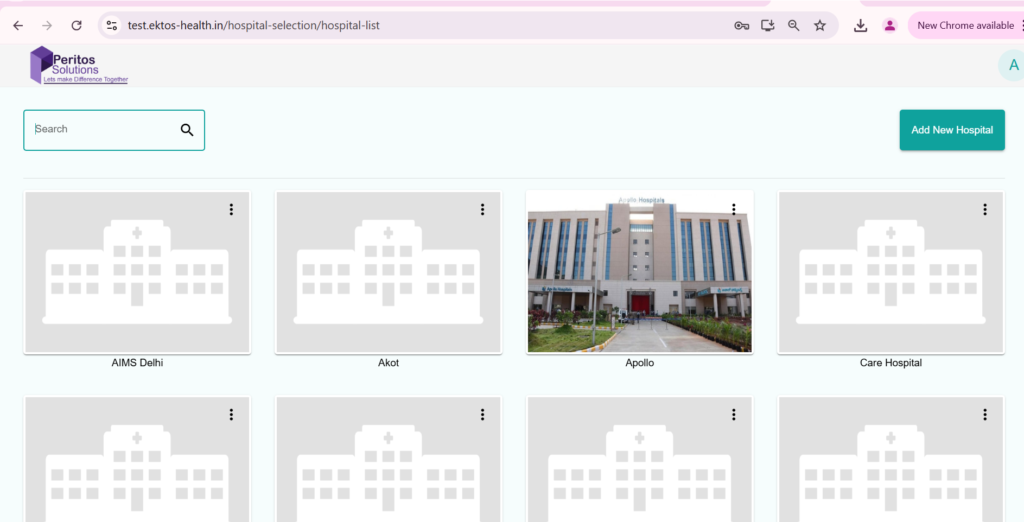
User will end up on landing page after successful login.
-
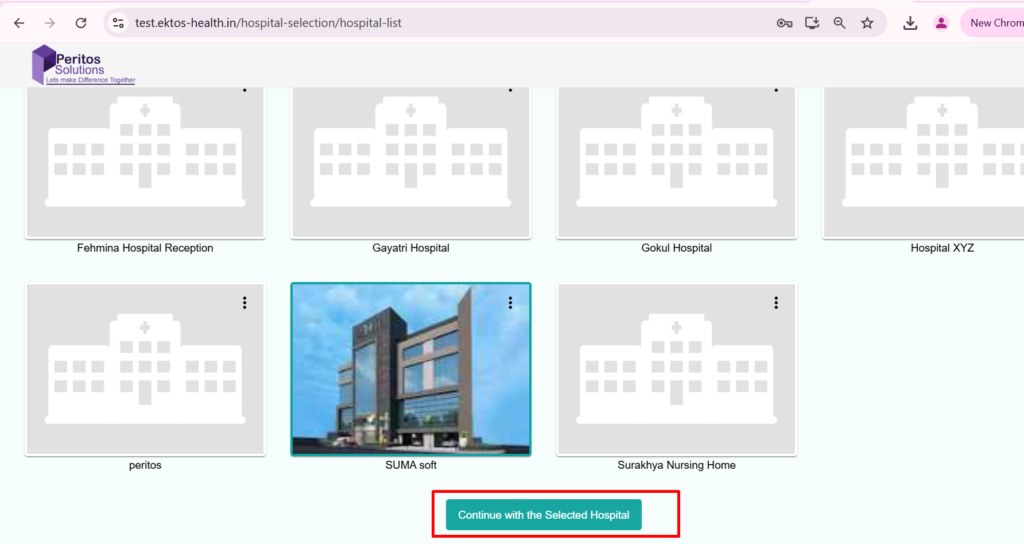
Select an existing Hospital (say Suma Soft) and Click on “Continue with the Selected Hospital Button” to proceed.
-
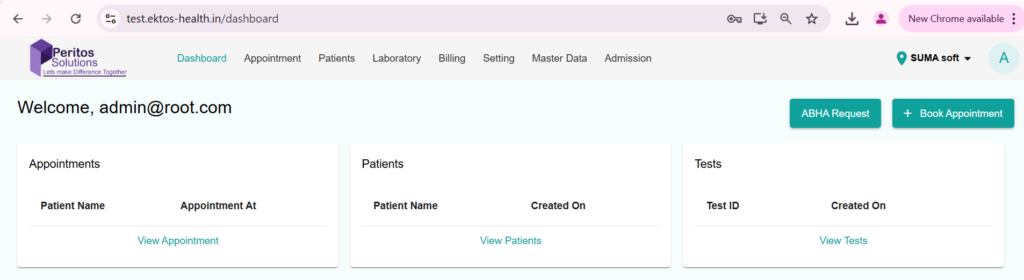
On Dashboard , Click on “ABHA Request” button to create ABHA Id.
-
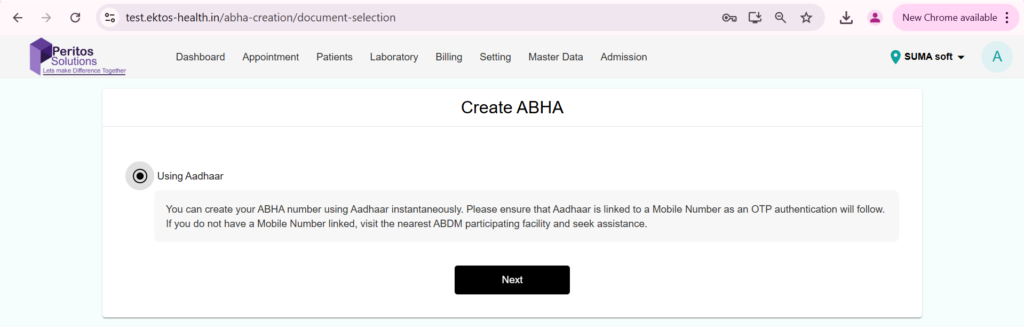
Select Radio Button besides “Using Aadhar “ text on the screen and Click on “Next“ Button.
-
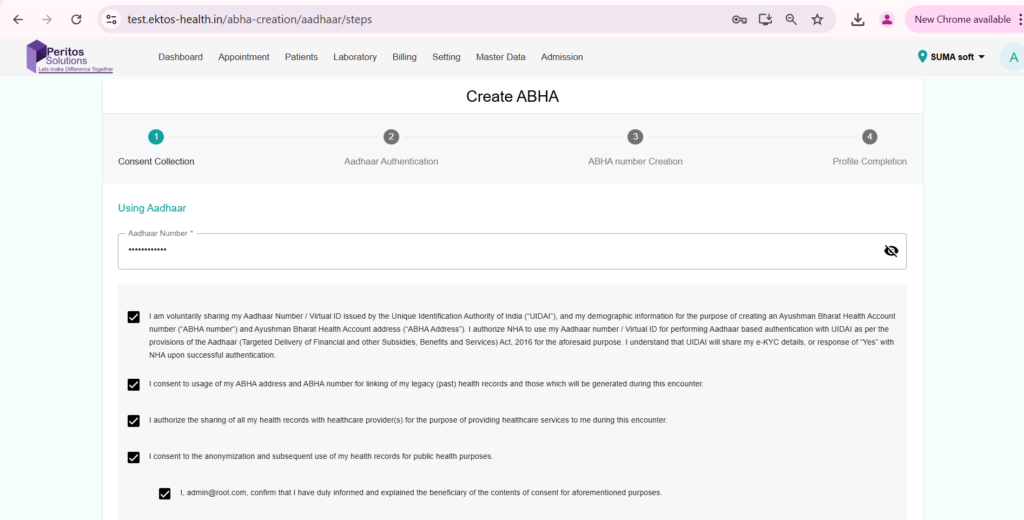
Enter Aadhaar Number and check all the consent check boxes.
-
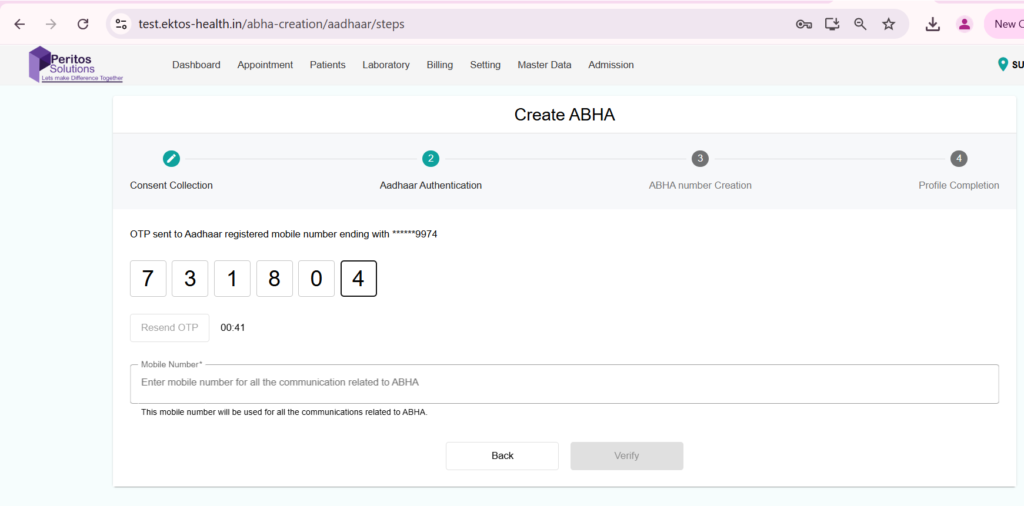
Enter the OTP Number and Click on Verify button.
-
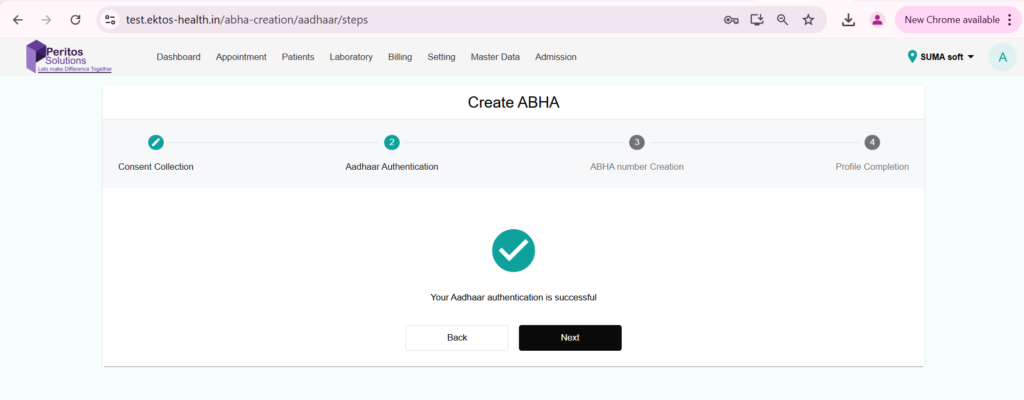
Once user Click on Verify button. User will be prompted with an ” Authentication is successful message.
-
ABHA Card created successfully.